

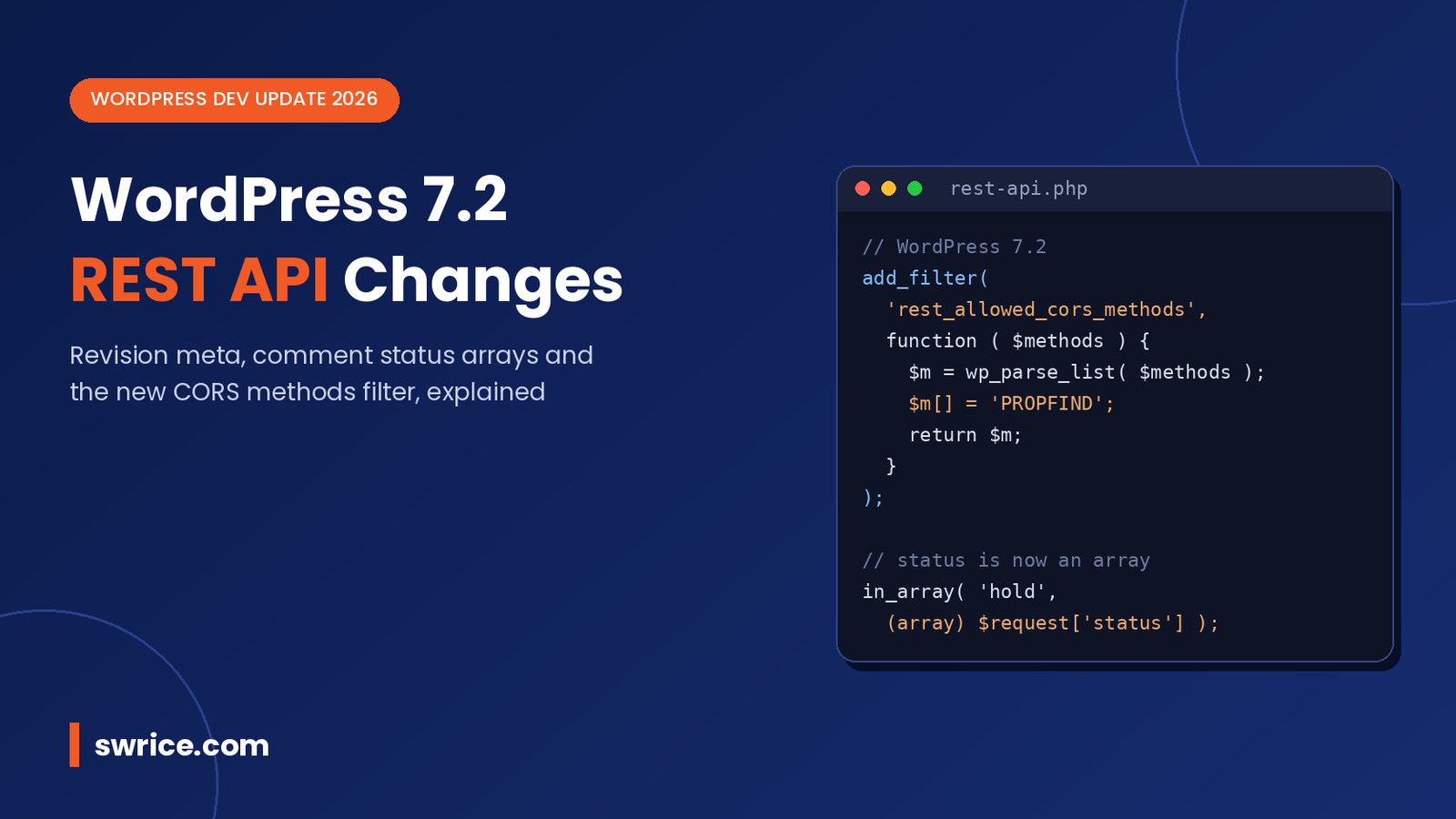
The WordPress 7.2 REST API brings three changes that plugin developers should check before the final release on December 8, 2026. Two of them change the shape of data your code may already depend on. The third gives you a clean, official way to control CORS methods.
WordPress 7.2 Release Candidate 1 shipped on November 17, 2026, and the core team published a REST API dev note on the same day. So the WordPress 7.2 REST API feature set is now frozen. In other words, this is the right moment to test your plugins and headless apps.
In this guide, we explain each change in plain English. We also show the code you may need to update, plus a short testing checklist. If you are new to this release, our WordPress 7.2 Beta overview covers the bigger picture first.
WordPress 7.2 REST API Changes at a Glance
Here is the short version. According to the official dev note, the release includes three REST API updates:
- Revision and autosave responses now only include meta keys that are revisioned.
- The comments endpoint accepts several statuses at once, so
statusis now an array. - A new
rest_allowed_cors_methodsfilter controls theAccess-Control-Allow-Methodsheader.
The first two can break existing code quietly. Meanwhile, the third is purely additive. As a result, most sites will see no visible change, but some plugins will. Let’s look at each WordPress 7.2 REST API change in turn.
Change 1: Revisions Only Return Revisioned Meta
This change fixes a real data-loss bug. Since WordPress 7.0, Visual Revisions in the block editor restores a revision by reading it over REST. It then saves the revision’s meta back onto the post.
Before 7.2, the revisions endpoint returned every show_in_rest meta key for the post type. However, only revisioned keys are actually stored on a revision. Every other key came back as its default value, or as null.
Consequently, restoring a revision could overwrite real post meta with defaults. For example, restoring an unsynced pattern deleted its sync status and turned it into a synced pattern.
What Changed in WordPress 7.2
A new WP_REST_Revision_Meta_Fields class now limits revision meta to the keys returned by wp_post_revision_meta_keys(). Autosave responses follow the same rules. In addition, when a post type has no revisioned meta, a revision’s meta is now an empty JSON array ([]) instead of an object full of defaults.
How to Keep Your Meta in Revision Responses
If your plugin needs a meta key in revision responses, register it as revisioned. The simplest way is the revisions_enabled argument:
register_post_meta(
	'post',
	'my_meta',
	array(
		'show_in_rest'      => true,
		'single'            => true,
		'type'              => 'string',
		'revisions_enabled' => true,
	)
);
If you cannot change where the key is registered, use the filter instead:
add_filter(
	'wp_post_revision_meta_keys',
	static function ( array $keys ): array {
		$keys[] = 'my_meta';
		return $keys;
	}
);
Keep in mind that this filter also affects the classic revisions screen. So only add keys you really want restored. For sites with custom fields, this is the most important WordPress 7.2 REST API fix.
Change 2: Comment Status Is Now an Array
The second WordPress 7.2 REST API update targets the /wp/v2/comments endpoint. It can now return comments in several statuses with one request. Previously, apps had to send a separate request for each status. Now both of these forms work:
/wp/v2/comments?status=approve,hold
/wp/v2/comments?status[]=approve&status[]=hold
Single-status requests still work. The permission rules are also unchanged. Users without the edit_posts capability can still only use the default approve status.
The Breaking Part for WordPress 7.2 REST API Code
After sanitisation, $request['status'] is always an array. The same is true inside the rest_comment_query filter. Therefore, any code that compares it to a string will silently stop matching.
// Before: only matches in 7.1 and earlier.
if ( 'hold' === $request['status'] ) {
	// ...
}

// After: works in 7.1 and in 7.2.
if ( in_array( 'hold', (array) $request['status'], true ) ) {
	// ...
}
The (array) cast keeps the check working on older versions too. Also note that the core team did not add an enum of allowed values. That keeps custom comment statuses working.
Change 3: The New rest_allowed_cors_methods Filter
When a REST request carries an Origin header, WordPress sends CORS headers. Until now, the allowed methods list was hardcoded as OPTIONS, GET, POST, PUT, PATCH, DELETE. Changing it meant unhooking core functions or calling header() late, which is fragile.
The WordPress 7.2 REST API finally fixes this with rest_allowed_cors_methods. It matches the two existing sibling filters, rest_exposed_cors_headers and rest_allowed_cors_headers. It receives the methods as an array, plus the current request when one is available.
Adding or Narrowing CORS Methods
For instance, here is how to advertise an extra method:
add_filter(
	'rest_allowed_cors_methods',
	static function ( $methods ): array {
		$methods   = wp_parse_list( $methods );
		$methods[] = 'PROPFIND';
		return $methods;
	}
);
Notice the missing array type hint on $methods. An earlier callback may return a string, so the dev note recommends normalising with wp_parse_list() first.
You can also narrow the list for a read-only namespace:
add_filter(
	'rest_allowed_cors_methods',
	static function ( $methods, ?WP_REST_Request $request ) {
		if ( $request && str_starts_with( $request->get_route(), '/my-plugin/v1/public' ) ) {
			return array( 'OPTIONS', 'GET' );
		}
		return $methods;
	},
	10,
	2
);
This Is Not a Security Control
This header only affects browser preflight requests. Simple cross-origin requests skip preflight, and non-browser clients ignore it entirely. So keep using permission_callback on your routes to decide who can do what.
On the plus side, a value you set on the response (for example in rest_post_dispatch) is no longer thrown away. Instead, it becomes the starting list for the filter. If you use neither, the default output stays exactly the same.
How to Test the WordPress 7.2 REST API Before Release
The final release is scheduled for December 8, 2026, so there is still time to test. Headless and mobile apps will feel the WordPress 7.2 REST API changes first. So follow these steps on a staging copy, never on a live site:
- Install the release candidate with the WordPress Beta Tester plugin, a direct download, or WordPress Playground (all listed in the RC1 announcement).
- Search your code for
'status'comparisons in comment queries and switch them toin_array(). - List the meta keys your plugin reads from revision or autosave responses. Then register them with
revisions_enabledif needed. - Check any custom CORS code. If you unhooked
rest_send_cors_headers(), consider moving to the new filter. - Run your headless or mobile app against the staging site and watch for missing fields.
Need a quick local copy for this? Our guide to WordPress Reprint shows how to clone a site locally in a few minutes.
Other WordPress 7.2 Changes Worth Knowing
The WordPress 7.2 REST API updates are not the only developer changes in this release. For example, client-side media processing now covers the Media Library and the media modal. WordPress 7.2 also ships jQuery Migrate 3.6.0 to prepare for jQuery 4.
Meanwhile, script concatenation in the admin is gone, which we covered in our post on WordPress script concatenation. And note that the Secrets API was reverted before RC1, so it will not ship in 7.2 after all.
FAQ
When is WordPress 7.2 released?
The final release is scheduled for December 8, 2026, according to the official WordPress 7.2 release page. RC1 arrived on November 17, 2026.
Will the WordPress 7.2 REST API changes break my site?
Most sites will not notice anything. However, plugins that compare the comment status parameter to a string, or read non-revisioned meta from revisions, need an update.
Do I need the new CORS filter?
Only if you need a custom Access-Control-Allow-Methods list. The default output has not changed.
Does the comment status change affect permissions?
No. Users without edit_posts can still only request approved comments. Any other status, even in a list that includes approve, is rejected.
Conclusion
The WordPress 7.2 REST API changes are small, but two of them can break code without any error message. Fortunately, the fixes take only a few lines. Update your comment status checks, register the meta keys you rely on, and adopt the new CORS filter where it helps.
Above all, test on staging before December 8. That way your plugins and apps are ready the day WordPress 7.2 lands.
Sources
Need Help With Your Website or Web App?
Swrice builds and customises WordPress sites, plugins and web apps. Whether you need an upgrade, a custom feature or a fix, our team can handle it for you.
Leave a Reply