

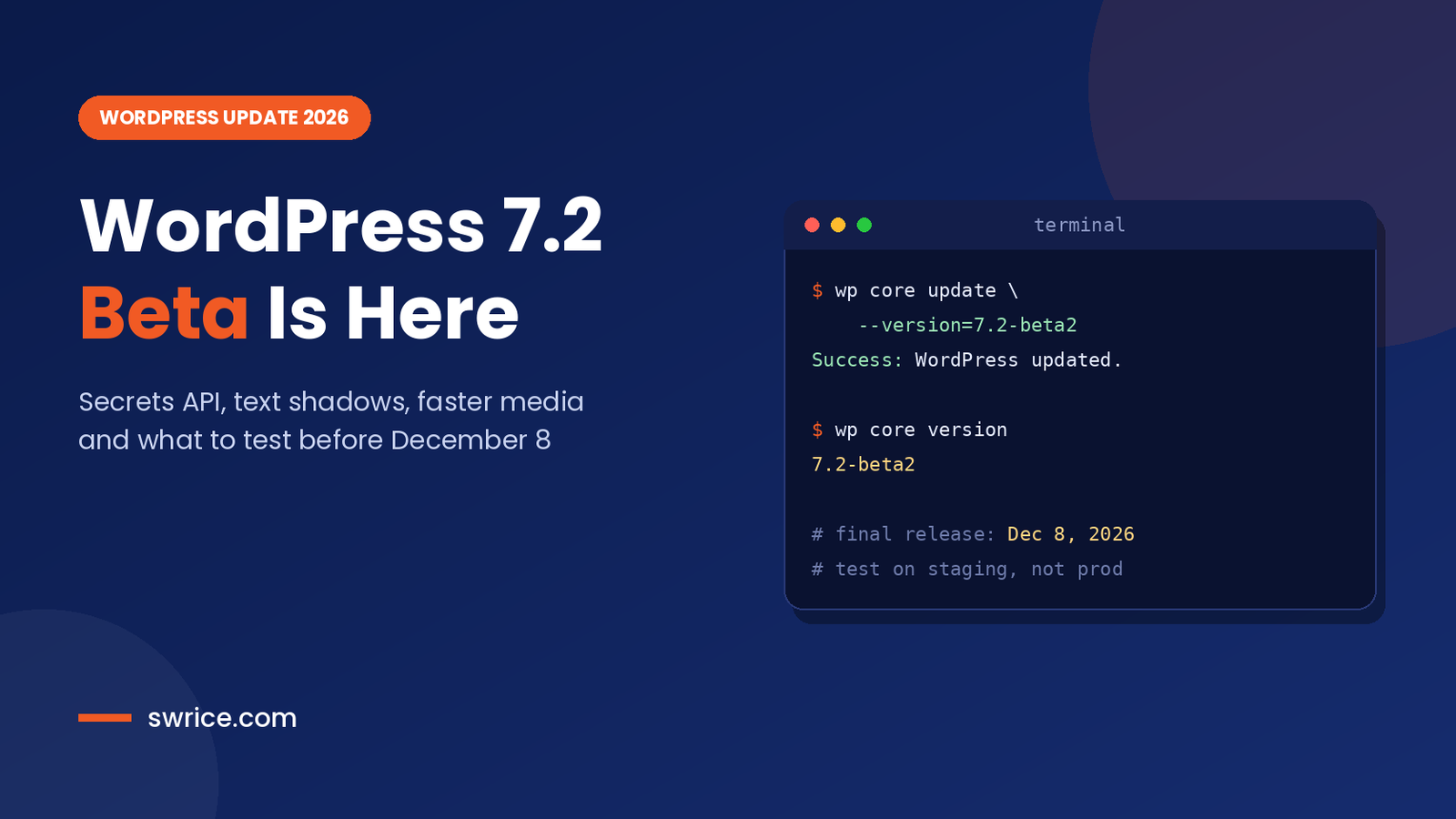
The WordPress 7.2 beta is out, and the final release is now only weeks away. WordPress 7.2 is scheduled to ship on December 8, 2026, so this is the right moment to test it. In this guide, we cover the main new features and developer changes. We also show the safest way to try the beta on your own sites.
Beta 1 arrived on October 20, 2026, and Beta 2 followed on October 27. As a result, the feature set is now mostly settled. However, small changes can still land before the release candidates. So, treat everything here as a preview rather than a final spec.
What Is the WordPress 7.2 Beta?
WordPress 7.2 is the third major WordPress release of 2026. It follows WordPress 7.1, which shipped in August. Like every beta, it exists so that developers, agencies and hosts can find bugs before real sites update.
In short, the WordPress 7.2 beta is a test build. It is not meant for production. The official announcement is clear on this point. Run it on a staging copy, a local site or WordPress Playground instead.
WordPress 7.2 Release Schedule
Here is the proposed timeline from the official release party schedule. All dates are at 15:00 UTC and may still move.
- Beta 1: October 20, 2026
- Beta 2: October 27, 2026
- Beta 3: November 3, 2026
- Beta 4: November 10, 2026
- Release Candidate 1: November 17, 2026
- RC 2: November 24, 2026 and RC 3: December 1, 2026
- Final release: December 8, 2026
In other words, you have about five weeks to test your themes and plugins before the update reaches your clients.
Top New Features in the WordPress 7.2 Beta
The Beta 1 announcement lists a long set of editor and admin changes. Below are the ones most site owners will notice first.
Responsive Design Controls and Global Styles
WordPress 7.1 introduced per-screen-size styling. Now, 7.2 extends viewport-specific controls to more tools and blocks. For example, the Gallery block gets responsive settings for columns, image cropping and aspect ratios.
Global Styles also becomes easier to audit. A new “Customized” filter shows which blocks have modified styles. In addition, block inspector controls now display inherited Global Styles values, so you can see where a style comes from.
Text Shadow Support
Text shadows finally arrive as a native design tool. You will find the controls in the Typography panel, both in Global Styles and in block settings. Moreover, theme authors can define text shadow presets in theme.json, so designs stay consistent across a site.
Faster Media Uploads in the Browser
This is one of the biggest performance changes. WordPress can now resize, compress and convert images in the browser before upload. According to the Help Test WordPress 7.2 post, this runs on WebAssembly (wasm-vips). It also keeps animation in GIF and WebP sub-sizes.
Notably, non-Chromium browsers should fall back to server-side processing. So, test uploads in Firefox and Safari as well as Chrome. If you care about modern formats, our guide to JPEG XL in Chrome covers the browser side of the story.
Notes, Navigation and Admin Improvements
- Notes: emoji reactions, notes on the editor canvas, a minimized mode, and Notes open next to the block settings sidebar.
- Navigation: add, organize and edit menu items directly from the Site Editor sidebar.
- Block settings: a new DataForm-powered inspector for managing block options.
- Admin icons: SVG icons from the WordPress icon library replace legacy Dashicons in the admin bar and menu.
- On This Day widget: a dashboard widget that shows posts published on the same date in past years.
- Faster admin: scripts and styles load individually for better caching, and WordPress prefetches the screen you are likely to visit next.
Meanwhile, the testing post also highlights Ipsum, the new default block theme. It is worth a look if you build block themes for clients.
Developer Changes in the WordPress 7.2 Beta
For developers, 7.2 is a meaningful release. Several APIs grow up, and one brand-new API targets a long-standing pain point.
The New Secrets API
The Secrets API gives WordPress a standard way to store sensitive credentials, such as third-party API keys. The announcement lists encryption at rest, credential rotation and customizable storage providers. The testing guide adds WP-CLI support with native libsodium encryption.
Just as important, secret values should be redacted from REST API responses, debug logs, Site Health and XML exports. This matters for agencies, because plugins today often store keys as plain options. If you are reviewing your security stack, read our guide to the best WordPress security plugins as well.
Abilities API, DataViews and Interactivity API
The Beta 2 post says work continues on the Abilities API, including content querying, capability requirements, schema handling and permissions. Beta 2 also adds server-side registration for DataViews and DataForm, which lets plugins extend these modern admin interfaces from PHP.
On the front end, the Interactivity API gains new ways to render trusted HTML and manage reactive navigation. The testing post names the new data-wp-html directive specifically.
Random Content Redirects
WordPress 7.2 can send visitors to a randomly selected post through a dedicated URL. Post types get a randomable argument, which is on by default for public post types with an archive. If you don’t want it, use the wp_enable_random_content_redirect filter to switch it off:
// Disable random content redirects (WordPress 7.2+)
add_filter( 'wp_enable_random_content_redirect', '__return_false' );
Who Should Test WordPress 7.2 First?
Not everyone needs to test a beta. Still, some groups benefit far more than others from an early look.
- Plugin and theme developers: you want to catch breaking changes before your users do.
- Agencies: you manage many client sites, so one bug can turn into dozens of support tickets.
- Hosts and site managers: you need to know how client-side media processing and new admin loading affect your stack.
- Content teams: the new Notes features change how editors review and approve posts.
By contrast, owners of small brochure sites can usually wait for the final release. Even then, it is smart to update a staging copy first and click through the key pages.
Finally, remember that testing is also a way to give back. Every bug report filed during the beta makes the final release better for millions of sites.
How to Test the WordPress 7.2 Beta Safely
There are four official ways to try it. First, pick the one that fits your workflow. Then run through your critical pages and plugins.
- WordPress Beta Tester plugin: choose the “Bleeding edge” channel and the “Beta/RC Only” stream.
- WP-CLI: update a staging site with a single command (see below).
- Direct download: grab the beta zip from WordPress.org.
- WordPress Playground: launch a disposable 7.2 site in your browser.
With WP-CLI, the update looks like this. Swap the version string as new betas and release candidates appear:
# On a staging or local site only
wp core update --version=7.2-beta2
wp core version
What to Check Before December 8
- Media uploads in Chrome, Firefox and Safari, including GIF and WebP files.
- Custom blocks and block themes, especially anything that touches Global Styles or theme.json.
- Plugins that add admin menu icons, since Dashicons are being replaced in core admin areas.
- Plugins that store API keys, so you can plan a move to the Secrets API.
- Any front-end code built on the Interactivity API.
If you maintain custom code, our guide on how to customize WordPress plugins explains how to keep changes upgrade-safe. Also, keep production on the latest stable release. WordPress 7.1.4, a security release, shipped on October 28, 2026.
FAQ
Is the WordPress 7.2 Beta Safe for Live Sites?
No. The official posts warn against running it on production or mission-critical sites. Use staging, a local install or WordPress Playground.
When Will WordPress 7.2 Be Released?
The final release is scheduled for December 8, 2026. The date is proposed, so it could still change.
What Is the Secrets API in WordPress 7.2?
It is a standard way to store sensitive credentials, with encryption at rest, rotation and pluggable storage providers.
Will My Plugins Break on WordPress 7.2?
Most plugins should be fine. Still, test anything that customizes the admin, media uploads or block styles before the final release.
Conclusion
The WordPress 7.2 beta brings practical wins for everyone. Editors get responsive design controls, text shadows and better Notes. Developers get the Secrets API, server-side DataViews and a faster admin. Overall, it is a polished release rather than a risky one.
Even so, the safest plan is simple. Test on staging now, report bugs early and be ready to update when 7.2 ships on December 8.
Sources
Need Help With Your Website or Web App?
Swrice builds and customises WordPress sites, plugins and web apps. Whether you need an upgrade, a custom feature or a fix, our team can handle it for you.
Leave a Reply