

The WordPress Ipsum theme is the new default theme planned for WordPress 7.2, and it breaks a long tradition. Instead of another “Twenty Twenty-Something” name, the core team picked a real name and a deliberately minimal, blog-first design. With the first 7.2 release candidate due on November 17, 2026, now is a good time to see what Ipsum offers and test it on your own sites.
In this guide, we cover what Ipsum is, its main features, how to install and test it, and how to build a child theme on top of it. Everything here is based on the official announcement and the current build on GitHub.
What Is the WordPress Ipsum Theme?
The WordPress Ipsum theme is a block theme built for Full Site Editing. The core team introduced it on September 16, 2026 as the proposal for the default theme bundled with WordPress 7.2. Its name comes from lorem ipsum, the placeholder text that fills a page until real content arrives.
That name reflects the goal. Ipsum is meant to be a blank canvas for bloggers. Headers, hero sections and sidebars are available when you need them. However, they stay out of the way when you just want to write.
Why the Name Changed
Default themes used to be named after the year, such as Twenty Twenty-Five. According to the announcement, Matt Mullenweg asked the team to move away from year-based naming. From now on, default themes get their own names. They will change when the design calls for it, not when the calendar does.
From Mētis to Ipsum
Interestingly, the work started as a different theme called Mētis. It was a richer, more opinionated design for writers and makers. After a review, the direction shifted to the simplest possible starting point. As a result, Mētis remains a separate theme and will not ship with WordPress 7.2.
Key Features of the WordPress Ipsum Theme
Although the design looks quiet, there is a lot under the hood. Here are the features that matter most for site owners and developers.
Accessibility First
The team states that every colour combination passes WCAG AA. In addition, Kinsta’s deep dive measured the default background and body text at a 10.26:1 contrast ratio. Ipsum also shows a “Skip to content” link and highlights focused links with its accent colour.
One small caveat is worth noting. Links use a subtle dotted underline, which can be hard to spot on some colour schemes. So, test your chosen palette before you go live.
Locally Hosted Fonts
Ipsum bundles variable fonts in .woff2 format, hosted locally. That means no calls to Google Fonts, which is good for privacy and performance. The set includes:
- Sans-serif: Inter (the default body font), Manrope, Archivo and Archivo Condensed
- Serif: Besley and STIX Two Text
- Monospace: JetBrains Mono for code blocks
Font sizes are fluid, so text scales smoothly between mobile and desktop. There are also five typography presets you can switch in the Site Editor.
Style Variations and Patterns
The current build ships seven global style variations, such as “Golden Hour”. Each one changes the palette, fonts and a default duotone filter. Because of that duotone, a variation can “re-ink” featured images as well as text.
On top of that, the theme includes roughly 60 block patterns. Templates are thin wrappers that call hidden patterns. For example, page.html simply loads a pattern with the slug ipsum/hidden-page. Sidebar layouts such as index-sidebar and archive-sidebar are also available as selectable templates.
Block Bindings in Action
Developers will like how Ipsum uses the Block Bindings API. The theme registers a binding source called ipsum/comments-cta. It shows “Be the first to comment” or “Join the conversation” depending on the comment count. It is a neat, real-world example of dynamic content without a custom block.
How to Test the WordPress Ipsum Theme
The team has asked for feedback before the release, so testing now is genuinely useful. Always use a staging or local site, not production. Here are two simple routes.
Option 1: Install From GitHub
- Download the ZIP from the official Ipsum repository on GitHub.
- In your dashboard, go to Appearance → Themes → Add New Theme → Upload Theme.
- Upload the ZIP, then activate it.
- Open Appearance → Editor to try the style variations and patterns.
Option 2: Test With WordPress 7.2 Pre-Releases
Alternatively, you can run the 7.2 betas or release candidates, which bundle the theme. We explained the setup in our WordPress 7.2 Beta testing guide. Meanwhile, check the WordPress 7.2 release page for the latest builds and dates.
While testing, focus on what matters to your readers. For instance, check your longest posts, image galleries, code blocks and comment sections. Then report bugs on the GitHub repository.
Building a Child Theme for the WordPress Ipsum Theme
A child theme is the safest way to customise any parent theme. However, Ipsum has one quirk you need to handle. It enqueues its stylesheet with get_stylesheet_directory_uri(). When a child theme is active, that function points to the child folder, so the parent styles are skipped.
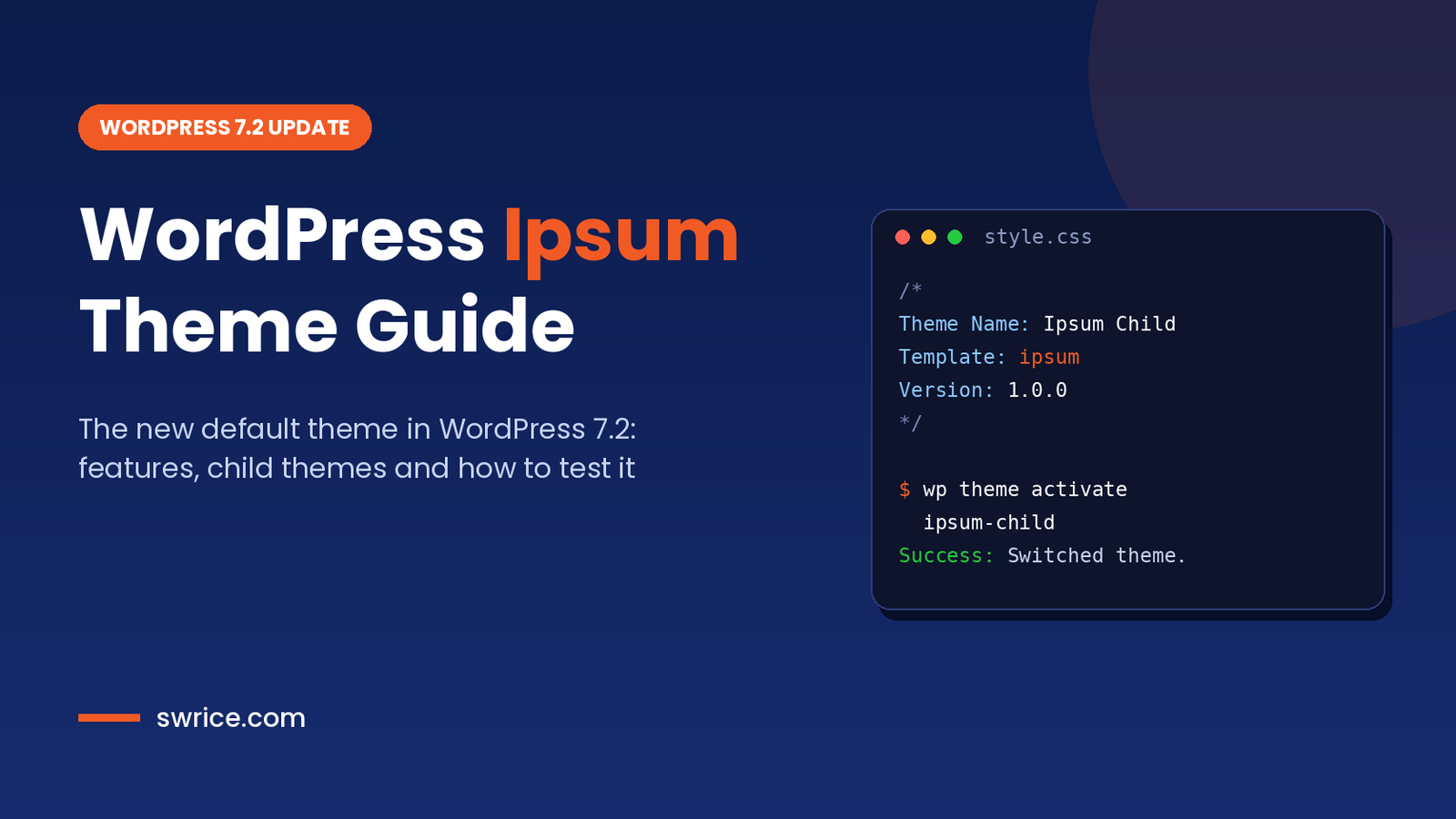
First, create a folder called ipsum-child in wp-content/themes/. Then add a style.css file with this header:
/*
Theme Name: Ipsum Child
Template:   ipsum
Version:    1.0.0
Text Domain: ipsum-child
*/
Next, add a functions.php file that loads the parent stylesheet from the parent folder, and then your own styles:
<?php
add_action( 'wp_enqueue_scripts', function () {
    // Point the parent handle back to the parent theme folder.
    wp_deregister_style( 'ipsum-style' );
    wp_register_style(
        'ipsum-style',
        get_template_directory_uri() . '/style.css',
        array(),
        wp_get_theme( get_template() )->get( 'Version' )
    );

    // Load the child stylesheet after the parent.
    wp_enqueue_style(
        'ipsum-child-style',
        get_stylesheet_uri(),
        array( 'ipsum-style' ),
        wp_get_theme()->get( 'Version' )
    );
}, 20 );
Finally, activate the child theme. From here, you can add your own templates and patterns in templates/ and patterns/ folders. Remember that this snippet only covers front-end styles, so check the editor separately.
Should You Switch Your Site to Ipsum?
It depends on your site. For a new personal blog, the WordPress Ipsum theme is a clean, fast and accessible starting point. On the other hand, business sites with custom layouts, WooCommerce stores or LMS platforms usually need more than a minimal blog theme.
Also keep in mind that updating to WordPress 7.2 will not change your active theme. Existing sites keep their current design. Ipsum simply becomes available, and it is used for fresh installs.
Before 7.2 lands, it is also worth reviewing the other changes in the release. For example, our guide to the new WordPress Secrets API explains how to store API keys more safely.
WordPress Ipsum Theme FAQ
When will the WordPress Ipsum theme be released?
It is planned to ship with WordPress 7.2. The official schedule targets December 8, 2026, although dates can still change.
Is Ipsum a block theme?
Yes. It is a full block theme built for the Site Editor, with templates, patterns and style variations defined in theme.json.
Will there be a Twenty Twenty-Six theme?
The year-based naming has been dropped. Going forward, default themes get their own names, starting with Ipsum.
Does Ipsum load Google Fonts?
No. All bundled fonts are hosted locally as .woff2 files inside the theme.
Conclusion
The WordPress Ipsum theme marks a fresh start for default themes. It drops year-based names, puts accessibility first and gives bloggers a calm, flexible canvas. Moreover, its patterns and Block Bindings make it a useful reference for theme developers.
With the release candidate days away, install the WordPress Ipsum theme on a staging site, try the style variations and share your feedback. That way, you will be ready when WordPress 7.2 ships in December.
Sources
Need Help With Your Website or Web App?
Swrice builds and customises WordPress sites, plugins and web apps. Whether you need an upgrade, a custom feature or a fix, our team can handle it for you.
Leave a Reply