

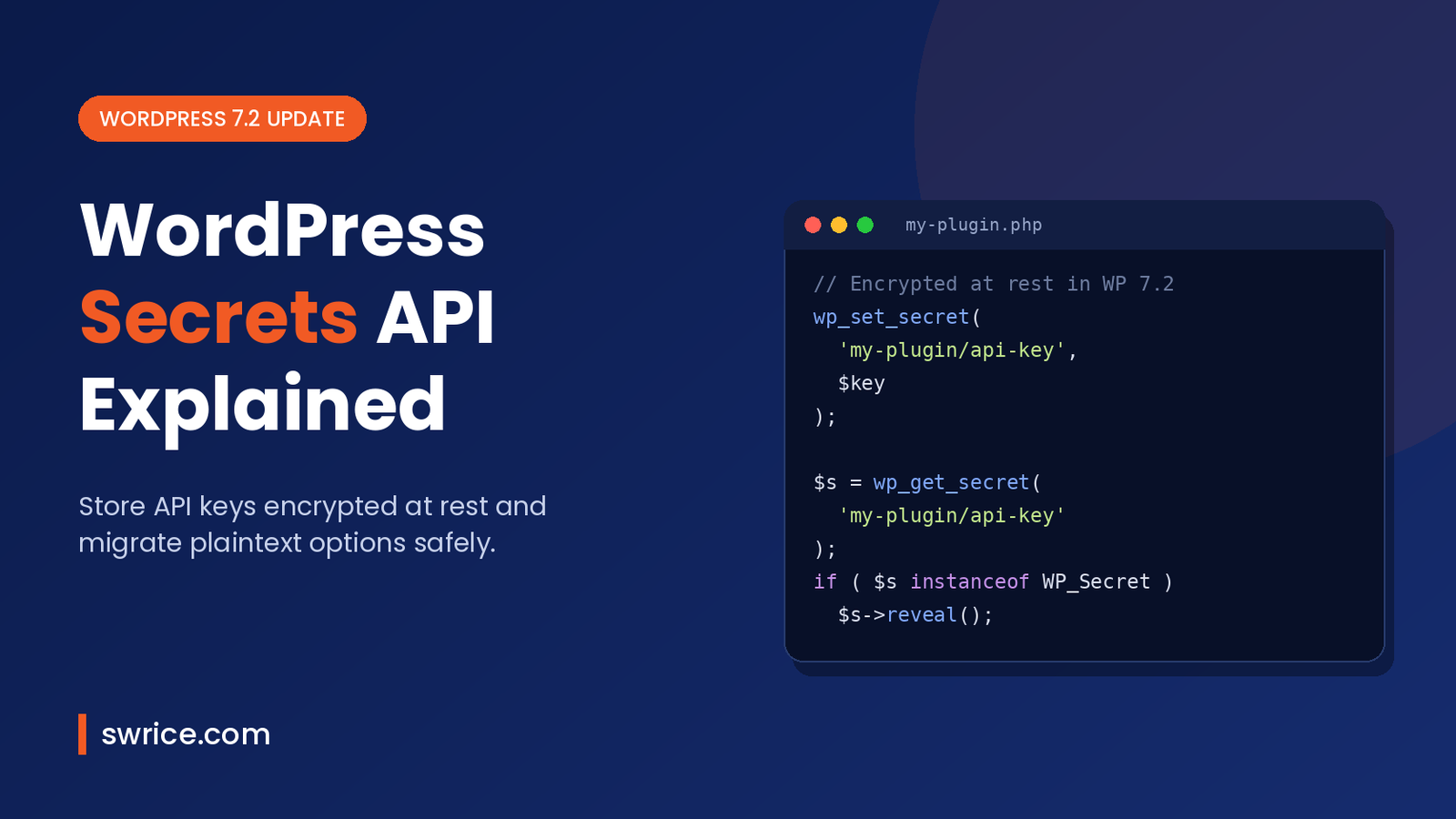
The WordPress Secrets API is the biggest developer change in WordPress 7.2. It fixes a problem every plugin author knows. Until now, API keys and tokens have been saved in the options table as plain text. As a result, every database dump, backup and staging copy carried those keys with it.
WordPress 7.2 is due on December 8, 2026, and Release Candidate 1 is planned for November 17. So now is the right time to learn how the new API works. This guide explains what it does and how to use it in a plugin. It also shows how to move existing keys safely.
What Is the WordPress Secrets API?
The WordPress Secrets API is a new core API for storing credentials such as API keys, tokens and passwords. Instead of saving a key with update_option(), a plugin calls wp_set_secret(). WordPress then encrypts the value before it reaches the database.
The code was committed to WordPress core on October 13, 2026, in changeset 64337. That commit adds wp_set_secret(), wp_get_secret(), wp_delete_secret() and related functions. In addition, it adds a manage_secrets capability for administrators and new Site Health tests.
The idea came from Eric Mann’s Secrets API proposal on Make WordPress Core in August 2026. In short, the proposal argues that WordPress has never had a proper place to keep a credential.
Why Plaintext API Keys Are a Real Problem
Think about where your options table goes. It ends up in nightly backups, cloud storage, staging clones and support exports. Therefore, any plaintext key in that table travels everywhere the database travels.
This risk has grown with AI integrations. A leaked email API key was annoying, but a leaked AI model key can cost real money. Meanwhile, plugins have each built their own encryption, with different ciphers and different bugs. Consequently, there was no single, reviewed approach for the whole ecosystem.
If you are already hardening your sites, read our guide to the best WordPress security plugins. However, no security plugin could fix plaintext keys stored by other plugins. That gap needed a fix in core.
How the WordPress Secrets API Works
The design is small on purpose. It has a few functions, a value object and encryption that is always on. Here are the key ideas:
- Encryption is not optional. Each secret is encrypted with its own data key, which is wrapped by a master key. There is no plaintext mode.
- Values are masked. A
WP_Secretobject hides its value in logs andvar_dump(). You must callreveal()to get the raw string. - Three clear results.
wp_get_secret()returns a secret,nullif it does not exist, or aWP_Errorif it exists but cannot be used. - No retrieval filter. There is deliberately no filter on the way out, because such a hook would see every credential on the site.
- Two version slots. A current and a previous value are kept, so you can rotate keys without downtime.
By default, the encrypted values still live in the options table. However, they are not autoloaded, and they are hidden from options.php and the REST settings endpoint. Hosts can change this storage through a new secrets.php drop-in.
How to Use the WordPress Secrets API in Your Plugin
The basic flow has two steps. First, save the key when a user submits your settings form. Then, read it back when you need to call the external service.
Saving a Secret
Secrets are named with a namespace by convention: your plugin slug, a slash, then the secret name. This keeps keys grouped by owner.
// Save the key from your settings form (after nonce and capability checks).
$result = wp_set_secret( 'my-plugin/api-key', $api_key_from_form );

if ( is_wp_error( $result ) ) {
    add_settings_error( 'my-plugin', 'secret-failed', $result->get_error_message() );
}
Reading a Secret
When you read a secret, handle all three possible results. This follows the pattern shown in the official proposal:
$secret = wp_get_secret( 'my-plugin/api-key' );

if ( is_wp_error( $secret ) ) {
    // The secret exists but cannot be used (for example, key material changed).
    // Ask the admin to re-enter it.
} elseif ( null === $secret ) {
    // No secret saved yet. Show your "connect" screen.
} else {
    $client = new My_Plugin_API_Client( $secret->reveal() );
}
Notice the difference between null and an error. In the past, many plugins treated a broken key as a missing one and quietly restarted onboarding. Now, you can show the right message instead.
Supporting Older WordPress Versions
Most plugins must still run on WordPress 7.1 and earlier for a while. So wrap the new calls in a simple check:
function my_plugin_get_api_key() {
    if ( function_exists( 'wp_get_secret' ) ) {
        $secret = wp_get_secret( 'my-plugin/api-key' );
        return ( $secret instanceof WP_Secret ) ? $secret->reveal() : '';
    }

    // Fallback for WordPress 7.1 and older.
    return (string) get_option( 'my_plugin_api_key', '' );
}
If you need changes like this in a third-party plugin, our guide on how to customize WordPress plugins explains how to do it without losing updates.
Migrating Existing Keys From wp_options
Core will not sweep your options table automatically. It cannot tell which options are credentials. Instead, the proposal describes a helper, wp_import_option_as_secret(), that moves one known option on your own upgrade schedule.
Here is a sensible migration plan for plugin authors:
- Run the import once, inside your plugin’s upgrade routine, and only on WordPress 7.2 or later.
- Delete the old plaintext option after a successful import.
- Ask users to rotate the key with the provider. The old value is already in past backups, so encryption alone does not undo that exposure.
- Check the final function names in the WordPress 7.2 dev notes before you ship. Details can still change during the release candidate phase.
What the WordPress Secrets API Does Not Protect Against
It is important to be clear about the limits. The API protects against stolen database dumps, leaked backups, SQL injection reads and accidental disclosure in screenshots or logs. For most sites, those are the most common ways keys leak.
However, it cannot stop malicious code running inside WordPress. Any plugin can call wp_get_secret(), just as any plugin can read wp-config.php. In other words, the namespace is a convention, not a security boundary. You still need to vet every plugin you install.
What Hosts and Agencies Should Know
Hosts get a new secrets.php drop-in in wp-content. It can replace the storage, the keyring that wraps the master key, or the whole provider. For example, the feature plugin repository includes an AWS Secrets Manager example.
The commit also chooses to fail closed. If a drop-in is broken, every call returns an error rather than falling back to default storage. As a result, a misconfigured host shows up as a clear error, not as missing secrets.
Finally, there is no admin screen in 7.2. According to the Trac ticket, the screen is planned for 7.3. The WP-CLI commands stay in the feature plugin for now. For the rest of the release, see the WordPress 7.2 roadmap. Our WordPress 7.2 beta guide also covers the other new features.
WordPress Secrets API FAQ
When will it be available?
It ships in WordPress 7.2, which is scheduled for December 8, 2026. You can test it now in the 7.2 beta and release candidate builds.
Do I need to change my plugin right away?
No. Your current options-based code will keep working. However, adopting the WordPress Secrets API early lets you tell users their keys are encrypted at rest. That is a real selling point.
Will rotating my salts break stored secrets?
The design uses a master-key envelope, so rotation re-wraps one value rather than every secret. If key material is truly lost, Site Health reports the problem, and the fix is to re-enter the affected keys.
Can other plugins read my secrets?
Yes, code running inside WordPress can call the WordPress Secrets API. The protection is against stolen databases and backups, not against malicious plugins.
Conclusion
The WordPress Secrets API finally gives WordPress a standard, encrypted home for credentials. For plugin developers, the change is small. Use wp_set_secret() and wp_get_secret() instead of options. Then handle the three return values and plan a careful migration.
Start testing the WordPress Secrets API with the WordPress 7.2 release candidate on a staging site. Then update your plugin before December 8, so your users get safer key storage on day one.
Sources
- Proposal: A Secrets API for WordPress 7.2 (Make WordPress Core)
- Changeset 64337: Introduce the Secrets API (WordPress Trac)
- Ticket #66187: Secrets API (WordPress Trac)
- Roadmap to WordPress 7.2 (Make WordPress Core)
- WordPress 7.2 release party schedule (Make WordPress Core)
- Secrets API feature plugin (GitHub)
Need Help With Your Website or Web App?
Swrice builds and customises WordPress sites, plugins and web apps. Whether you need an upgrade, a custom feature or a fix, our team can handle it for you.
Leave a Reply