

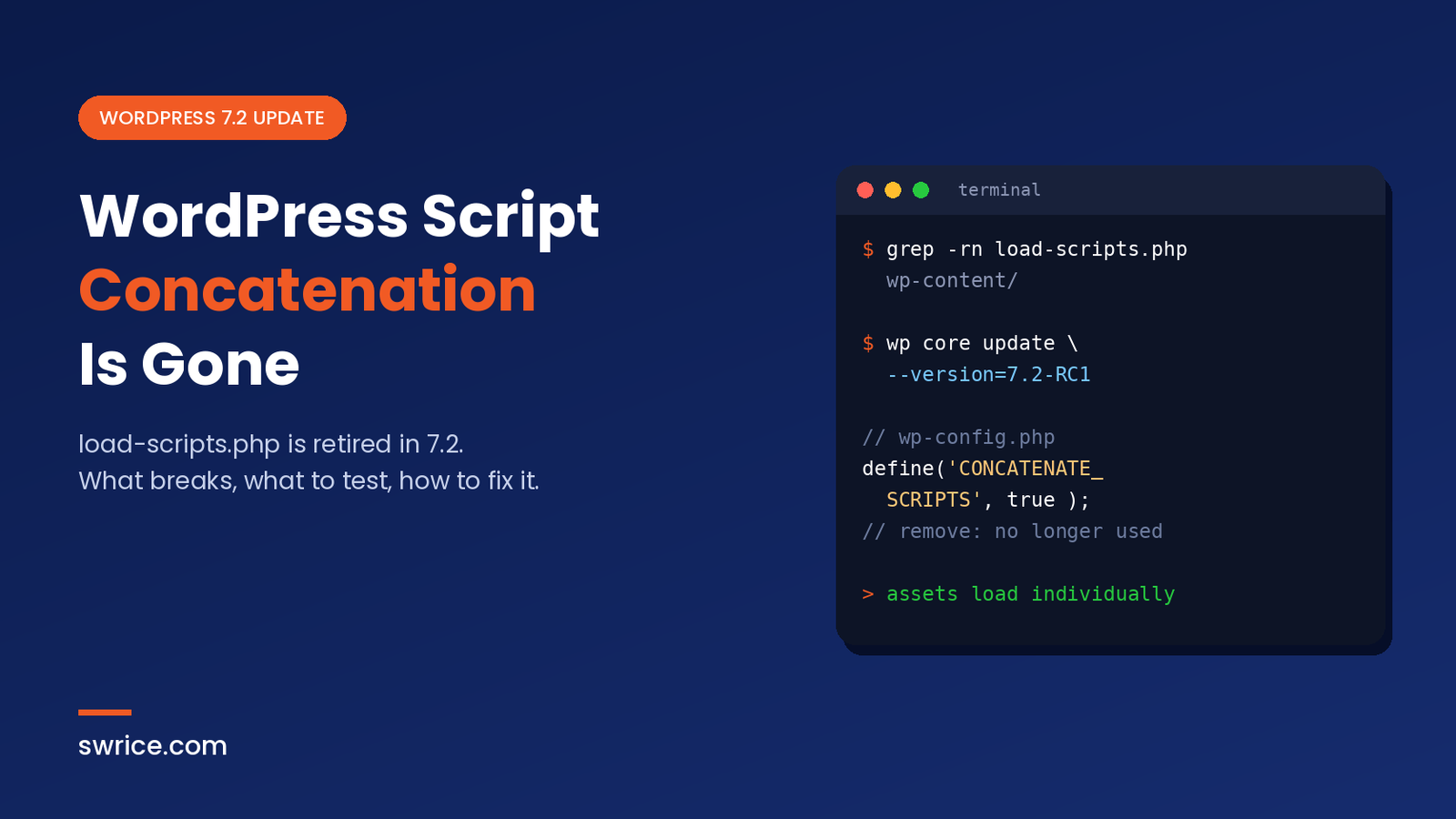
WordPress script concatenation is officially gone in WordPress 7.2. For over 15 years, the admin bundled its JavaScript and CSS through two special files, load-scripts.php and load-styles.php. Now those files are deprecated, and every admin asset loads on its own.
This sounds like a small internal change. However, it can break plugins, firewall rules and old wp-config.php tweaks. In this guide, we explain what changed, why it happened, and exactly what you should test before WordPress 7.2 ships on December 8, 2026.
What Was WordPress Script Concatenation?
Back in 2009, WordPress started combining admin files into bundles. Instead of loading dozens of separate scripts, the browser made one request to load-scripts.php. That PHP file then glued the requested scripts together and sent them back as one response. Styles worked the same way through load-styles.php.
At the time, this was a clever performance trick. Browsers on HTTP/1.1 could only open a few connections per host, so fewer requests meant faster pages. As a result, WordPress script concatenation became a default part of every admin screen.
You could see it in your page source. A typical admin page loaded a long URL such as load-scripts.php?c=1&load[chunk_0]=jquery-core,jquery-migrate,utils. Every screen produced a slightly different combination of handles.
What Changed in WordPress 7.2
According to the WordPress Developer Blog November 2026 roundup, the 7.2 roadmap goal of replacing concatenation with prefetching is now done. In short, three things changed:
- Admin and login screen assets now load as individual files.
- WordPress prefetches the files the next admin screen is likely to need.
load-scripts.phpandload-styles.phpare deprecated and are no longer requested.
The Developer Blog also warns that some scripts that used to print in the <head> now print in the footer. That detail matters most for plugin authors, as we explain below.
In addition, related helper functions are now deprecated in 7.2. These include script_concat_settings() and the internal _print_scripts() function. If your code calls them, you will see deprecation notices in your debug log.
Why WordPress Removed Script Concatenation
The discussion lives in Trac ticket #57548, which was opened about three years ago. The original argument was simple. With HTTP/2, browsers load many small files in parallel over a single connection. Therefore, the request-saving benefit of bundling has shrunk.
Meanwhile, the downsides of WordPress script concatenation kept growing:
- Poor caching. Each admin page had its own unique bundle, so browsers could not reuse cached files across screens.
- Extra PHP work. Every bundle request booted PHP just to stitch static files together.
- Security noise. In 2018, CVE-2018-6389 showed that
load-scripts.phpcould be abused to load many scripts and strain a server. Many security plugins still add rules for it. - Hidden warnings. The loader files deliberately switched off error reporting, which hid PHP 8 warnings.
- Harder debugging. One broken script could break the whole bundle.
To be fair, the ticket also includes a real debate. Some performance experts argued that bundling still helps compression on certain setups. In the end, core chose individual files plus prefetching, which keeps caching simple and lets every screen share the same files.
How the New Admin Asset Loading Works
Without WordPress script concatenation, each script and stylesheet has its own stable URL. Because those URLs are the same on every admin page, the browser caches them once and reuses them everywhere. On top of that, prefetch hints tell the browser to fetch files for the next likely screen in the background.
This approach depends on HTTP/2 or HTTP/3. Most modern hosts already support it. To check yours, open DevTools, go to the Network tab and look at the Protocol column. You want to see h2 or h3.
Who Is Affected by the Removal of WordPress Script Concatenation?
For most people, WordPress script concatenation was invisible, so most site owners will notice nothing, apart from a possibly snappier admin. Still, a few groups should test carefully.
Plugin and theme developers
Your code needs attention if it does any of the following:
- Links directly to
load-scripts.phporload-styles.php, for example to style a popup or setup screen. - Hooks into the concatenation process or reads
$wp_scriptsconcatenation properties. - Assumes a core script is already printed in the
<head>before your inline code runs.
The last case is the sneakiest. If your inline script calls a library that has now moved to the footer, you may see an “is not defined” error. The fix is to declare proper dependencies, so WordPress prints your code after the library.
wp_enqueue_script(
    'myplugin-admin',
    plugins_url( 'admin.js', __FILE__ ),
    array( 'jquery', 'wp-util' ), // declare what you rely on
    '1.2.0',
    array( 'in_footer' => true )
);

wp_add_inline_script( 'myplugin-admin', 'myPluginInit();', 'after' );
Site owners and agencies
Check your security stack. Firewalls, CDNs and security plugins often contain custom rules for load-scripts.php. Those rules are now dead weight, so clean them up after the update. Likewise, an old CONCATENATE_SCRIPTS line in wp-config.php no longer does anything useful, because WordPress no longer concatenates admin assets.
// wp-config.php — safe to remove in WordPress 7.2
define( 'CONCATENATE_SCRIPTS', false );
How to Test Your Site Before WordPress 7.2
WordPress 7.2 Beta 5 is out, and RC1 was scheduled for November 17, 2026. The official 7.2 schedule lists the final release for December 8. That gives you a short window, so start now.
- Create a staging copy. Never test a release candidate on a live store or membership site. Our guide to WordPress Reprint shows a quick way to clone a site locally.
- Install the release candidate. Use the WordPress Beta Tester plugin, or run WP-CLI as shown below.
- Turn on debugging. Set
WP_DEBUGandWP_DEBUG_LOGto true, then watch for deprecation notices. - Search your code. Look for any reference to the old loader files in themes and plugins.
- Click through key admin screens. Open every custom settings page, editor sidebar and popup that your plugins add. Keep the browser console open.
- Review firewall and CDN rules. Remove or update any rule that mentions the old loader files.
# Update a staging site to the release candidate
wp core update --version=7.2-RC1

# Find leftover references to the old loaders
grep -rn "load-scripts.php\|load-styles.php\|CONCATENATE_SCRIPTS" wp-content/ wp-config.php
Testing the end of WordPress script concatenation rarely takes long. If something breaks, the browser console usually tells you which script failed. In most cases, adding a missing dependency or moving inline code into an enqueued file solves the problem.
Other WordPress 7.2 Changes Worth Knowing
Script loading is only one part of this release. For example, 7.2 also adds a new way to store credentials safely, which we covered in our WordPress Secrets API guide. You can also read our earlier overview of the WordPress 7.2 beta features for the bigger picture.
FAQ
Will removing WordPress script concatenation slow down my admin?
Not on a modern host. With HTTP/2, individual files load in parallel and cache better. Prefetching also helps the next screen open faster. However, sites on very old HTTP/1.1 servers may see less benefit.
Does this change affect the front end of my site?
No. The change covers admin and login screen assets only. Your theme’s front-end scripts and any caching or minify plugin keep working as before.
Can I turn concatenation back on with CONCATENATE_SCRIPTS?
No. Concatenation has been retired in 7.2, so the constant no longer brings it back. You can safely delete it from wp-config.php.
Will the end of WordPress script concatenation break my plugins?
Most well-built plugins will keep working. Problems usually appear only in code that links to the old loader files or relies on a script printing in the head.
When is WordPress 7.2 released?
The final release is planned for December 8, 2026. Release candidates come first, so dates may still shift slightly.
Conclusion
The end of WordPress script concatenation is a quiet but meaningful cleanup. It removes old code, simplifies caching, and closes a long-standing target for abuse. For most sites, the update will just work.
Even so, plugin developers and agencies should test now. Search for the old loader files, check your script dependencies, and clean up firewall rules. A few minutes of testing on staging today can save you a broken admin screen on December 8.
Sources
Need Help With Your Website or Web App?
Swrice builds and customises WordPress sites, plugins and web apps. Whether you need an upgrade, a custom feature or a fix, our team can handle it for you.
Leave a Reply