

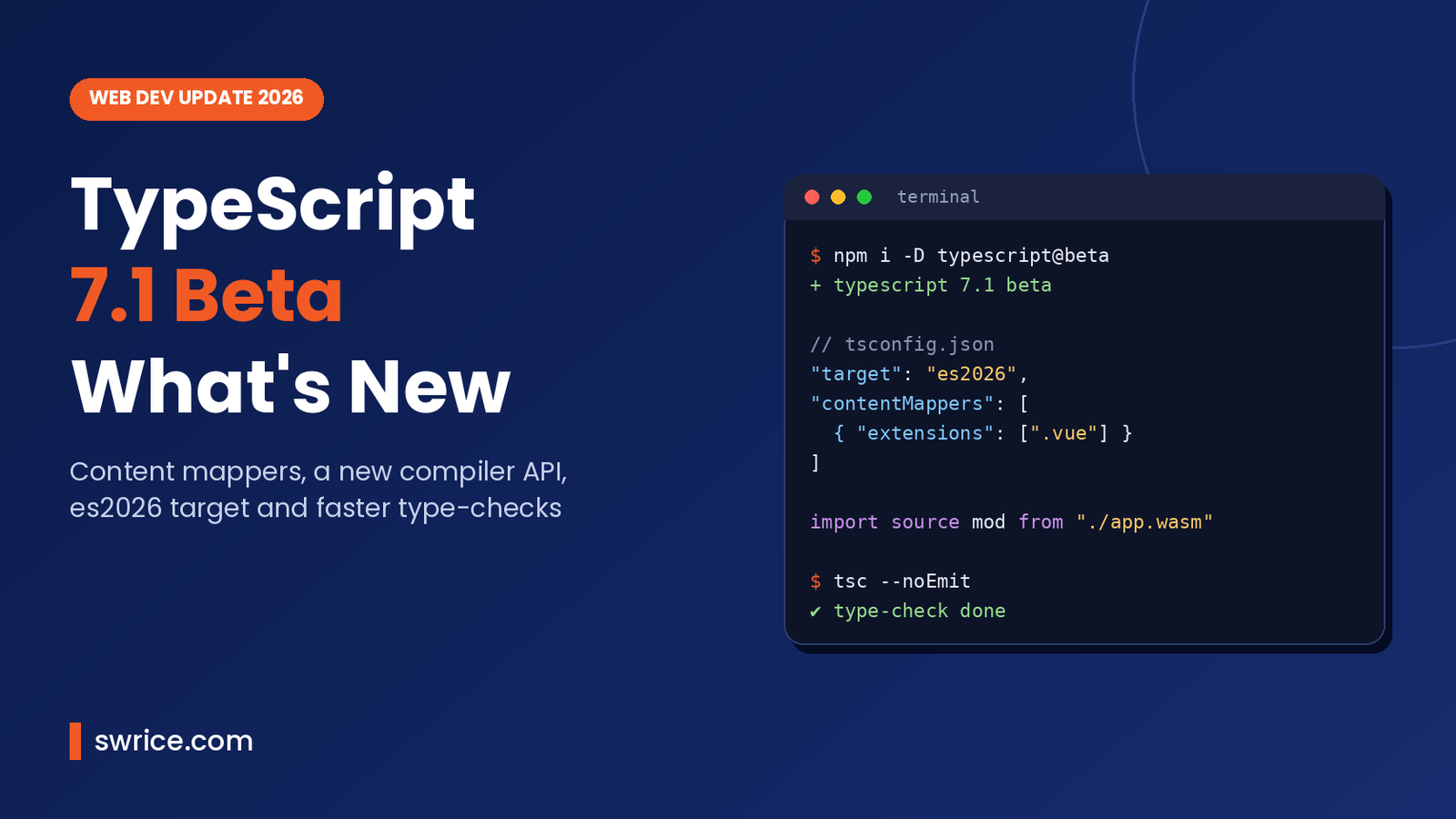
TypeScript 7.1 Beta landed on October 20, 2026. It is the first big feature release since the Go-based compiler went stable. Microsoft shipped TypeScript 7.0 in July with much faster builds. Now this beta adds new syntax, a proper compiler API and support for checking .vue, .svelte and .astro files.
In this guide, we cover what is new in TypeScript 7.1 Beta and which changes might break your build. We also show how to test it safely. All details come from the official TypeScript 7.1 Beta announcement.
What Is TypeScript 7.1 Beta?
TypeScript 7.1 Beta is a preview of the next minor version of the TypeScript compiler. It builds on TypeScript 7.0. That was the release where Microsoft swapped the old compiler for a native port written in Go.
In short, 7.0 was about speed and compatibility. Version 7.1, on the other hand, is where new features start to arrive again. As a result, it is the release many framework authors and tooling teams have been waiting for.
Because it is a beta, you should not ship it to production yet. However, it is the right moment to test your projects and report problems before the final release.
How to Install the Beta
Installing it takes one command. Add it as a dev dependency in the project you want to test:
npm install -D typescript@betaAfter that, run your usual type-check, for example npx tsc --noEmit, and compare the output with your current version.
Key New Features in TypeScript 7.1 Beta
The beta includes six headline changes. Here is a quick overview before we look at each one:
- Import attributes in ambient module declarations
- Source phase imports, mainly for WebAssembly
- A stable
es2026target and lib - New proposal methods under
esnext - A new compiler API with six entry points
- Content mappers for Vue, Svelte, Astro and more
1. Import Attributes in Ambient Modules
You can now attach import attributes to wildcard module declarations. This means the type of an import can depend on its attribute, not only on its file extension. For example, you can declare what a text import returns:
declare module "*" with { type: "text" } {
    const content: string;
    export default content;
}
The announcement also mentions "css" and "bytes" as examples. Note that TypeScript does not check these imports against files on disk. Also, these declarations are not shipped in the built-in libraries, so you add them to your own project.
2. Source Phase Imports for WebAssembly
Next, the beta supports the import source syntax from a TC39 proposal. When you import a .wasm file this way, you get a WebAssembly.Module that you can pass to WebAssembly.instantiate.
import source wasmModule from "./image-tools.wasm";

// dynamic form
const mod = await import.source("./plugin.wasm");
To use it, set --module to esnext, nodenext or preserve. In addition, include esnext in your --lib or --target.
3. Stable es2026 Target and Lib
The --target es2026 and --lib es2026 options are now stable. Therefore, you get types for several newer JavaScript methods without extra setup:
Math.sumPrecise()andError.isError()Array.fromAsync()andIterator.concat()JSON.rawJSON()MapandWeakMapgetOrInsert()andgetOrInsertComputed()- Base64 and hex methods on
Uint8Array
Meanwhile, --lib esnext gains proposal-stage methods. These include Promise.allKeyed, Promise.allSettledKeyed, Iterator.zip and Iterator.prototype.chunks.
4. A New Compiler API
This is a big one for tool builders. Since the compiler now runs in Go, the old JavaScript API needed a replacement. The beta introduces six entry points:
typescript/sync– a synchronous clienttypescript/async– a Promise-based clienttypescript/fs– request-scoped file systemstypescript/ast– AST types and enums such asSyntaxKindtypescript/ast/is– node type guardstypescript/ast/factory–create*andupdate*helpers
One detail matters a lot. API, Program and Snapshot objects are disposable, so you should declare them with using or close them yourself. Otherwise, you leak memory on the Go side. Also, the new API does not load tsconfig.json for you, and it has no built-in file watching.
5. Content Mappers for Vue, Svelte and Astro
Content mappers are probably the most exciting addition for front-end teams. They let tools like tsc type-check embedded formats such as .vue, .svelte, .astro and .mdx. You register them in tsconfig.json:
"contentMappers": [
  {
    "package": "@vue/content-mapper",
    "extensions": [".vue"],
    "options": { "target": 3.5 }
  }
]
However, there are a few catches. Mappers run as external programs, so you must pass --runExternalCode to tsc. In VS Code, the js/ts.contentMappers.enabled setting can turn them off. Moreover, the Vue package in the example is not on npm yet. Prototypes exist for Astro, CSS Modules, Ember, MDX, Svelte and Vue.
Performance: Faster Type-Checks and Less Memory
TypeScript 7.0 was already much faster than 6.x. Even so, the team found more gains. The official benchmarks compare 7.0 with 7.1 Beta using four checker threads and --noEmit:
- mui-docs: 22.2s down to 11.9s (1.9x faster), with 49.6% less memory
- t3code-server: 26.5s down to 19.1s (1.4x faster)
- sentry: 19.6s down to 15.1s (1.3x faster)
- vscode: 21.6s down to 17.7s (1.2x faster)
Of course, your results will vary. Still, large monorepos with heavy types should notice the difference, especially in CI. If you care about build speed, our guide to the Node.js 26 LTS release covers another big upgrade worth planning.
Breaking Changes to Check in TypeScript 7.1 Beta
Before you upgrade, look at two behaviour changes. Both can add new errors to code that compiled fine on 7.0.
Updated DOM Types
First, the generated DOM typings in lib.d.ts have changed. As a result, some browser APIs may type-check differently. Microsoft tracks the details in issue #63702 on GitHub.
Distributive Conditional Types
Second, inside a distributed conditional branch, T is now treated as a new subtype of its constraint. In other words, it is no longer the original type. So code like this now fails:
type Issue<A extends number, B extends A> =
    A extends B ? never : Show<A, B>;
// error: 'B' does not satisfy the constraint 'A'
Usually, the fix is to remove an unneeded constraint or add an extra conditional check.
How to Test the Beta Safely
Here is a simple plan you can follow this week:
- Create a new branch and install
typescript@beta. - Run
tsc --noEmitand save the full error list. - Compare it with the error list from your current 7.0 build.
- Fix or note any errors from the DOM or conditional type changes.
- Record build time and memory in CI to measure the speed gain.
- Report real bugs on the TypeScript GitHub repository.
If you use framework tooling such as Next.js, test it there too. Our Next.js 16.4 guide explains that release. In addition, the Chrome DevTools MCP guide shows how AI agents can help you debug in the browser.
When Will the Final Release Ship?
Microsoft says a release candidate should follow about one month after the beta. Then the stable release should come shortly after the RC. No exact dates were given, so avoid planning around a specific day.
Until then, the team will focus on speed, stability and feedback on the new features. Therefore, early testing now has a real chance of shaping the final version.
FAQ
Is TypeScript 7.1 Beta ready for production?
No. It is a beta, so keep using TypeScript 7.0 in production. Use the beta in a branch or CI job to test.
Do I need TypeScript 7.0 before trying the beta?
Not strictly, but it helps. If you are still on 6.x, move to 7.0 first. That way, you can separate the Go migration from the 7.1 changes.
Can I type-check Vue and Svelte files with tsc now?
Yes, through content mappers. However, you need a mapper package and the --runExternalCode flag, and some packages are not published yet.
How do I install it?
Run npm install -D typescript@beta in your project.
Conclusion
TypeScript 7.1 Beta is a meaningful step forward. It brings a real compiler API, content mappers for popular frameworks, new syntax and another round of speed gains. On the downside, the DOM and conditional type changes could break some builds. So test it now on a branch, measure the gains, and be ready for the stable release.
Sources
Need Help With Your Website or Web App?
Swrice builds and customises WordPress sites, plugins and web apps. Whether you need an upgrade, a custom feature or a fix, our team can handle it for you.
Leave a Reply