

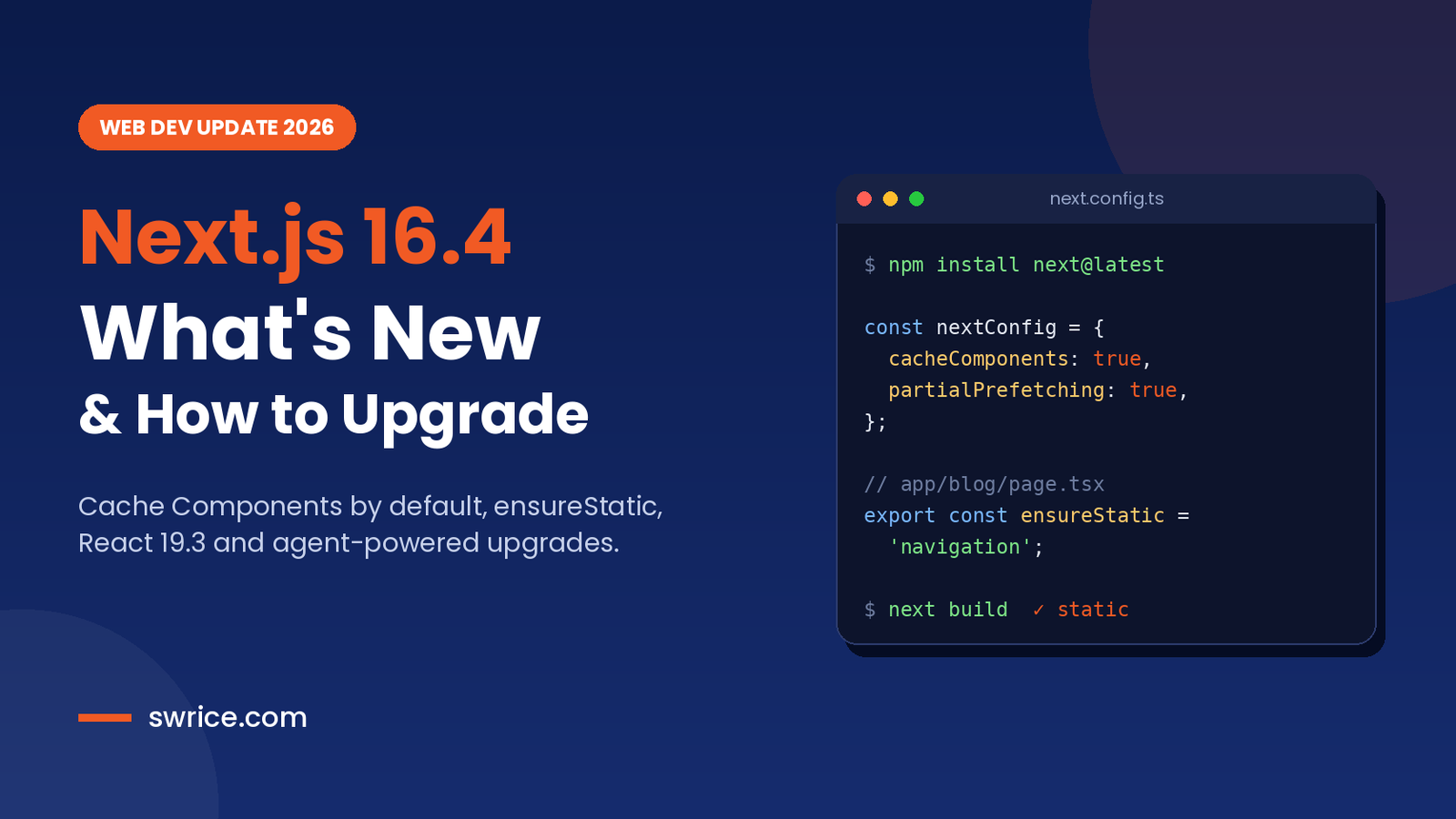
Next.js 16.4 is the latest minor release of the React framework, and it shipped on October 6, 2026. It is a big one. Cache Components are now the recommended model for every app, and new projects get them by default.
This release also adds better agent tooling, smaller bundles and React 19.3. In this guide, we walk through the key changes, show the new config options and explain how to upgrade safely.
What Is New in Next.js 16.4?
Here is a quick summary before we dig into the details. According to the official release post, the headline changes are:
- Cache Components are now recommended for all apps and enabled by default in
create-next-app. - A new
ensureStaticroute option that fails the build if dynamic content sneaks in. - New
navigation()andprefetch()APIs to control what loads during a prefetch. - An
--agentoption fornext upgrade, plus experimental agent feedback. - A 20–25% smaller Turbopack disk cache, lazy server HMR and smaller production bundles.
- React 19.3, with stable View Transitions and Fragment Refs.
Also, the Next.js team says Cache Components will become the default in Next.js 17. So this release is a good moment to start preparing.
Cache Components Become the Default Choice in Next.js 16.4
Cache Components let you mark parts of your component tree as cacheable. You add the 'use cache' directive to a component or function, and Next.js caches its output. Think of it as a component-level version of the Cache-Control header.
Previously, the team did not recommend this model for every app. Some cases could not match the cost and performance of the older model. Now, Next.js 16.4 closes those gaps, so the team recommends it for every project.
To turn the full model on in an existing app, enable two flags in your config:
import type { NextConfig } from 'next';

const nextConfig: NextConfig = {
  cacheComponents: true,
  partialPrefetching: true,
};

export default nextConfig;
Note that Partial Prefetching is now treated as part of the Cache Components model. It first arrived in Next.js 16.3.
Keep Pages Static With ensureStatic
Cache Components can mix static and dynamic content in one response. That is powerful, but one dynamic component can quietly add server cost to a page you meant to be static.
The new ensureStatic export solves this. When set to 'navigation', the build fails if any dynamic content appears in that route:
// app/blog/[slug]/page.tsx
export const ensureStatic = 'navigation';

export default function Page() {
  return <Content />;
}
There are also two softer options. 'prefetch' checks that explicit prefetches only fetch static content. Meanwhile, 'shell' checks that only static content loads when a route is first discovered. You can add ensureStatic to a layout, too, and it then applies to every page inside it. As a result, it suits blogs, marketing sites and online stores well.
Control Prefetching With navigation() and prefetch()
Prefetching removes loading states, but it can be expensive. For example, an inbox that prefetches every visible message would load whole threads users never open.
Next.js 16.4 adds a navigation() function from next/cache. When you await it, the content after it is skipped during a prefetch. Instead, it renders only on a real navigation:
import { navigation } from 'next/cache';

async function Thread({ id }) {
  await navigation();
  const thread = await getThread(id);
  return thread.map((m) => <div key={m.id}>{m.body}</div>);
}
Similarly, prefetch() excludes content from a route’s shell. That content then renders only during an explicit prefetch. Together, these APIs give you fine control over eager and lazy loading.
New Agent Features in Next.js 16.4
AI coding agents are now part of many workflows. If you use one, our guide to the AI coding agent for GitHub covers the basics. This release adds two features built with agents in mind.
Agent-Powered Upgrades
The new --agent option for next upgrade checks your installed version and picks a target release. Then it prepares migration guides, codemods and verification steps for your agent. Run it from your app folder:
npx next@canary upgrade --agent=latestUsing next@canary gives you the newest upgrade tooling, even on an older app. In addition, the experimental agentUpgrade setting nudges you when a relevant upgrade exists. It accepts 'security' (the default), 'latest' or false.
const nextConfig: NextConfig = {
  experimental: {
    agentUpgrade: 'security',
  },
};
Agent Feedback
The experimental agentFeedback flag lets your agent draft issue reports while it works. You review each draft, and nothing is sent until you click Send feedback. It requires telemetry and does not run in CI.
Performance Improvements for Every App
You get several gains without changing any code. Here are the most useful ones:
- Smaller disk cache: Turbopack’s dev cache uses 20–25% less space, thanks to Zstandard compression.
- Lazy server HMR: server updates compile only when a request needs them, so other routes wait.
- Shared runtime: the Turbopack runtime now ships as one chunk shared across routes.
- Smaller bundles: shorter CSS Module class names and export mangling in production builds.
On top of that, Next.js 16.4 ships with React 19.3. That version brings stable View Transitions and Fragment Refs. You can read the full details in the React 19.3 announcement.
Experimental Turbopack Options Worth Testing
Several features are still experimental, so test them on a branch first. The Rust version of the React Compiler got faster, with 30% less memory use and 15% faster compiles. In addition, new flags add disk cache cleanup and lazy dynamic imports:
const nextConfig: NextConfig = {
  reactCompiler: true,
  experimental: {
    turbopackRustReactCompiler: true,
    turbopackGc: true,
    turbopackLazyDynamicImports: true,
  },
};
There is also a worker threads option, turbopackPluginRuntimeStrategy: 'workerThreads'. However, on Node.js 24.13.1 and newer it currently falls back to child processes because of a Node.js bug. If you are also planning a runtime update, see our Node.js 26 LTS guide.
Finally, the Turbopack Bundle Analyzer gained a route summary, a sortable table view and snapshot diffs. That makes it easier to spot which routes ship the most JavaScript.
Who Should Upgrade Right Away?
Every team on the 16.x line should move to the patched release soon. The security fixes alone make that worth it. Beyond that, the benefits depend on the kind of project you run.
- Content sites and blogs:
ensureStatichelps you keep every page static and your hosting bill low. - Online stores: the new prefetch controls let you load product pages fast without fetching everything up front.
- Large apps: lazy server HMR and the smaller disk cache make long dev sessions lighter.
- Teams using AI agents: the agent upgrade flow turns a manual chore into a guided task.
On the other hand, if your app still uses the Pages Router, the upgrade is mostly about security and build speed. Cache Components apply to the App Router only. Even so, it is a low-risk update, and it keeps you close to the latest release.
How to Upgrade to Next.js 16.4
Upgrading is simple for most apps. First, create a new branch. Then pick one of these two paths:
# Let your coding agent handle the upgrade
npx next@canary upgrade --agent=latest

# Or upgrade manually
npm install next@latest
Next, run your build and tests. If you plan to adopt Cache Components, enable the two flags shown earlier and fix any build errors route by route.
Install the 16.4.1 Security Patch
This step matters. On October 14, 2026, the team released an out-of-band security update. Version 16.4.1 fixes two critical remote code execution issues and one high-severity denial of service bug. So do not stop at 16.4.0. Install the patched version directly:
npm install next@16.4.1If you are still on the 15.5 line, the patched version there is 15.5.28.
FAQ
When was Next.js 16.4 released?
It was released on October 6, 2026. A security patch, 16.4.1, followed on October 14, 2026.
Are Cache Components enabled by default now?
Yes, for new apps created with create-next-app. Existing apps must opt in with the cacheComponents and partialPrefetching flags.
Is Next.js 16.4 a breaking upgrade?
No. It is a minor release, and most new features are opt-in or experimental. Still, test on a branch before you deploy.
Which React version does it use?
It ships with React 19.3, which includes stable View Transitions and Fragment Refs.
Conclusion
Next.js 16.4 is a clear signal of where the framework is heading. Cache Components are now the recommended model, and they will be the default in Next.js 17. Meanwhile, ensureStatic and the new prefetch APIs give you better control over cost and speed.
Our advice is simple. Upgrade straight to 16.4.1 for the security fixes, then try Cache Components on a branch. That way, your app will be ready when Next.js 17 arrives.
Leave a Reply