

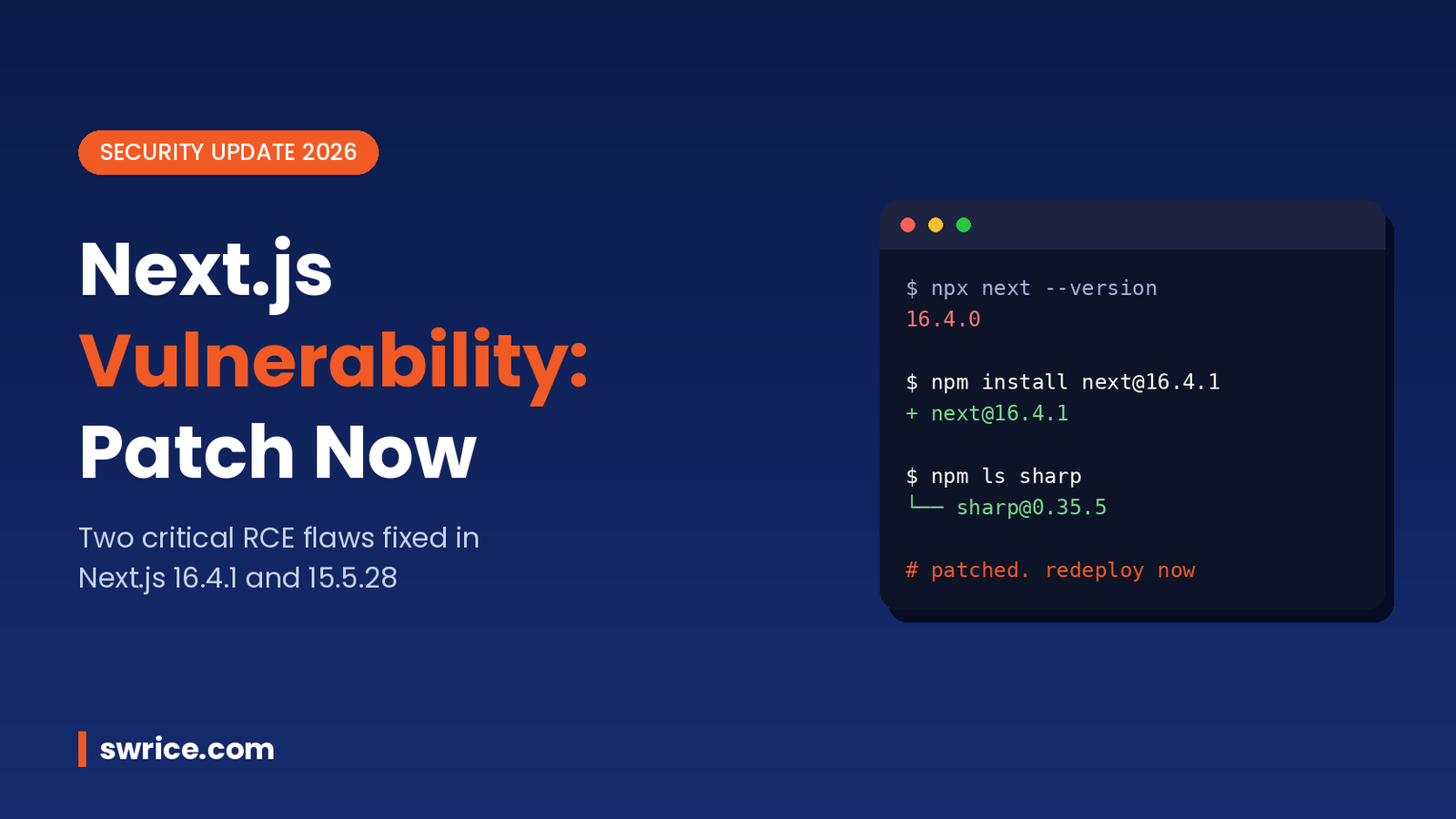
The latest Next.js vulnerability disclosure is one every team running Next.js in production should act on. On October 14, 2026, Vercel shipped an out-of-band security update. It fixes two critical remote code execution (RCE) flaws and one high-severity denial of service bug.
The fixes landed in Next.js 16.4.1 and 15.5.28. In this guide, you will learn what each issue does and how to check whether your app is exposed. Then you will patch it in a few minutes.
What Happened in the October 2026 Next.js Security Update?
Vercel first announced the release a week early. It then published the fixes on October 14, 2026, in its official Next.js security post. Two of the fixes had been held back from the September security release because of delays in upstream dependencies.
In short, three advisories were bundled together:
- Critical: unauthenticated RCE in
use cachefunctions that return multiple typed arrays. - Critical: unauthenticated RCE in the Image Optimization API when handling SVG files on glibc-based Linux.
- High: denial of service in the App Router through Server Actions.
Because of the severity, national agencies also issued warnings. For example, Singapore’s Cyber Security Agency published alert AL-2026-148 on October 20, 2026. It rated both RCE issues 9.5 on CVSS v4.0.
The Three Flaws Explained in Plain English
1. RCE in use cache Functions (GHSA-673q-mjm6-r5xr)
The first Next.js vulnerability affects apps that use the App Router with Cache Components. An attacker without a login could run code on your server when a use cache function returns multiple typed arrays.
The root cause sits in React’s Flight protocol, which serialises React Server Components data. React tracks it as a related upstream advisory, GHSA-xqc2-xf4c-x3h3. Vercel says there is no known workaround. It also advises you to upgrade even if your code has no similar functions.
2. RCE in the Image Optimization API (CVE-2026-96889)
The second issue lives in an upstream image library used by Next.js Image Optimization. A memory bug can lead to remote code execution when Next.js runs on glibc-based Linux and processes SVG images.
Most Docker images built on Debian or Ubuntu use glibc, so many self-hosted apps fall into this group. Alpine images use musl instead. Even so, you should patch rather than rely on your base image.
Unlike the first one, this Next.js vulnerability has a workaround. Make sure the sharp package used by Next.js is version 0.35.5 or later. Upgrading Next.js itself pulls in a fixed sharp automatically.
3. Denial of Service via Server Actions (GHSA-p3m5-59mp-jv5r)
The third Next.js vulnerability is rated high rather than critical. Crafted requests to an App Router app with at least one Server Action can spike CPU usage. As a result, the Node.js process stops serving other requests until it recovers.
Apps that only use the Pages Router, or that have no Server Actions, are not affected by this one.
Is Your App Affected by This Next.js Vulnerability?
The quickest check is your installed version. According to the CSA alert, these release lines are affected:
- Next.js 16.x before 16.4.1 (fixed in 16.4.1, the Active LTS line).
- Next.js 10.x to 15.x before 15.5.28 (fixed in 15.5.28, the Maintenance LTS line).
Run this command in your project root to see what you have:
npx next --version
# or
npm ls next sharp
Next, think about how you deploy. Self-hosted apps on Linux servers, containers and VPS hosts carry the most risk. After all, you own the runtime. In contrast, managed platforms may add their own protections. However, hosts such as Pantheon state that customers must still update their own dependencies and redeploy. Therefore, treat patching as your job wherever you host.
How to Patch the Next.js Vulnerability Step by Step
Fixing each Next.js vulnerability in this release only takes a dependency bump and a redeploy. Follow these steps in order.
Step 1: Upgrade Next.js
Pick the command that matches your release line. These are the exact versions from the official advisory:
# Next.js 16.x
npm install next@16.4.1

# Next.js 15.x
npm install next@15.5.28
If you are still on an older 16.x minor, our Next.js 16.4 upgrade guide covers the changes you might meet on the way.
Step 2: Update React Server Components Packages
If you manage React Server Components packages directly, update them too. Pantheon’s release note lists the patched versions as 19.0.9, 19.1.10, 19.2.9 and 19.3.1, depending on your line. Most apps get these through Next.js, so a fresh install is usually enough.
Step 3: Confirm the sharp Version
After installing, check that sharp is 0.35.5 or newer. If a lockfile pins an older copy, refresh it:
npm ls sharp

# if it shows a version below 0.35.5
npm update sharp
npm ls sharp
Step 4: Rebuild, Test and Redeploy
A patched package.json does nothing until it reaches production. So run your build, then test the pages that use images, caching and Server Actions. Finally, redeploy every environment, including staging and preview servers that face the internet.
rm -rf .next
npm ci
npm run build
npm run start
Also check your Node.js version while you are there. Our Node.js 26 LTS guide explains the current LTS options.
What If You Cannot Upgrade Right Away?
Sometimes a release freeze or a large codebase blocks an instant upgrade. In that case, reduce risk while you plan the update:
- Force
sharp0.35.5 or later through anoverridesentry inpackage.json. This is the official workaround for the image flaw. - Review any
use cachefunctions. Remember that Vercel lists no workaround for this Next.js vulnerability, so this only buys time. - Put rate limits in front of Server Action endpoints to soften the denial of service risk.
- Watch server logs for unusual CPU spikes or odd image requests.
{
  "overrides": {
    "sharp": "^0.35.5"
  }
}
Even with these steps, schedule the real upgrade within days, not weeks. A public Next.js vulnerability with a critical score attracts automated scanning soon after disclosure.
How to Stay Ahead of the Next Next.js Vulnerability
A new Next.js vulnerability will almost certainly appear again. Security releases for Next.js now arrive regularly. In fact, this update followed a September security release. A few habits make each one far less stressful:
- Watch the vercel/next.js GitHub repository for security advisories.
- Enable Dependabot or Renovate so patch pull requests open automatically.
- Run
npm auditin your CI pipeline and fail builds on critical issues. - Keep your app on a supported LTS line instead of an old major version.
- Keep a short runbook so anyone on the team can patch and redeploy quickly.
FAQ
Which versions fix the October 2026 Next.js vulnerability?
Next.js 16.4.1 and 15.5.28 fix all three issues. Upgrade to the one that matches your current major version.
Am I safe if I use the Pages Router?
You are safe from the Server Actions denial of service bug. However, the image flaw can still apply on glibc-based Linux, so you should upgrade anyway.
Is there a CVE for every issue?
Not at first. The image flaw is CVE-2026-96889. When CSA published its alert, the use cache issue was tracked only by its GitHub advisory ID.
Do I need to redeploy after upgrading?
Yes. The fix only protects you once the patched build is running in production.
Conclusion
This Next.js vulnerability release is short to fix but serious to ignore. Two critical RCE bugs and a denial of service flaw are now public. Fortunately, patched versions are ready.
So check your version today, upgrade to 16.4.1 or 15.5.28, confirm sharp is 0.35.5 or later, and redeploy. Then set up automated dependency alerts. That way, the next Next.js vulnerability takes minutes to fix rather than days.
Sources
Need Help With Your Website or Web App?
Swrice builds and customises WordPress sites, plugins and web apps. Whether you need an upgrade, a custom feature or a fix, our team can handle it for you.
Leave a Reply