

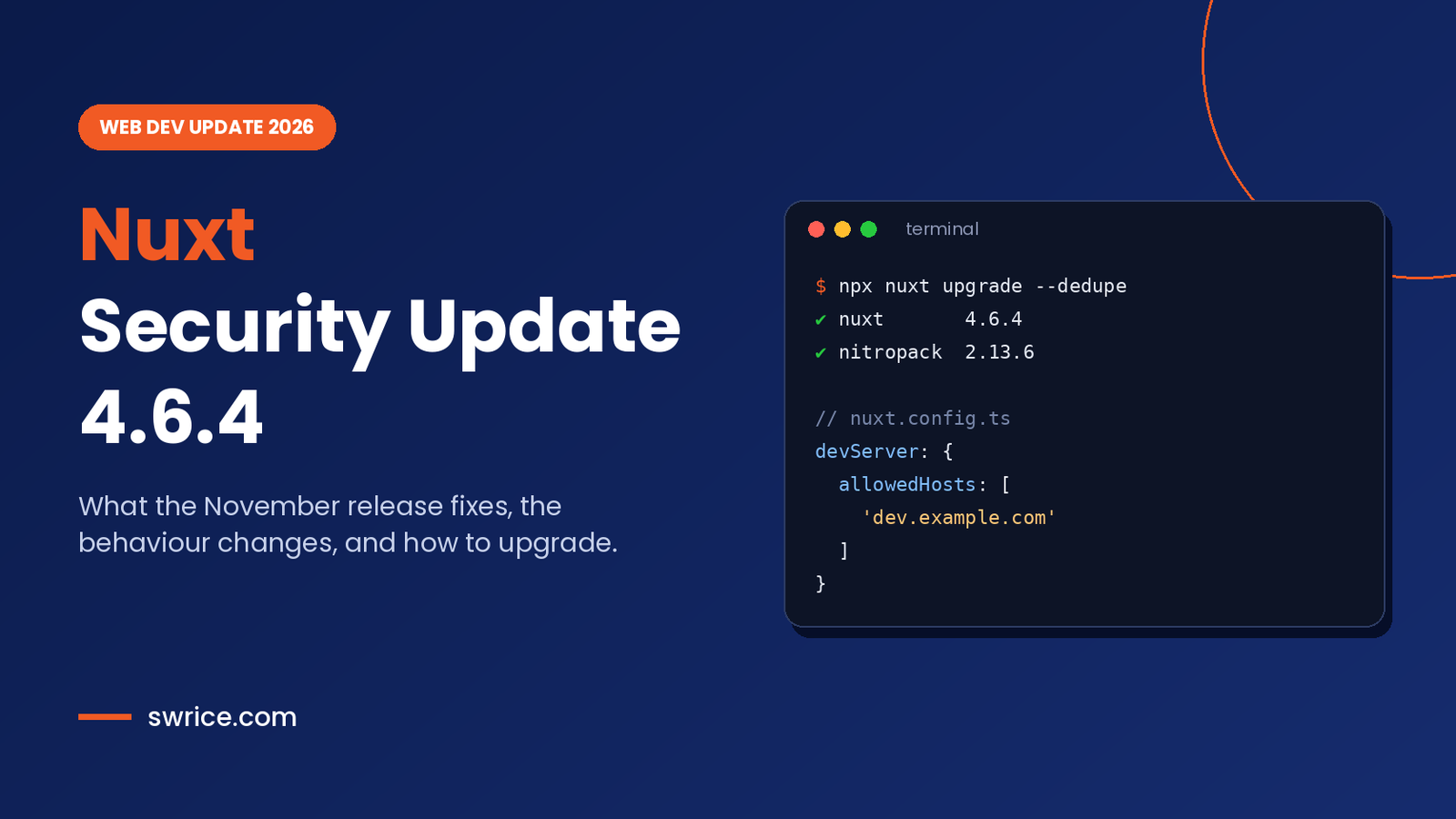
The latest Nuxt security update is version 4.6.4, released on November 2, 2026. It patches eight Nuxt advisories and pulls in nitropack 2.13.6, which fixes three more Nitro advisories. It also arrives just one week after another security release, 4.6.3.
In short, if you run a Nuxt 4 app in production, you should apply this Nuxt security update now. However, this release also changes how a few things behave, such as error pages, dev server host checks and cached route rules. So a blind version bump could surprise you. This guide explains what changed, what to test, and how to upgrade safely.
What Is in the Nuxt Security Update 4.6.4?
According to the official Nuxt changelog, 4.6.4 is a dedicated security release. The team recommends upgrading as soon as you can. The fixes cover the Nuxt core, the dev server and the Nitro server engine underneath it.
Here are the main areas the release hardens:
- Error details: details of untrusted thrown errors are no longer exposed to visitors.
- Dev server Host checks: webpack and rspack dev middleware now reject unexpected
Hostheaders. - Proxy headers:
x-forwarded-protois only trusted when you explicitly opt in. - Route rules: rules now match paths with encoded slashes, such as
/api%2Fadmin. - Wildcard redirects and proxies: targets that escape the rule’s scope are rejected.
- Request handling: trailing slashes are stripped in linear time, and request bodies in
nuxt/serverhandlers are streamed.
Most parts of this Nuxt security update are defensive changes. Even so, several of them affect real apps, so let’s look at the ones you need to check.
Why This Release Matters
Nuxt has had a busy year for security. In July 2026, the team disclosed a batch of advisories that included a server-side remote code execution risk and a route-rule authorization bypass. As a result, hosts such as Netlify published guidance telling users to patch quickly.
For example, Netlify explained that route rule keys with an uppercase character could cause app middleware used as an authorization gate to be skipped. That kind of bug is easy to miss because nothing breaks visibly.
Then, on October 27, 2026, version 4.6.3 shipped five more security fixes. Now 4.6.4 follows with eleven advisories across Nuxt and Nitro. In other words, staying even one or two patch versions behind now carries real risk. If you followed our guide on the critical Next.js vulnerability, the pattern will look familiar: modern meta-frameworks run server code, so they need fast patching.
Behaviour Changes to Check Before You Upgrade
The release notes list five behaviour changes. Each one closes a security gap, but each can also change how your app works. Therefore, read through this list before you roll out the Nuxt security update.
1. Production error pages show less detail
When a server render fails, the error page and payload now include only the message and data of errors created with createError. Other error details are stripped. So if your error page reads fields from a plain thrown Error, it may now show less information.
The fix is simple. Throw errors with createError whenever you want a message to reach the user:
throw createError({
  statusCode: 404,
  statusMessage: 'Product not found',
  data: { productId }
})
2. Dev server Host checks
Webpack and rspack dev servers now reject unexpected Host headers, which matches how Vite already behaves. This blocks DNS rebinding style attacks against your local machine. However, it also blocks custom hostnames and tunnels that worked before.
If you use a tunnel or a custom local domain, add it to the new devServer.allowedHosts option:
// nuxt.config.ts
export default defineNuxtConfig({
  devServer: {
    allowedHosts: ['dev.example.com']
  }
})
3. Cached route rules are stricter
Nitro’s cache, swr and isr rules now cache only GET and HEAD requests. They also skip responses that set a cookie or use Cache-Control: private or no-store. This stops one user’s personalised response from being served to another.
As a result, some pages you expected to be cached may now hit your server on every request. Check your hosting metrics after the upgrade, and move any personalised data out of cached routes.
4. Wildcard proxy and redirect rules
Wildcard proxy and redirect rules now reject requests whose resolved target leaves the rule’s scope. If you relied on loose wildcard behaviour, test those routes carefully.
5. Encoded slashes now match route rules
A rule such as /api/** now also covers /api%2Fadmin. This is good news, because attackers can no longer slip past a rule with an encoded slash. Still, review any rule that guards sensitive paths to make sure the new matching is what you want.
How to Install the Nuxt Security Update
Upgrading takes a few minutes in most projects. Follow these steps:
- Check your current versions with
npm ls nuxt nitropack. - Run the Nuxt upgrade command (shown below), or bump
nuxtto 4.6.4 with your package manager. - Confirm that
nitropackresolved to 2.13.6 or later in your lockfile. - Add any tunnel or custom hostnames to
devServer.allowedHosts. - Test error pages, cached routes, and wildcard proxy or redirect rules.
- Deploy, then purge your CDN cache if authenticated pages were ever cached. This removes stale responses created before the Nuxt security update.
# upgrade Nuxt and dedupe dependencies
npx nuxt upgrade --dedupe

# confirm the installed versions
npm ls nuxt nitropack
Also, if you set up the project inside a monorepo, note one more change. When workspaceDir is not set, Nuxt now widens it only to an explicit workspace root or the nearest git repository. If your build relied on the old automatic behaviour, set workspaceDir yourself.
Finally, keep your runtime current too. Nuxt runs on Node.js, so pairing this patch with a supported Node release is wise. Our Node.js 26 LTS guide covers that upgrade path.
Still on Nuxt 3? Read This First
Nuxt 3 reached end of life on July 31, 2026, according to the official Nuxt documentation. That means this Nuxt security update has no matching Nuxt 3 release. In practice, a Nuxt 3 app will not receive these fixes from the core team.
So what are your options? The best long-term choice is to migrate to Nuxt 4. Meanwhile, some vendors sell extended support for Nuxt 3, which can buy time for large codebases. Either way, do not leave a public Nuxt 3 app unpatched indefinitely.
If you are also exploring the wider Vue ecosystem, our article on Vue Vapor Mode covers where Vue rendering is heading next.
Other Nuxt Module Security Releases
The core framework is not the only package that changed. The Nuxt changelog lists several related releases from the same period:
- @nuxt/image 2.2.1 and 1.11.2 (October 30, 2026): security releases for the
/_ipxroute. Version 2.2.1 also limits accepted input formats, so formats such as TIFF must be allowed explicitly. - @nuxt/devtools 4.1.0 (November 2, 2026): adds an option to disable the Vite DevTools MCP endpoint and fixes several LAN and WebSocket issues.
Because of this, treat the Nuxt security update as a full dependency refresh rather than bumping nuxt alone. An outdated image module can still expose a weak spot.
Nuxt Security Update FAQ
Is Nuxt 4.6.4 a breaking release?
It is a patch release, but it includes behaviour changes. Most apps upgrade cleanly. Still, test error pages, dev tunnels and cached routes before you deploy.
Do I need to upgrade if I already installed 4.6.3?
Yes. Version 4.6.3 fixed five advisories, while 4.6.4 fixes eight Nuxt advisories plus three Nitro advisories on top of that.
Does this Nuxt security update fix Nuxt 3?
No. Nuxt 3 reached end of life on July 31, 2026, so the fixes target Nuxt 4. Plan a migration or arrange extended support.
Why are some of my pages no longer cached?
Nitro now skips caching responses that set cookies or use private or no-store headers, and it only caches GET and HEAD requests. This prevents data leaking between users.
Conclusion
The Nuxt security update to 4.6.4 is one you should not postpone. It closes eleven advisories across Nuxt and Nitro, and it tightens error handling, dev server access and route caching. Most teams can upgrade in an afternoon, as long as they test the behaviour changes first.
To sum up: upgrade to 4.6.4, confirm nitropack 2.13.6, update your Nuxt modules, and purge stale caches. If you are still on Nuxt 3, start planning your move to Nuxt 4 now.
Sources
Need Help With Your Website or Web App?
Swrice builds and customises WordPress sites, plugins and web apps. Whether you need an upgrade, a custom feature or a fix, our team can handle it for you.
Leave a Reply