

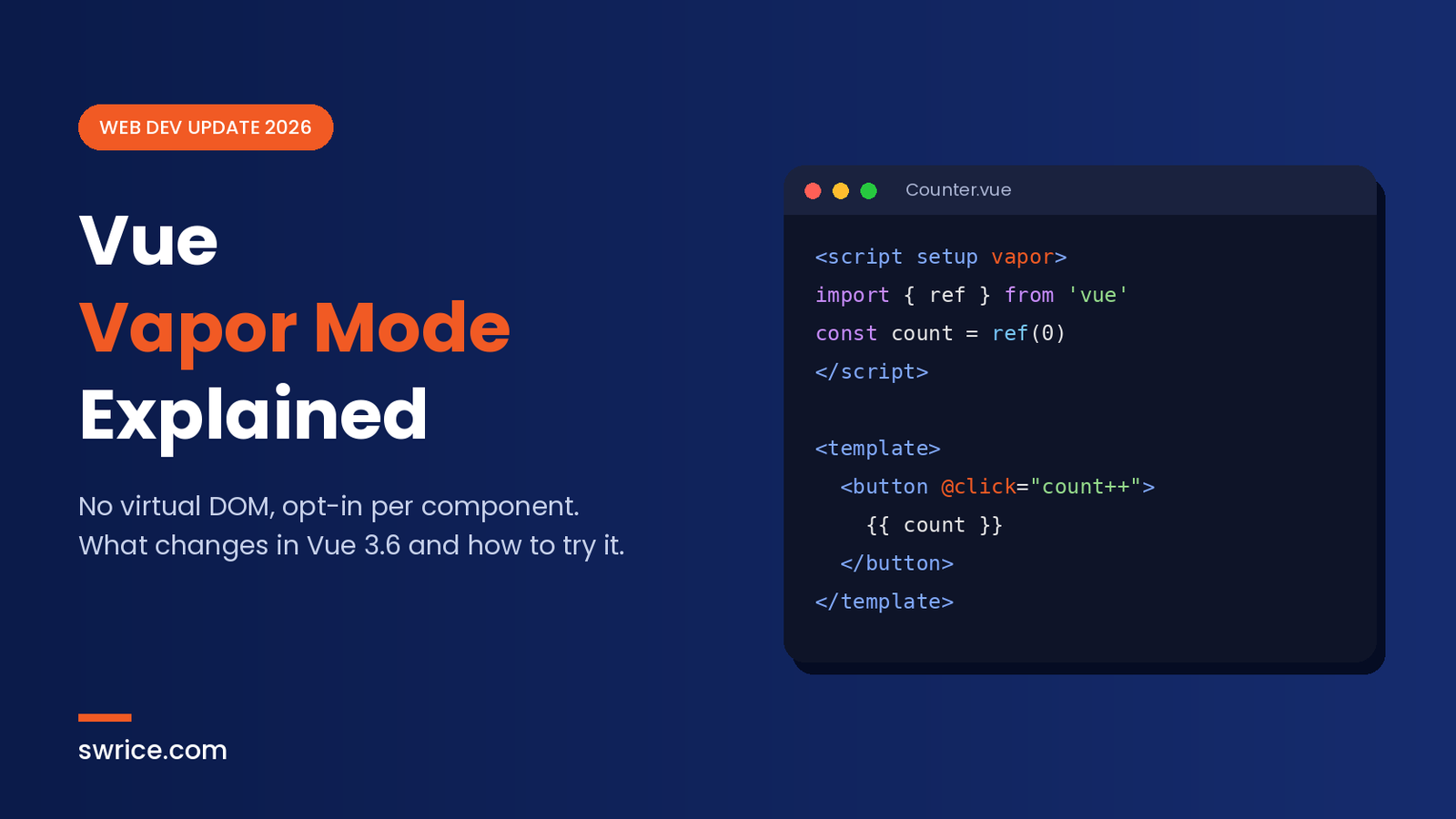
Vue Vapor Mode is the biggest change to how Vue renders components since Vue 3 first shipped. It lets a component skip the virtual DOM completely. Instead, the compiler turns your template into code that updates the real DOM directly.
The feature is part of Vue 3.6, which is now in the release candidate stage. The Vue team published 3.6.0-rc.13 on October 23, 2026, according to the official vuejs/core releases page. So a stable release looks close, and many developers are testing it right now.
In this guide, you will learn what Vapor Mode is and how to switch it on. You will also see its current limits and whether to use it today.
What Is Vue Vapor Mode?
Most Vue components today use a virtual DOM. First, Vue builds a lightweight copy of the page in memory. Then, when state changes, it compares the old copy with the new one. Finally, it patches the real DOM with the difference.
Vue Vapor Mode removes that middle step. The compiler reads your template at build time and works out exactly which DOM nodes depend on which reactive values. As a result, a state change updates only the affected nodes, with no diffing at all.
Importantly, you still write normal Vue single-file components. The template syntax stays the same. The difference is in the code the compiler produces, not in the code you write.
Why Vue 3.6 Matters
Vue 3.6 brings two big changes. The first is Vapor Mode itself. The second is a major refactor of @vue/reactivity built on a library called alien-signals. According to the Vue core changelog, this refactor improves reactivity performance and lowers memory use.
The changelog also makes a bold claim. It says Vapor Mode performs on par with Solid and Svelte 5 in third-party results from the js-framework-benchmark. That is a strong claim, because those frameworks were built without a virtual DOM from the start.
How Vue Vapor Mode Works
Think of the classic virtual DOM as a careful proofreader. It checks the whole page each time something changes. Vapor, in contrast, is more like a set of direct wires. Each reactive value is connected to the exact text node or attribute that uses it.
Because of this, there is less work at runtime. There is no tree of virtual nodes to create, and no diff to run. In addition, a pure Vapor app does not need to diff a virtual tree for any component.
However, this approach depends on the compiler knowing your template in advance. That is why some dynamic, instance-based features do not fit the model. We cover those limits below.
Vapor Mode vs the Virtual DOM: Quick Comparison
Here is a simple side-by-side view of the two rendering modes in Vue 3.6:
- Rendering: the classic mode builds and diffs virtual nodes, while Vapor updates real DOM nodes directly.
- Opt-in: the virtual DOM is still the default. Vapor is enabled per component.
- APIs: classic components support both the Options API and the Composition API. Vapor components use the Composition API only.
- Templates: both modes use the same template syntax.
- Mixing: both can live in one app through the interop plugin.
In short, Vapor trades some flexibility for speed. For many modern components, that trade costs you very little.
How to Enable Vue Vapor Mode
Vue Vapor Mode is fully opt-in. You choose it per component, so you can adopt it slowly. The Vue 3.6 release notes describe a few ways to turn it on in a single-file component.
Option 1: Add vapor to script setup
The most common way is to add the vapor attribute to your <script setup> tag:
<script setup vapor>
import { ref } from 'vue'

const count = ref(0)
</script>

<template>
  <button @click="count++">Clicked {{ count }} times</button>
</template>
You can also write the shorter <script vapor>, which the release notes describe as shorthand for <script setup vapor>.
Option 2: Mark the template
Alternatively, you can add a vapor marker to the <template> tag. This enables Vapor compilation for the whole file.
Using Vue Vapor Mode in an Existing App
Most teams will not rewrite a large app in one go. Fortunately, Vue 3.6 supports mixing both kinds of components.
If your app still uses the virtual DOM, install the interop plugin. After that, you can drop Vapor components into your existing tree:
import { createApp, vaporInteropPlugin } from 'vue'
import App from './App.vue'

createApp(App).use(vaporInteropPlugin).mount('#app')
On the other hand, if every component in your app uses Vapor, you can create a pure Vapor app instead:
import { createVaporApp } from 'vue'
import App from './App.vue'

createVaporApp(App).mount('#app')
A pure Vapor app skips the virtual DOM for every component, so it shows the full effect of the new mode.
How to Test the Vue 3.6 Release Candidate
Since Vue 3.6 is still a release candidate, test it on a branch first. Install the exact version so your lockfile is clear:
npm install vue@3.6.0-rc.13Next, update your build tooling to recent versions so the compiler understands the new attributes. Then convert one small, leaf-level component, such as a button or a card. Run your tests, check the page in the browser, and compare performance in your DevTools Performance panel.
If you build with Vite, the same habits apply as with any major tooling change. For example, our SvelteKit 3 upgrade guide walks through a similar step-by-step testing approach.
What Vapor Mode Does Not Support Yet
Vapor is fast, but it is not a drop-in replacement for every component. According to the release notes, these features are not supported or do not apply in Vapor components:
- The Options API. Vapor components must use the Composition API.
app.config.globalProperties.getCurrentInstance(), which returnsnullinside Vapor components.- Per-element
@vue:xxxlifecycle events. v-memo.- Instance properties on template refs, such as
$el,$props,$attrs,$slotsand$refs.
Therefore, check your code and your UI libraries before switching. Some third-party component libraries may still rely on some of these features. In that case, keep those parts on the virtual DOM and use interop.
Should You Use Vue Vapor Mode Today?
The short answer is: start testing now, but wait before a big production rollout.
Vapor is a good fit for performance-sensitive parts of an app. For instance, long lists, dashboards and widgets that update often can benefit the most. New components written with the Composition API are also easy candidates.
However, it is wise to wait for the stable 3.6.0 release before you convert critical screens. Also, wait until your key libraries confirm Vapor support. Meanwhile, you can still benefit from the new reactivity system, because that refactor is part of Vue 3.6 for all components.
Keep in mind that the JavaScript world is moving fast this year. If your stack also includes TypeScript, our TypeScript 7.1 Beta guide explains another change worth testing at the same time.
FAQ
Is Vue Vapor Mode stable?
Not yet. As of late October 2026, Vue 3.6 is at release candidate 13. The current stable line is Vue 3.5.
Do I have to rewrite my app to use Vue Vapor Mode?
No. Vapor is opt-in per component. You can mix Vapor and classic components with vaporInteropPlugin.
Does Vapor Mode change Vue template syntax?
No. You write the same templates. Only the compiled output changes.
Can I use the Options API with Vapor?
No. Vapor components use the Composition API with <script setup>.
Conclusion
Vue Vapor Mode gives Vue developers a way to drop the virtual DOM where speed matters most. Better still, it does this without new template syntax and without forcing a full rewrite. Together with the alien-signals reactivity refactor, Vue 3.6 is one of the most important Vue releases in years.
For now, install the release candidate on a branch, convert a few small components, and measure the results. Then, when 3.6.0 goes stable, you will be ready to move faster.
Sources
Need Help With Your Website or Web App?
Swrice builds and customises WordPress sites, plugins and web apps. Whether you need an upgrade, a custom feature or a fix, our team can handle it for you.
Leave a Reply