

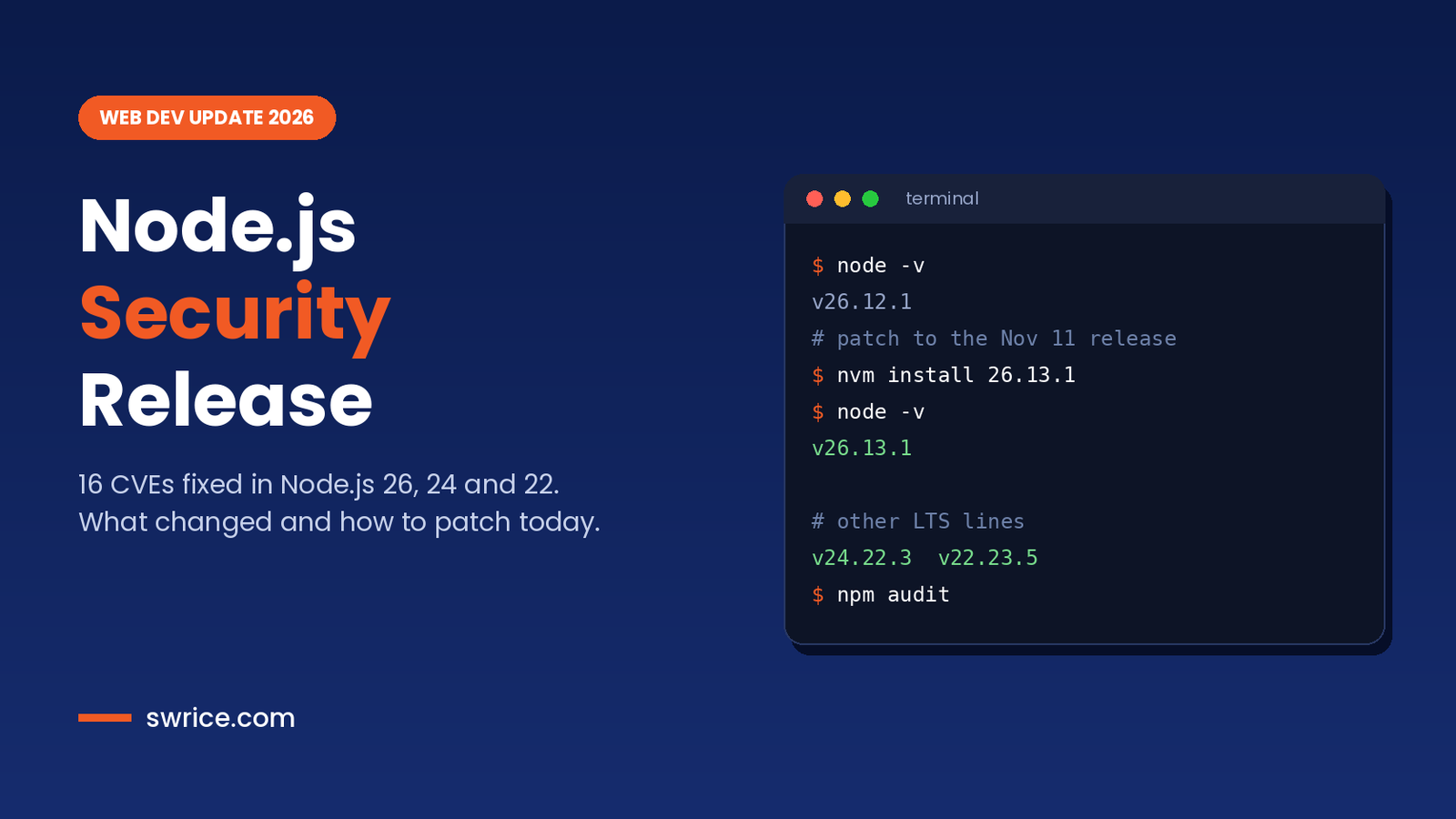
The latest Node.js security release landed on November 11, 2026, and it fixes 16 vulnerabilities across every supported release line. Seven of them are rated high. Most sit in the HTTP/2 and TLS code that almost every production server touches.
So if you run Node.js on a server, this is not an update to park until next sprint. In this guide, we cover what changed, which versions are affected, and how to patch quickly without breaking your app.
What Is the November 2026 Node.js Security Release?
The Node.js project shipped coordinated patches for the 26.x, 24.x and 22.x lines on the same day. According to the official Node.js advisory, the highest severity fixed in each line is HIGH.
Here are the patched versions you should be on right now:
- Node.js 26.x: v26.13.1 (the current LTS line)
- Node.js 24.x: v24.22.3
- Node.js 22.x: v22.23.5
In addition, the release updates bundled dependencies. All three lines get a new llhttp. Meanwhile, undici is updated on 24.x and 26.x, and SQLite on 22.x and 24.x.
This is also the second high-severity patch in about three weeks. The October 21 release fixed a Brotli decoder bug that could allow remote code execution (CVE-2026-111497). Upgrading now covers both rounds of fixes.
The Biggest Vulnerabilities Fixed
The full list is long, so we grouped the issues by what they mean for a real app. Every high-severity bug below can be triggered by a remote client that is not logged in.
HTTP/2 Crashes and Memory Leaks
Most of the fixes target the node:http2 module. For example, CVE-2026-123863 lets any client abort the server process by breaking session cleanup. CVE-2026-123865 lets a client leak memory and file descriptors forever by triggering a protocol error during shutdown.
Two more bugs affect apps that serve files with respondWithFile() or respondWithFD(). One is a use-after-free (CVE-2026-123874). The other lets a client crash the server just by cancelling a few downloads (CVE-2026-123875).
HTTPS Memory Disclosure
CVE-2026-123864 is the most worrying bug for many teams. Under specific handler patterns, an HTTPS server could copy its own heap memory into a request body. That memory could include TLS private keys or other users’ requests. Plain node:http is not affected, but HTTPS is.
TLS and mTLS Authentication Bypasses
Several fixes matter if you use client certificates. CVE-2026-123872 let a client switch the server name during TLS 1.2 renegotiation and skip a stricter per-host policy. Similarly, CVE-2026-123867 let CA-only SNI contexts fall back to the default CA.
There is also a bug in https.Agent (CVE-2026-123877). It could reuse a TLS session across two different CA policies. As a result, a request with a strict policy might trust a server it should reject.
Smaller but Real Issues
- Proxy credentials could appear in
ERR_PROXY_INVALID_CONFIGerror messages and end up in your logs (CVE-2026-123871). - HTTP/2 queued data was not counted against
maxSessionMemory, so one stream could hold hundreds of megabytes (CVE-2026-123868). - Two low-severity Permission Model bypasses only matter if you run Node.js with
--permission. - A zlib bug could crash a process that calls
deflate.params()while streaming.
Which Node.js Versions Are Affected?
Every supported line needs this Node.js security release. However, the 22.x line is not hit by every bug. Five of the CVEs, including four HTTP/2 issues and one TLS crash, only affect 24.x and 26.x.
End-of-life versions are a different story. The advisory states that EOL versions are always affected when a security release ships, and they get no patches. That means Node.js 20 and Node.js 25 stay vulnerable. Check the official release schedule if you are unsure where your version stands.
If you are still on an EOL line, treat this as the push to move. Our guide to Node.js 26 LTS and how to upgrade walks through the breaking changes to check first.
How to Check Your Current Node.js Version
First, find out what you actually run in each environment. Your laptop, CI runners and production servers often drift apart.
node -v
# Anything below these needs the patch:
# 26.x  -> v26.13.1
# 24.x  -> v24.22.3
# 22.x  -> v22.23.5
Next, check your Docker base images and serverless runtimes too. A pinned image tag will not update itself, even after the host machine is patched.
How to Install the Node.js Security Release
The steps to apply the Node.js security release depend on how you install Node.js. Below are the most common setups.
Using nvm
nvm install 26.13.1
nvm alias default 26.13.1
node -v
For the other lines, swap in 24.22.3 or 22.23.5.
Using Docker
Rebuild your images from a base that includes the patched version. Then redeploy every service that uses it. For example:
# Dockerfile
FROM node:26.13.1-slim

# then rebuild without cache
docker build --pull --no-cache -t my-app .
In CI with GitHub Actions
If your workflow pins an exact version, bump it. Otherwise, a fresh run will usually pick up the latest patch for the major you specify.
- uses: actions/setup-node@v4
  with:
    node-version: '26.13.1'
After the Upgrade: A Quick Checklist
Patching the runtime is the main step, but a few follow-up checks will reduce risk further.
- Restart every Node.js process. A running process keeps the old binary until it restarts.
- Run your test suite, especially anything that touches HTTP/2, TLS or file streaming.
- Search your logs for proxy URLs with embedded passwords, and rotate those credentials if you find any.
- If you rely on client certificates per hostname, review that setup against the mTLS fixes.
- Subscribe to the low-volume nodejs-sec mailing list so you hear about the next release early.
Also, remember that the runtime is only one layer. Framework bugs need their own patches. For instance, we covered a similar urgent fix in our Next.js vulnerability patching guide.
Why This Node.js Security Release Matters for WordPress Teams
You might think Node.js is only a concern for pure JavaScript apps. In practice, many WordPress projects depend on it too. Headless front ends built with Next.js or Nuxt run on Node.js servers. Block development tools, build scripts and local dev environments also run on it.
So this Node.js security release can reach your stack even if your main site is PHP. A headless storefront or a Node.js API that feeds your blocks is a server exposed to the internet. Therefore, it deserves the same urgency as a WordPress core patch.
How to Stay Ahead of Future Patches
The Node.js team announces each Node.js security release about a week before the patches ship. That gives you time to plan. Here is a simple routine that works for small and large teams alike:
- Subscribe to the nodejs-sec mailing list or follow the Node.js blog for pre-alerts.
- Keep one owner responsible for runtime upgrades, so the task never falls between teams.
- Pin exact versions in Docker and CI, but review them on a fixed schedule.
- Stay on an Active or Maintenance LTS line, never on an odd-numbered or EOL release.
In short, treat every Node.js security release like a scheduled chore. When the process is routine, a high-severity patch becomes a ten-minute job instead of a fire drill.
FAQ
Is this update urgent?
Yes, for any internet-facing server. Apply the Node.js security release as soon as you can. Several bugs let an unauthenticated client crash the process or read memory. Patch production first, then development machines.
Does it break my code?
Security releases are patch versions, so breaking changes are rare. Still, run your tests before you deploy, as you would for any runtime change.
I only use plain HTTP. Am I safe?
Not fully. The HTTPS heap leak does not affect plain node:http. However, the HTTP/2, zlib and proxy-credential fixes may still apply to you, so upgrade anyway.
Will Node.js 20 get a fix?
No. Node.js 20 is end-of-life, so it receives no security patches. Move to 22, 24 or 26 instead.
Conclusion
The November 2026 Node.js security release fixes 16 CVEs, and most of them live in code paths that real servers use every day. The fix itself is simple. Move to v26.13.1, v24.22.3 or v22.23.5, rebuild your images, and restart your processes.
If you are still on an end-of-life version, now is the right time to plan that upgrade. Staying current is the easiest security win you will get this year.
Sources
Need Help With Your Website or Web App?
Swrice builds and customises WordPress sites, plugins and web apps. Whether you need an upgrade, a custom feature or a fix, our team can handle it for you.
Leave a Reply