

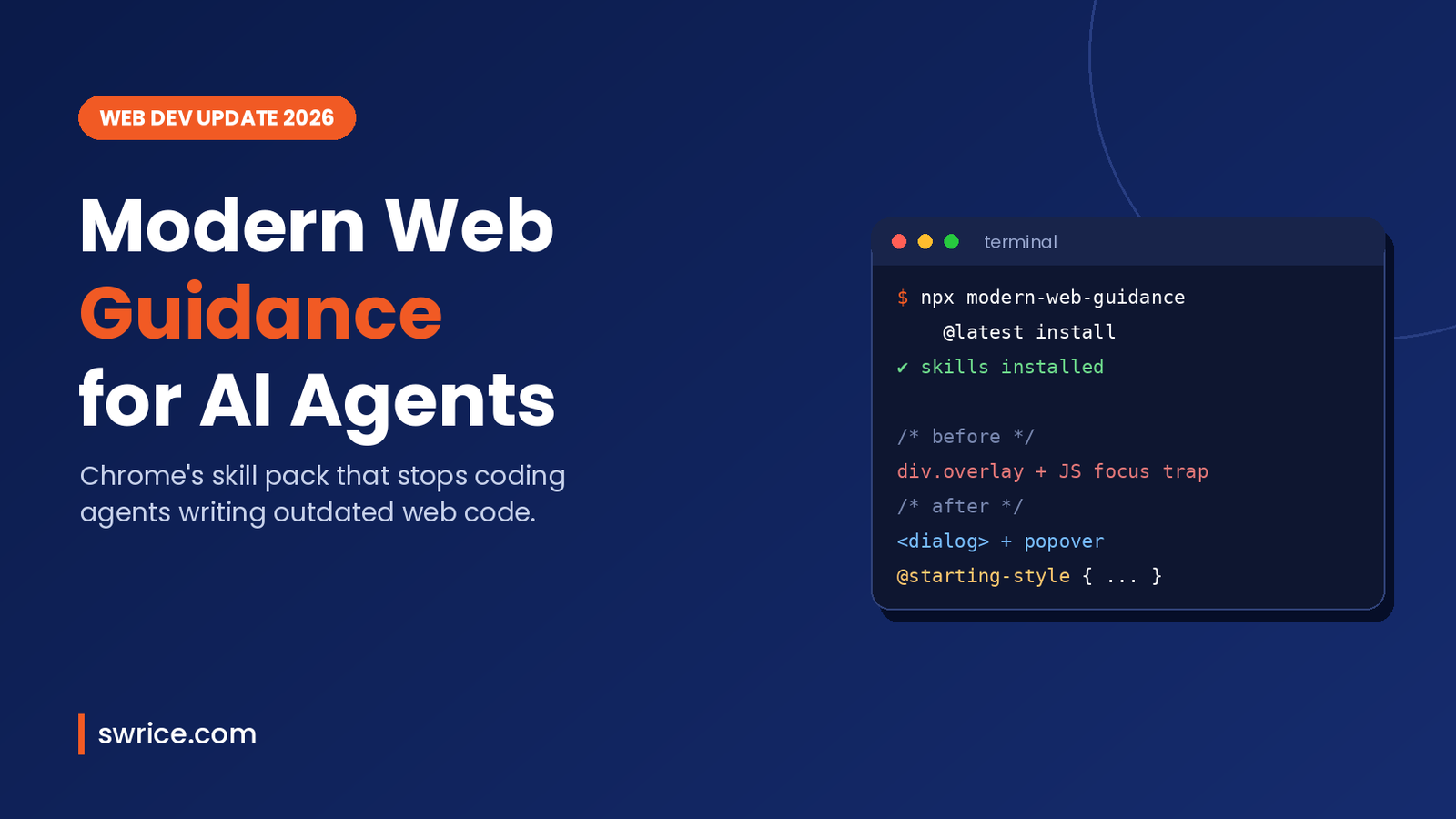
Modern Web Guidance is Chrome’s new answer to a problem most of us have already hit: AI coding agents that write working code, but code that feels stuck in 2019. Ask an agent for a modal, and you often get a fixed-position div, a hand-rolled focus trap and a pile of JavaScript.
On November 10, 2026, the Chrome team released version 1.0 of the project as a stable release. In this guide, we explain what it is, what it fixes, how to install it in your agent, and how to get real value from it on client projects.
What Is Modern Web Guidance?
Modern Web Guidance is a set of agent skills. Each skill embeds web platform expertise, best practices and browser compatibility data straight into your coding agent’s context. In other words, it acts like a senior front-end reviewer that sits inside the agent.
Chrome first showed an early preview at Google I/O in May 2026. Version 1.0 is the first stable release. Moreover, the project is no longer Chrome-only, because Firefox and Edge have joined as owners to improve cross-browser accuracy.
The guidance is built on top of Baseline data. As a result, the agent can recommend newer HTML, CSS and JavaScript features while still respecting the browsers your project must support.
Why AI Coding Agents Need It
Frontier models are good at making things work. However, they often reach for JavaScript where a native browser feature would be faster, smaller and more accessible. Chrome tested this with an eval suite and published the results in a post on the top 10 things AI gets wrong in web development.
The numbers are striking. As of November 9, 2026, unguided agents passed about 52% of the checks on average. With Modern Web Guidance installed, that rose to about 91%. So the same model nearly doubled its pass rate just by getting better context.
The 10 Gaps It Targets
Chrome grouped the most common mistakes into four disciplines. Here is a plain-English summary of the ten areas:
- Keyboard focus and
inert: agents write JavaScript tab traps instead of using a modal<dialog>or marking background contentinert. - Reduced motion: smooth scrolling, view transitions and scroll-driven animations often ignore
prefers-reduced-motion. - Form validation and autofill: custom blur validation replaces
:user-invalid, and format hints hide inside placeholders. - Swipe gestures: touch handlers replace CSS Scroll Snap and native scrolling.
- Dialogs and popovers: click-outside handlers and class-toggle animations replace
popover,@starting-styleandtransition-behavior. - Dark mode: missing
color-schememeta tags and no use oflight-dark(). - Runtime responsiveness: custom
setTimeout()queues instead ofscheduler.postTask()orscheduler.yield(), and nocontent-visibility. - Layout shifts: videos without dimensions, static
vhunits and font swaps withoutfont-size-adjust. - DOM XSS defences: hand-rolled sanitisers and permissive Trusted Types policies instead of
setHTML()with a DOMPurify fallback. - Passkeys: manual Base64URL helpers instead of built-in WebAuthn JSON methods and capability checks.
Many of these features are things we have covered before. For example, our guide to CSS scroll-driven animations shows the kind of native API that agents tend to skip.
What’s New in Modern Web Guidance 1.0
The 1.0 release adds four main improvements over the preview:
- A modernization workflow that scans existing HTML, CSS, JavaScript and
package.jsonfiles for safe upgrade opportunities. - A larger guide database that targets hundreds of verified AI knowledge gaps.
- Deeper expert review, including an accessibility review with real assistive technologies for user-facing guides.
- Full eval coverage, with a public dashboard that shows guided and unguided scores per model.
The modernization workflow deserves a special mention. Most real work happens in older codebases, not fresh projects. Therefore, a tool that finds outdated polyfills and workarounds is often more useful than one that only helps with new code. That said, Chrome notes that this first version uses static analysis and checks a limited set of patterns.
How to Install Modern Web Guidance
The recommended route is the official CLI, because it also enables automatic updates. Run this command from your project directory:
npx modern-web-guidance@latest installIf you tried the preview earlier in the year, update to 1.0 instead:
npx modern-web-guidance@latest updateYou can also install it through plugin marketplaces. Chrome lists support for Claude Code, Codex, Cursor, Antigravity, Copilot, WebStorm, Kimi Code and Grok Build. For example, the get started docs give these steps for Claude Code:
/plugin marketplace add GoogleChrome/modern-web-guidance
/plugin install modern-web-guidance@googlechrome
/reload-plugins
Search Guides Before You Install
You do not have to install anything to explore the content. The CLI can search guides by use case and print a guide as Markdown:
npx modern-web-guidance@latest search "animate a dialog modal backdrop"
npx modern-web-guidance@latest retrieve "animate-to-from-top-layer"
This is also a quick way to learn. Even if you write code by hand, the guides are short, practical references.
Using Modern Web Guidance on a Real Project
Once installed, the agent pulls in the right guide when your prompt matches a use case. For instance, asking for an animated dialog should now produce a native <dialog> with CSS entry and exit transitions, rather than a JavaScript state machine.
To modernize an existing folder, call the skill directly with a prompt such as:
/modern-web-guidance Modernize the code in this directorySet Your Baseline Target
This step is easy to miss. If you do not set a Baseline target, the tool defaults to Baseline Widely available. That is a safe choice, but it may hold back newer features you are happy to use.
Chrome suggests stating your target in your AGENTS.md or CLAUDE.md file. For example, a client site with a broad audience may stay on Widely available. In contrast, an internal dashboard could target a newer Baseline year.
Pair It With Chrome DevTools for Agents
Guidance helps the agent write better code. However, it cannot test that code. Chrome recommends pairing it with DevTools for agents, so the agent can run traces, check animations and look for memory leaks. If you have not set that up yet, our Chrome DevTools MCP guide walks through it step by step.
Does It Make a Real Difference?
Chrome shared several early case studies. For example, note inc. ran 180 evaluations on its production Next.js codebase. Its pass rate on modern web checks rose from 61% to 94%. Meanwhile, MetaMask runs Modern Web Guidance as a review bot on pull requests, and engineers fixed 43 findings in the first five weeks.
Of course, these are vendor-published results. Still, the eval dashboard is public, so you can check the specific checks and model scores yourself.
Who Should Use It?
Modern Web Guidance is most useful for teams that let agents write front-end code every day. That includes agencies, freelancers and product teams that ship client-facing UI. It also suits WordPress developers who build block themes or custom blocks, because those projects mix HTML, CSS and JavaScript heavily.
On the other hand, if your agent mostly writes back-end logic, the benefit will be smaller. Even so, the security guides on sanitisation and Content Security Policy still apply to any page you render.
A good first test is a feature you know well. For example, ask your agent for a theme toggle with and without Modern Web Guidance, and compare the results. Our post on Safari adaptive dark mode lists the details a solid dark mode should cover.
Limitations to Keep in Mind
- It improves agent output, but it does not replace code review or testing.
- The modernization workflow only covers a narrow set of patterns in 1.0.
- Some recommended features are newer, so guides rely on fallbacks and conditional polyfills.
- Model gaps will change over time, and Chrome says the guides will evolve with them.
FAQ
Is Modern Web Guidance free?
Yes. It is an open-source project, and the skills are available on GitHub and through the npm CLI.
Does it only work with Chrome?
No. It targets the whole web platform and uses Baseline data. Firefox and Edge now help maintain it too.
Which coding agents support it?
Any agent that supports skills can use it. Chrome names Claude Code, Codex, Cursor, Antigravity, Copilot, WebStorm, Kimi Code and Grok Build.
Will it slow my agent down?
The agent only pulls in guides that match the task. So it adds some context, but it should also save review time on the code it writes.
Conclusion
Modern Web Guidance closes a real gap between “code that works” and code that is fast, accessible and secure. Because installation takes one command, it is worth adding to any project where an AI agent touches front-end code. Start with the install, set your Baseline target, and then run the modernization workflow on one older folder to see what it finds.
Sources
Need Help With Your Website or Web App?
Swrice builds and customises WordPress sites, plugins and web apps. Whether you need an upgrade, a custom feature or a fix, our team can handle it for you.
Leave a Reply