

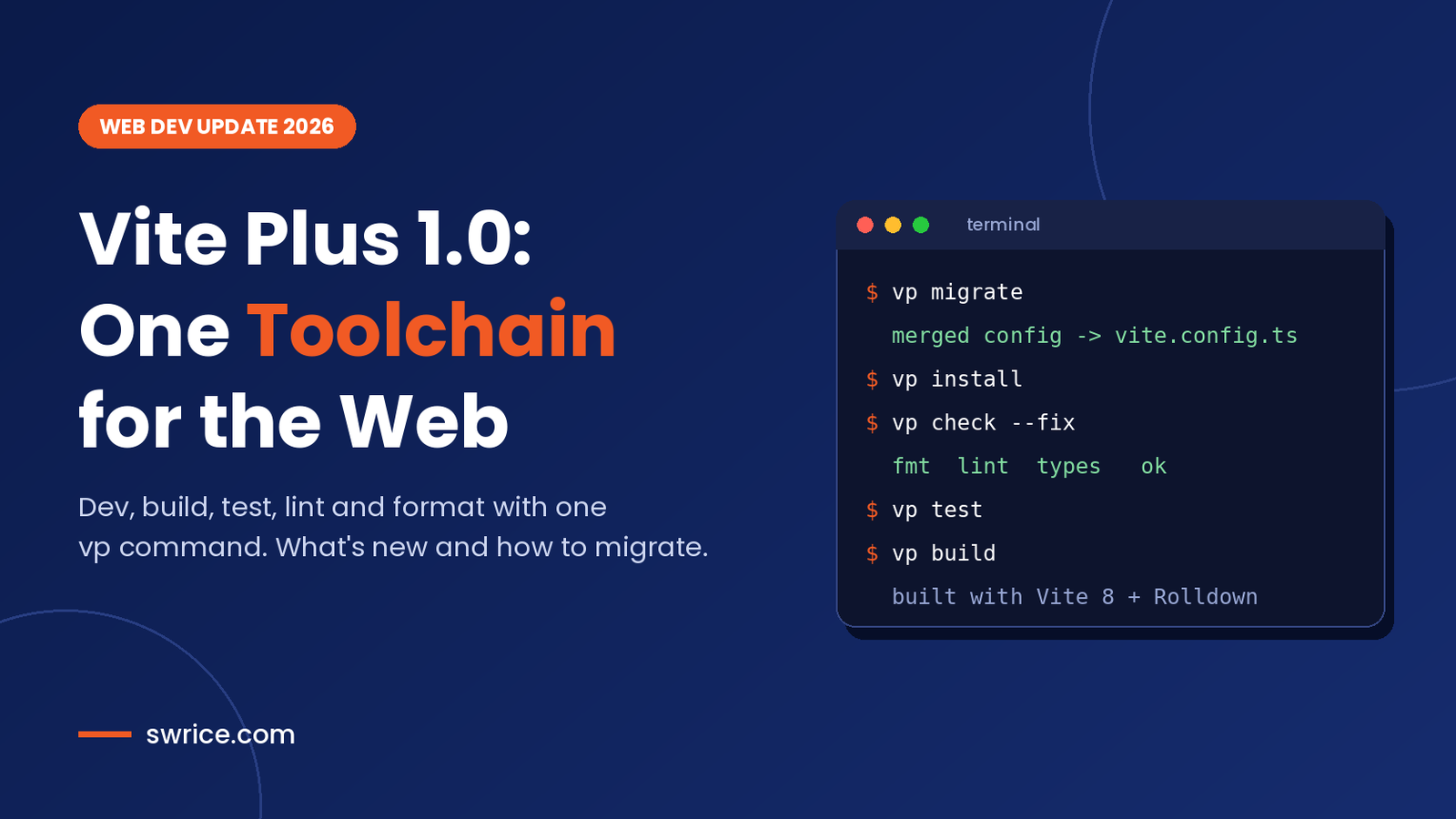
Vite Plus is the new all-in-one toolchain from VoidZero, the team behind Vite, Vitest, Rolldown and Oxc. It reached version 1.0 on September 28, 2026, and adoption has climbed fast since then. Instead of wiring up five or six separate tools, you get one dependency and one command: vp.
In this guide, we explain what Vite+ includes, how its commands work, and how to migrate an existing project safely. We also cover the gotchas the official docs warn about, so your first run goes smoothly.
What Is Vite Plus?
Vite Plus (written officially as Vite+) is a unified frontend toolchain. According to the official 1.0 announcement, it manages your Node.js runtime, your package manager and your build tools from a single CLI.
However, it is not a framework, and it does not replace Vite. In fact, it sits on top of Vite 8 and Rolldown. Think of it as a control panel that ties the whole modern Vite ecosystem together.
Vite+ is free and open source under the MIT license. The announcement also reports nearly two million weekly npm downloads for the vite-plus package, which explains why it keeps showing up in developer feeds.
Which Tools Does Vite+ Bundle?
Under the hood, Vite+ combines tools you may already know. Each one is mapped to a single vp subcommand:
- Vite 8 and Rolldown for the dev server and production builds.
- Vitest for unit, component and browser tests.
- Oxlint for linting and Oxfmt for formatting.
- tsdown for library builds and standalone binaries.
- Vite Task for running scripts with smart caching.
As a result, one vite-plus dependency can stand in for Vite, Vitest, ESLint, Prettier, tsup and Turbo in many projects.
What’s New in the 1.0 Release
The 1.0 release builds on the public beta with several practical additions. According to VoidZero, the main changes include:
- A
setup-vpGitHub Action, plus support for GitLab CI/CD. vp migratesupport for moving tsup projects over.- New helper commands such as
vp toolchainandvp env doctor. - Built-in Git hook support through
vp hooksandvp staged.
Looking ahead, the team plans remote caching, deeper monorepo diagnostics, a vp release command and vp docs. In other words, the toolchain is still growing quickly, so it pays to update often.
Key Vite Plus Commands Explained
Everything runs through the vp binary. If you run vp with no arguments, it opens an interactive prompt. Here are the commands you will use most:
vp createscaffolds a new app, library or monorepo.vp installinstalls dependencies with your project’s own package manager.vp devstarts the dev server with hot module replacement.vp checkformats, lints and type-checks in a single pass.vp testruns your Vitest suite.vp buildcreates production builds for apps.vp packbuilds libraries with tsdown.vp runruns package.json scripts with caching and monorepo awareness.vp envmanages Node.js versions.
Notably, vp install does not replace npm, pnpm or Bun. Instead, it detects your lockfile and delegates to the right package manager.
Why vp check Is the Standout Feature
For most teams, vp check is the biggest daily win. It runs Oxfmt, Oxlint and TypeScript type checks together, so CI needs only one step. The check guide lists a few useful flags:
--fixformats files and applies safe lint autofixes.--quiethides warnings but still fails on errors.--deny-warningstreats every lint warning as an error.--no-fmtor--no-lintskips one part of the check.
Keep in mind that type checking only runs when both typeAware and typeCheck are enabled in your config. Also, if formatting fails, the lint and type steps do not run at all.
Speed is the other selling point. VoidZero claims Oxlint is 50 to 100 times faster than ESLint, while Oxfmt is up to 30 times faster than Prettier. Type checks use the Go-based TypeScript compiler, which we covered in our TypeScript 7.1 Beta guide.
How to Install Vite Plus
First, install the global CLI. On macOS or Linux, run this in your terminal:
curl -fsSL https://vite.plus | bashOn Windows, use PowerShell instead:
irm https://vite.plus/ps1 | iexAfter that, open a new shell and confirm it works with vp help. Prebuilt binaries cover Linux, Windows and macOS on both x64 and arm64.
Prefer not to install anything globally? You can also run a pinned version through your package runner. The docs show this pattern:
npx --package=vite-plus@1.5.1 vp createOne Config File for Everything
Vite Plus keeps all tool settings in a single vite.config.ts. For example, the lint guide enables type-aware linting like this:
import { defineConfig } from 'vite-plus';

export default defineConfig({
  lint: {
    ignorePatterns: ['dist/**'],
    options: {
      typeAware: true,
      typeCheck: true,
    },
  },
  staged: {
    '*': 'vp check --fix',
  },
});
The staged block replaces lint-staged, so pre-commit checks also live in the same file. Consequently, you can delete several dotfiles from your project root.
How to Migrate an Existing Project to Vite Plus
The migration guide is clear that this is a guided process, not magic. Follow these steps on a clean Git branch:
- Commit or stash your work so you can review the diff later.
- Read the built-in help with
vp help migrate. - Run
vp migratefrom the workspace root. It shows its plan before changing any files. - Fix every BLOCK finding, then rerun the migration.
- Review each REVIEW finding and any manual-migration warnings.
- Validate with
vp install,vp check,vp testandvp build(orvp packfor libraries).
During migration, Vite+ updates dependencies, rewrites imports where needed and moves tool configs into vite.config.ts. It also re-exports Vitest under vite-plus/test, so most projects no longer install vitest directly.
Migration Gotchas to Watch For
Before you merge, check these known limits from the official docs:
- Monorepos: you must migrate from the workspace root. Migrating a single package is not supported.
- Git hooks: Husky, lefthook, simple-git-hooks and yorkie are left unchanged, with a warning. Move them by hand if you want Vite+ hooks.
- Type augmentations:
declare module 'vitest'blocks are not rewritten. - Compatibility settings: the migration adds commented settings. Keep them for the first run, then decide whether to remove them.
- Node.js version: upgrading an old Vite+ 0.3 project needs Node.js 22.18+, 24.11+ or 26+.
If your team is still on an older runtime, our Node.js 26 LTS upgrade guide walks through that step first. Above all, expect some manual tweaks. The docs say most projects need further adjustments after running the command.
Should You Switch to Vite Plus Now?
It depends on your stack. Vite Plus makes the most sense if you already use Vite and Vitest, or if your repo juggles ESLint, Prettier, tsup and Turbo. In those cases, you remove a lot of config and speed up CI at the same time.
On the other hand, large projects with custom ESLint plugins should test carefully. Oxlint supports JavaScript plugins, yet not every ESLint rule has a direct match. Similarly, teams with complex Husky setups will need some manual work.
For WordPress developers, the toolchain is also worth a look. Many block and theme projects already use Vite for front-end assets. Moving them to Vite+ gives you formatting, linting and tests without extra packages.
Vite Plus FAQ
Is Vite Plus free?
Yes. Vite+ is open source under the MIT license, and the announcement does not mention any paid tier.
Does Vite Plus replace Vite?
No. It builds on Vite 8 and Rolldown. VoidZero describes it as a toolchain layer, not a Vite replacement.
Can I keep using npm, pnpm or Bun?
Yes. The vp install command detects your lockfile and calls your existing package manager.
Does it work without a framework?
Yes. VoidZero says Vite+ is framework-agnostic, and parts of it work even without Vite.
Conclusion
Vite Plus 1.0 turns a messy pile of dev dependencies into one tool and one config file. The vp check command alone can simplify CI for many teams. Meanwhile, vp migrate does most of the heavy lifting when you move an existing project.
Start with a small repo, run the migration on a branch, and compare build times and CI logs. If the results look good, roll Vite Plus out across your other projects step by step.
Sources
Need Help With Your Website or Web App?
Swrice builds and customises WordPress sites, plugins and web apps. Whether you need an upgrade, a custom feature or a fix, our team can handle it for you.
Leave a Reply