

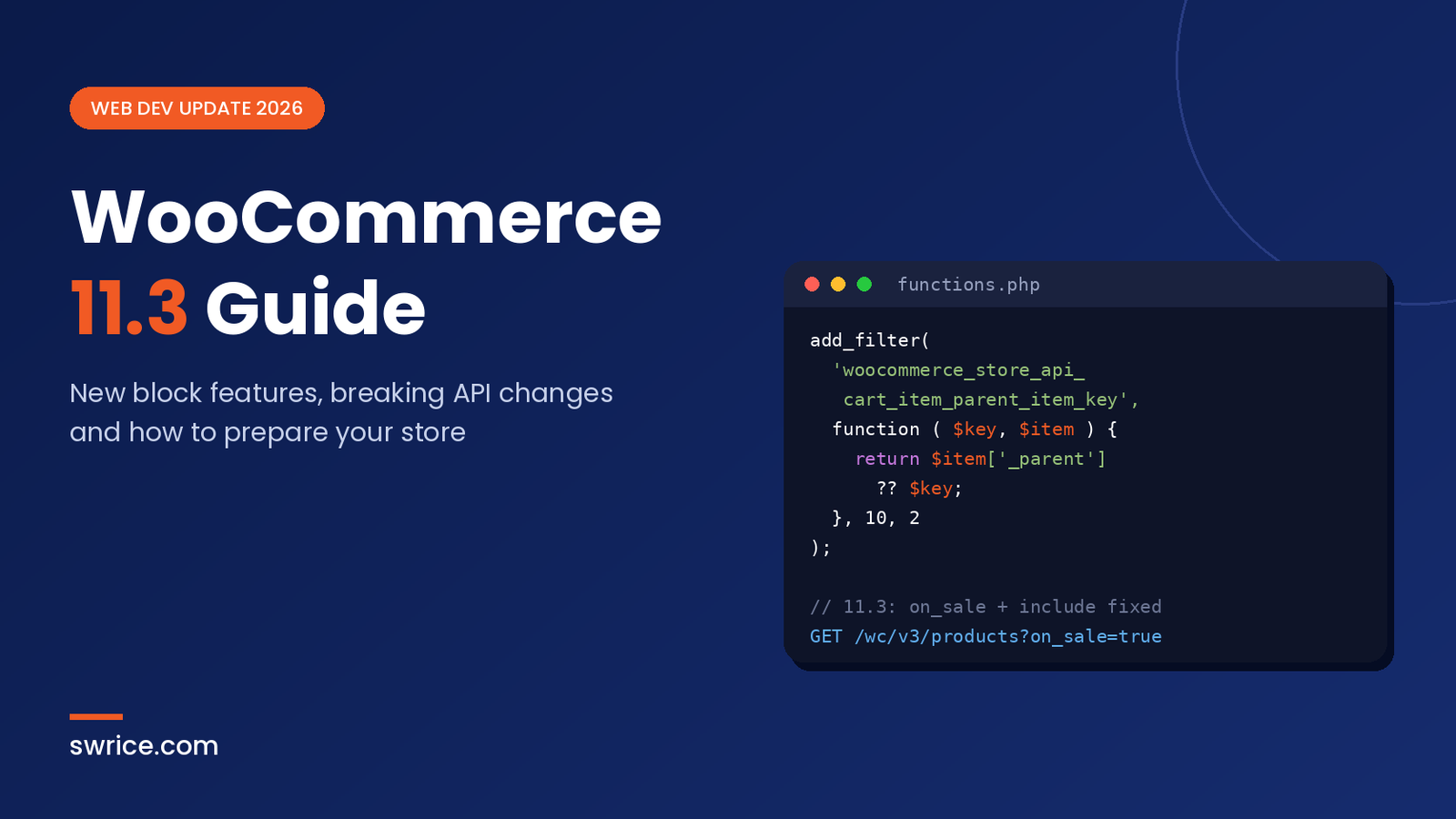
WooCommerce 11.3 is scheduled to land the week of November 9, 2026. It is a bigger update than the version number suggests. It brings new styling controls for product blocks, a smarter on-sale badge and better analytics. However, it also changes how the Products API, refunds and the MCP integration behave.
In this guide, we cover what is new and which changes can break custom code. We also show how to test the release safely before you update a live store. All details come from the official WooCommerce 11.3 pre-release post.
What Is WooCommerce 11.3?
WooCommerce 11.3 is the November 2026 feature release of the WordPress ecommerce plugin. Beta 1 went out on October 26, 2026, and the final release is planned for the week of November 9. As a result, store owners and developers have a short window to check their sites.
The release focuses on three areas. First, it improves the block-based shopping experience. Second, it tightens several REST API behaviours. Finally, it completes the move of MCP support to the official WordPress MCP Adapter plugin.
New Features in WooCommerce 11.3
Most of the visible changes target block themes and the Site Editor. If your store already uses blocks, you will notice them quickly.
More Styling Controls for Product Blocks
The Product, Featured Product, Featured Category and Product Categories List blocks now support color, spacing and border controls. In addition, the Featured Category block can sit inside the Terms Query block. That makes category grids much easier to design without custom CSS.
Product Result Count and Catalog Sorting are also more customisable. If you build sale pages with blocks, our guide on creating a holiday sales page with WooCommerce Blocks pairs well with these new options.
A Smarter On-Sale Badge
The On-Sale Badge can now show text, a fixed amount or a percentage, with an optional prefix and suffix. For variable products, it shows “Up to” the largest discount. On single product pages, the badge also updates when a shopper picks a variation. It hides if that variation is not on sale. The default label stays “Sale”, so nothing changes until you edit it.
Smoother Product Gallery on Mobile
The Product Gallery now uses native scrolling and scroll snap for mobile swipes. Consequently, images follow the finger and respond to quick flicks, which feels far more natural on phones.
Refund Policy Page and Structured Data
Merchants can now choose a refund and returns policy page under Settings → Advanced → Page setup. WooCommerce then adds structured data that links to it. This is a small but useful SEO win, because search engines can read your return policy directly.
Payment Method in Analytics
The Orders report gains a payment method column, a matching CSV export column and an advanced filter. Behind the scenes, a background job backfills existing orders in batches of 500 using Action Scheduler.
WooCommerce 11.3 Breaking Changes for Developers
This is the section to read carefully. Several changes can affect custom plugins, headless frontends and third-party integrations.
Products API: on_sale With include or exclude
Previously, combining on_sale=true with include or exclude returned products that did not match both rules. In WooCommerce 11.3, the filters work together correctly. For example, the official post shows on_sale=true&include=10,13 returning only product 13 instead of six products.
This affects /wc/v2/products, /wc/v3/products, the variations endpoints and /wc/store/v1/products. So if your app relied on the old, looser behaviour, test it now.
Stricter Refund Validation
The refunds endpoint now validates explicit line_items amounts. Invalid requests return HTTP 400 or 422 with a woocommerce_rest_* error code, and no refund is created. Therefore, any integration that creates refunds should treat these responses as real failures.
Other Changes Worth Checking
- Product Collection URL filters now use the Product Filters engine. Modify query arguments such as
max_priceinstead of generatedmeta_queryortax_queryclauses. - The protected
extract_single_product_inner_block_names()method is removed from the Single Product block. Use block context instead. - Custom analytics SQL that joins
wc_ordersmust prefixpayment_methodwith a table name, or you will get an “ambiguous column” error. - The legacy WooCommerce → Reports menu is hidden on stores first installed on 11.3 or later. The new
woocommerce_show_legacy_reports_menufilter can force it on or off. - VAT exemption and calculated shipping values now persist through customer account saves, so set
is_vat_exemptto both true and false as needed.
MCP Changes in WooCommerce 11.3
WooCommerce first deprecated its own MCP endpoint in version 10.9. Now, the WooCommerce 11.3 MCP update removes it completely. Requests to /wp-json/woocommerce/mcp return HTTP 410, and authentication with the X-MCP-API-Key header is gone.
Instead, AI clients connect through the WordPress MCP Adapter plugin. Its default endpoint is /wp-json/mcp/mcp-adapter-default-server, and it uses WordPress application passwords. Core product and order abilities are enabled by default. If you are new to MCP, our guide to the Chrome DevTools MCP explains how these AI tool connections work.
To migrate an existing setup, follow these steps:
- Install and activate the MCP Adapter plugin.
- Create an application password for a user with only the capabilities the client needs.
- Point your MCP client at the new endpoint with that username and password.
- Revoke any old WooCommerce REST API keys you no longer use.
Extension developers should register abilities through the WordPress Abilities API and mark them public for MCP. Also, stop expecting WooCommerce to load the adapter classes, because they are no longer bundled.
Parent-Child Cart Items in the Store API
WooCommerce 11.3 adds a read-only parent_item_key field to Store API cart items. It fixes a common annoyance: a product added as part of a bundle used to show “1 in cart” on its own button. Now, the cart item children advisory explains how extensions can mark those items as children.
Here is the filter in practice. Store the parent cart item key in the child item data, then return it:
add_filter(
	'woocommerce_store_api_cart_item_parent_item_key',
	function ( $parent_item_key, $cart_item ) {
		return $cart_item['_my_extension_parent_item_key'] ?? $parent_item_key;
	},
	10,
	2
);
Always return the original $parent_item_key for other items. Otherwise, you may overwrite a parent set by another extension. Notably, adopting the filter is optional, and nothing breaks if you skip it.
How to Test WooCommerce 11.3 Safely
Never test a major WooCommerce update on a live store first. Instead, use a staging copy and follow this checklist:
- Install the WooCommerce Beta Tester plugin on staging and switch to the Beta channel.
- Run through checkout, refunds and coupon flows with real payment gateways in test mode.
- Call any custom REST integrations that use
on_sale,includeor refunds. - Check custom analytics queries and any code that reads the Shop page template.
- Review MCP or AI agent connections and move them to the MCP Adapter plugin.
You can track the final date on the official WooCommerce release calendar. Also, if you maintain your own extensions, our post on how to customize WordPress plugins covers safe ways to keep custom code update-proof.
FAQ
When is WooCommerce 11.3 released?
The official pre-release post lists the release week as November 9, 2026. Beta 1 has been available since October 26, 2026.
Will WooCommerce 11.3 break my store?
Most stores will update without problems. However, custom REST integrations, analytics SQL and MCP connections need testing because of the API changes.
Do I need the MCP Adapter plugin?
Only if you connect AI clients to your store over MCP. In that case, yes, because the old WooCommerce MCP endpoint is removed.
Is the new on-sale badge on by default?
The badge still shows “Sale” by default. You choose text, amount or percentage in the block settings.
Conclusion
WooCommerce 11.3 is a solid release for block-based stores, with better styling, a smarter sale badge and payment data in analytics. At the same time, the API fixes and the MCP removal mean developers should test before updating. In short, set up staging, run the checklist above and update with confidence.
Sources
Need Help With Your WooCommerce Store?
Swrice builds, customises and upgrades WooCommerce stores, from custom checkout features to safe version updates and integrations.
Leave a Reply