

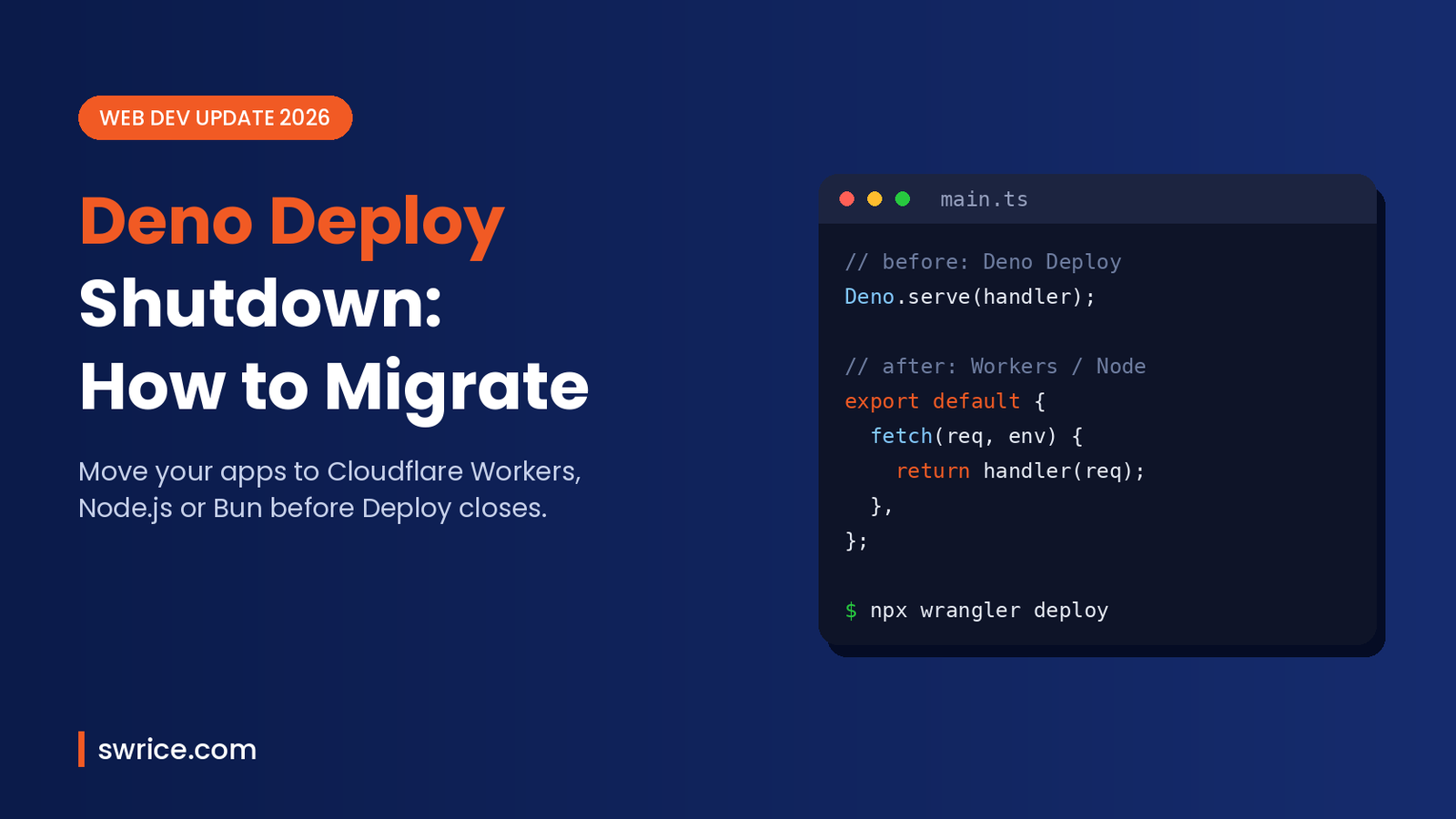
The Deno Deploy shutdown is now official, and if you host anything on Deploy, the clock is running. On October 9, 2026, Ryan Dahl announced that the whole Deno team is joining Cloudflare. As a result, Deno Deploy will keep running for six months and then close.
The Deno Deploy shutdown leaves developers with real questions. Where should your apps go? What happens to the Deno runtime itself? And how much code do you need to change? This guide answers all three in plain English, with code you can copy.
What Was Announced on October 9, 2026
First, let’s separate facts from rumours. According to the official Deno blog post, these are the key points:
- The Deno team is joining Cloudflare. Future work will focus on a shared platform instead of a separate runtime and hosting service.
- Deno Deploy runs for six more months, then shuts down. Paying customers get migration support to Cloudflare Workers.
- The Deno runtime gets one more year of monthly releases with bug fixes and security updates. After that, the team stops developing it.
- Deno stays open source. The team says others are welcome to continue its development.
- JSR keeps running, and its infrastructure moves to Cloudflare.
- rusty_v8 stays supported, and the team will work on bringing it into Cloudflare’s
workerdruntime.
The post does not give an exact calendar date for Deploy. However, six months from the announcement points to roughly April 2027. In practice, treat the Deno Deploy shutdown as a spring 2027 deadline and finish well before then.
Deno Deploy Shutdown Timeline: Key Dates
- October 9, 2026: announcement published.
- Around April 2027 (estimate): Deno Deploy closes, six months after the announcement.
- Around October 2027 (estimate): the last planned Deno runtime maintenance release, one year after the announcement.
Because the two dates differ, the Deno Deploy shutdown is the urgent deadline. Your local Deno tooling, on the other hand, keeps getting patches for longer.
Who Is Affected by the Deno Deploy Shutdown?
Not every Deno user has the same problem. So, before you start rewriting code, work out which group you belong to.
- Apps hosted on Deno Deploy: you must move. This is the group with the hardest deadline.
- Apps using Deno KV on Deploy: you must move your data as well as your code. This takes the most planning.
- Self-hosted Deno apps (VPS, Docker): nothing breaks today. Still, you should plan a move to a runtime with long-term support.
- Scripts and tooling run with the Deno CLI: these keep working. You have about a year of security fixes to switch over calmly.
Step 1: Audit Your Deno-Specific Code
The good news is that the Deno Deploy shutdown is less scary than it sounds, because a lot of modern Deno code is already portable. Deno uses web-standard APIs like fetch, Request and Response. Those work in Cloudflare Workers, Node.js and Bun too.
The parts that need attention are the Deno.* globals. For example, Deno.serve, Deno.env, Deno.readTextFile and Deno.openKv only exist in Deno. A quick search shows how many you have:
grep -rn "Deno\." --include="*.ts" --include="*.tsx" .Next, check your imports. Packages from JSR still work, because JSR stays online. Meanwhile, npm: specifiers usually map cleanly to regular npm installs. On the other hand, raw URL imports may need replacing with npm or JSR packages.
Step 2: Choose Your New Platform
There are three practical destinations. Each one suits a different kind of project.
Option A: Cloudflare Workers
Workers is the officially suggested path after the Deno Deploy shutdown, and paying Deploy customers get help moving there. It is also the closest match to Deploy’s edge-first model. Like Deploy, it runs your code close to users around the world.
Workers also supports many Node.js APIs. To use them, you turn on the nodejs_compat flag, as explained in the Cloudflare Node.js compatibility docs.
Option B: Node.js on a Server or Container
If you prefer a long-running server, Node.js is the safest long-term bet. It has a predictable LTS schedule, which we covered in our Node.js 26 LTS guide. Plus, Node now runs TypeScript files directly in many cases, so the switch feels less painful than it used to.
Option C: Bun
Bun is another option if you like an all-in-one toolkit. It runs TypeScript out of the box and supports most Node APIs. That said, test your dependencies carefully before you commit.
Step 3: Rewrite the Entry Point
For most apps, the entry point is the biggest change. On Deno Deploy, a typical app starts a server with Deno.serve:
// main.ts (Deno Deploy)
Deno.serve((req: Request) => {
  return new Response("Hello from Deno!");
});
On Cloudflare Workers, you export an object with a fetch method instead. Notice that the handler logic itself barely changes:
// src/index.ts (Cloudflare Workers)
export default {
  async fetch(req: Request, env: Env, ctx: ExecutionContext) {
    return new Response("Hello from Workers!");
  },
};
Then add a small Wrangler config and deploy:
# wrangler.toml
name = "my-app"
main = "src/index.ts"
compatibility_date = "2026-11-01"
compatibility_flags = ["nodejs_compat"]
npx wrangler dev # run locally
npx wrangler deploy # push to CloudflareThe compatibility date pins the runtime behaviour your Worker expects. You can read more about it in the Workers compatibility flags docs.
Use a Portable Framework for the Deno Deploy Shutdown
If you are rewriting anyway, consider a framework that runs everywhere. Hono is a popular choice, because the same app runs on Deno, Workers, Node.js and Bun. Only the small entry file changes:
// app.ts – shared by every runtime
import { Hono } from "hono";
export const app = new Hono();
app.get("/", (c) => c.text("Hello!"));

// workers.ts
import { app } from "./app";
export default app;

// node.ts
import { serve } from "@hono/node-server";
import { app } from "./app";
serve({ fetch: app.fetch, port: 3000 });
This pattern protects you from the next platform change, too. In other words, you pay the migration cost once.
Step 4: Move Environment Variables and Secrets
Next, move your configuration. Environment variables are easy to forget during the Deno Deploy shutdown rush. In Deno you read values with Deno.env.get("API_KEY"). In Workers, secrets arrive on the env object passed to your handler, so you read env.API_KEY. You add them with the Wrangler CLI:
npx wrangler secret put API_KEYIn Node.js, simply switch to process.env.API_KEY. Either way, list every variable from your Deploy dashboard first, so nothing gets lost.
Step 5: Plan Your Deno KV Migration
Deno KV is the trickiest part of the Deno Deploy shutdown. There is no drop-in replacement for Deno.openKv on other platforms. Therefore, you need to export your data and pick a new store.
- Workers KV suits simple, read-heavy key-value data such as settings or cache entries.
- Durable Objects with SQLite suit data that needs strong consistency or transactions.
- Postgres, Redis or SQLite are good picks if you move to Node.js or Bun.
Write a one-off script that lists every key with kv.list() and writes the results to JSON. After that, import the JSON into your new store and test reads before you switch traffic.
Step 6: Test, Switch DNS and Monitor
Finally, deploy the new version next to the old one. Run the same requests against both and compare the responses. Once they match, point your custom domain at the new platform.
Keep the Deploy project alive for a few days as a fallback, since the Deno Deploy shutdown is still months away. Then, once logs look clean, delete it. If your app uses TypeScript heavily, it is also a good moment to review your compiler setup with our TypeScript 7.1 Beta guide.
Deno Deploy Shutdown: Common Mistakes to Avoid
- Waiting for the final month. Migrations always take longer than expected, so start now.
- Forgetting cron jobs and queues. Check for
Deno.cronor queue usage, and recreate it with Workers Cron Triggers or a scheduler. - Skipping KV backups. Export your data early, even before you choose a new store.
- Ignoring file system calls. Workers cannot read your project folder at runtime like Deno can, so serve static files as Workers assets instead.
FAQ
When exactly does Deno Deploy shut down?
The official post says Deploy keeps running for six months after the October 9, 2026 announcement. No exact day was given, but that points to around April 2027.
Is the Deno runtime dead?
Not yet. It gets monthly bug-fix and security releases for one year. After that, the Deno team stops development, although the project remains open source.
Does JSR keep working after the Deno Deploy shutdown?
Yes. JSR continues to operate, and its infrastructure is moving to Cloudflare. Your JSR packages remain available.
Is Cloudflare Workers the only migration option?
No. Workers is the suggested path for Deploy customers. However, Node.js, Bun or a container on any host are all valid choices.
Conclusion
The Deno Deploy shutdown is a big change, yet it is a manageable one. Most Deno code already uses web standards, so the real work is the entry point, secrets and Deno KV data. Start with a quick audit today, pick Workers, Node.js or Bun, and move your data early. That way, the deadline passes without any downtime for your users.
Sources
Need Help With Your Website or Web App?
Swrice builds and customises WordPress sites, plugins and web apps. Whether you need an upgrade, a custom feature or a fix, our team can handle it for you.
Leave a Reply