

WordPress jQuery 4 support is finally on the way, and the first step lands in WordPress 7.2. The release ships jQuery Migrate 3.6.0, which warns you about code that will break under jQuery 4. So if your theme or plugin still uses old jQuery helpers, now is the time to find them.
In this guide, we explain what the core team has planned, which jQuery 4 changes matter most, and how to test your site today. We also share simple code fixes you can apply in minutes.
What Is Changing With WordPress jQuery 4?
jQuery 4.0.0 was released in January 2026. It is the first major jQuery version in almost a decade. However, WordPress core still bundles jQuery 3, because millions of plugins and themes depend on it.
To avoid breaking sites, the core team chose a slow, staged rollout. On November 17, 2026, they published a dev note called Preparing for jQuery 4 with WordPress 7.2. It explains that WordPress 7.2 will ship jQuery Migrate 3.6.0 first. This newer Migrate version can warn about many more features that jQuery 4 removes.
In other words, WordPress 7.2 does not switch to jQuery 4 yet. Instead, it gives developers an early warning system. As a result, you can fix problems before the real upgrade arrives.
The Planned WordPress jQuery 4 Timeline
According to the dev note, the plan currently looks like this:
- WordPress 7.2 (scheduled for December 8, 2026): update jQuery Migrate to 3.6.0.
- WordPress 7.3: tentatively update to the latest jQuery and jQuery Migrate, plus the latest jQuery UI and other jQuery-based libraries. This depends on test results.
- End of 2027 (WordPress 7.5 or 7.6): disable jQuery Migrate by default, again depending on testing and ecosystem impact.
Notably, the team points out that the jQuery 3 update in 2020 took several releases. Even then, the final step of turning off Migrate by default never happened. This time, they want a clear, announced schedule. You can follow progress on Trac ticket #60478.
Why jQuery Migrate 3.6.0 Matters
jQuery Migrate is a helper library. It restores some removed jQuery behaviour and, more importantly, logs a warning when old code uses it. Therefore, it acts like a smoke detector for outdated jQuery.
For the WordPress jQuery 4 rollout, Migrate is the key tool. It lets you see problems on a normal WordPress 7.2 install, long before jQuery itself changes.
WordPress has loaded Migrate alongside jQuery for years. Until now, it shipped an older 3.x release that knew little about jQuery 4. Version 3.6.0, however, flags many of the APIs that jQuery 4 drops. So once your site runs WordPress 7.2, the browser console can tell you exactly what needs fixing.
There is one catch, though. The official jQuery 4.0 upgrade guide explains that only the uncompressed development build prints detailed warnings. The minified build stays mostly silent. We cover how to switch builds in WordPress below.
Key jQuery 4 Breaking Changes for WordPress Developers
Most jQuery code will keep working. Still, several changes commonly appear in older WordPress plugins and themes. Here are the ones to check first.
Removed Utility Functions
jQuery 4 removes a group of helpers that were deprecated in earlier versions. Each one has a native JavaScript replacement:
jQuery.trim()→String.prototype.trim()jQuery.isArray()→Array.isArray()jQuery.isFunction()→typeof value === "function"jQuery.parseJSON()→JSON.parse()jQuery.now()→Date.now()jQuery.isNumeric(),jQuery.type(),jQuery.unique(),jQuery.nodeName(),jQuery.isWindow()andjQuery.camelCase()are also gone
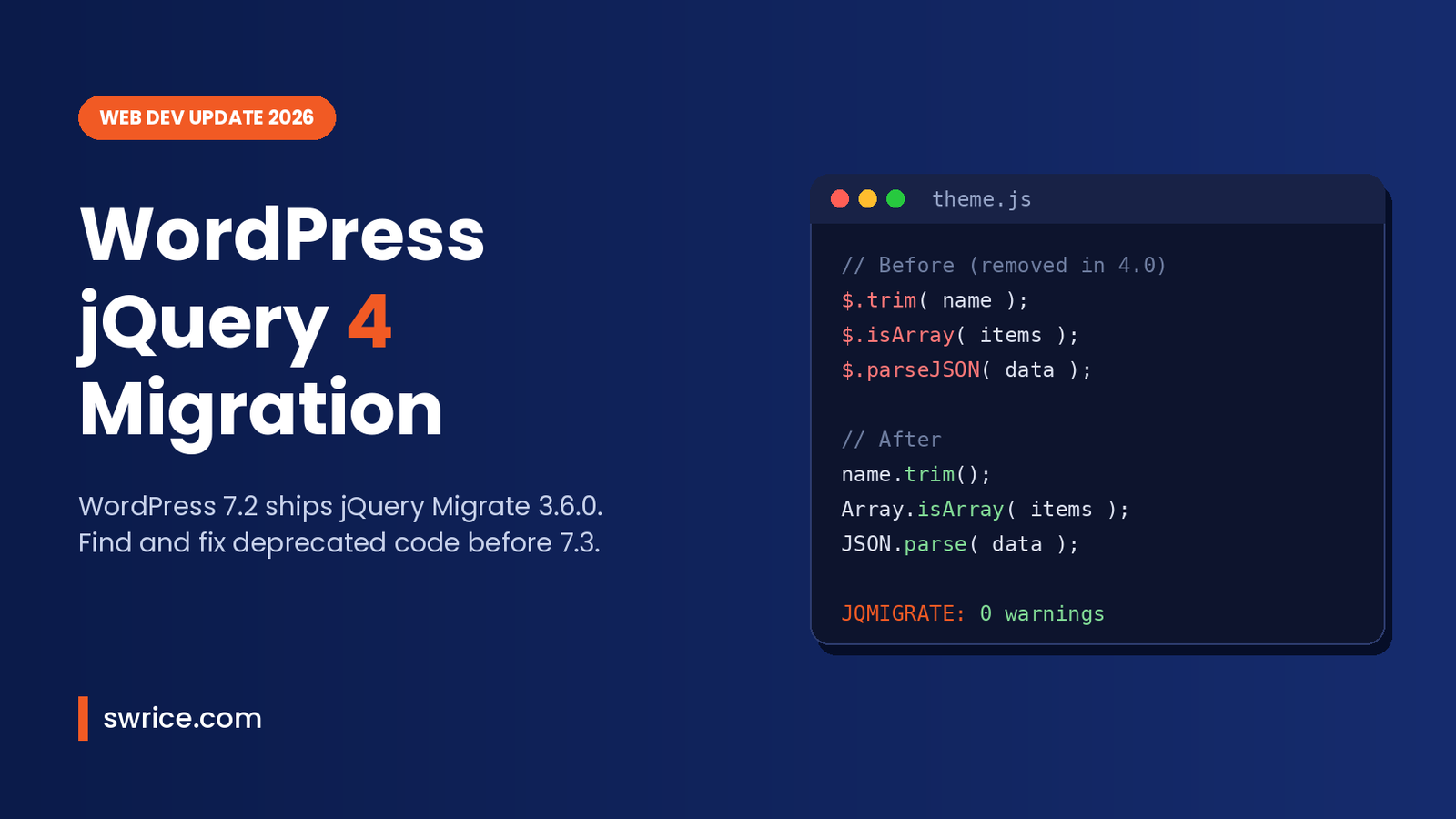
For example, this is a typical fix inside a theme script:
// Before: removed in jQuery 4
var name  = $.trim( $( '#name' ).val() );
var data  = $.parseJSON( response );
if ( $.isArray( items ) ) { /* ... */ }

// After: native JavaScript works everywhere
var name  = $( '#name' ).val().trim();
var data  = JSON.parse( response );
if ( Array.isArray( items ) ) { /* ... */ }
Other Changes Worth Checking
- toggleClass( boolean ): the signature that takes only a boolean or undefined is removed. Name the classes you want to toggle.
- JSONP auto-promotion: a JSON request with a callback is no longer turned into JSONP. Use
dataType: "jsonp"explicitly. - Unitless CSS values: jQuery no longer adds
pxto most unitless numbers. Write units yourself, such as'20px'. - Array methods: the internal
push,sortandsplicemethods, which were never part of the public API, are removed from jQuery objects. - focusin and focusout: jQuery no longer shims these events, which can change event order in rare cases.
- Browser support: jQuery 4 drops Internet Explorer 10 and older, plus legacy (non-Chromium) Edge.
In addition, the upgrade guide notes that jQuery 4 needs jQuery UI 1.13.3 or newer. That is one reason the WordPress team plans to update jQuery UI in the same release.
How to Test Your Site for WordPress jQuery 4 Issues
Fortunately, testing is straightforward. Always use a staging copy rather than your live site. If you need a quick local copy, our guide to copying a WordPress site locally with Reprint walks you through it.
Step 1: Install WordPress 7.2 on Staging
WordPress 7.2 is in the release candidate phase now. You can install the RC with the WordPress Beta Tester plugin or with WP-CLI. Our WordPress 7.2 beta testing guide covers both methods.
Step 2: Load the Unminified Scripts
Next, enable SCRIPT_DEBUG in wp-config.php. With it on, WordPress loads the development versions of core scripts, including the full jQuery Migrate build that prints warnings.
// wp-config.php on your staging site
define( 'WP_DEBUG', true );
define( 'SCRIPT_DEBUG', true );
Step 3: Read the JQMIGRATE Warnings
Now open your site, and also the admin screens your plugins use. Then open the browser DevTools console. Look for messages that start with JQMIGRATE:. Each one names the deprecated feature, and the stack trace points to the file that called it.
For best results, click through real user flows. For instance, submit forms, open modals, add products to the cart and save settings. Many jQuery calls only run after an interaction. A clean console after these checks is a good sign that your site is ready for WordPress jQuery 4.
Step 4: Fix or Report Each Warning
- Your own code: replace the deprecated call with its modern equivalent, as shown above.
- Third-party plugins and themes: note the warning and the plugin name, then report it in the vendor’s support forum.
- Abandoned plugins: plan a replacement now, before WordPress 7.3 arrives.
Want to go a step further? The Test jQuery Updates plugin from WordPress contributors lets you try newer jQuery versions on a test site. That way, you can run your code against jQuery 4 itself, not just the Migrate warnings.
What This Means for Plugin and Theme Developers
If you maintain a plugin or theme, the WordPress jQuery 4 change deserves a slot in your roadmap. Thankfully, most fixes are small and safe today, because native methods like Array.isArray() already work in every supported browser. So you can ship them now without waiting for 7.3.
We also suggest adding a short note to your changelog once your code is ready for WordPress jQuery 4. Site owners and agencies will likely ask vendors about it, so a clear answer builds trust.
Moreover, it is a good moment to ask whether you still need jQuery at all. Many simple tasks, such as selecting elements or toggling classes, are easy with plain JavaScript. Dropping jQuery from a script also removes it from the page when nothing else needs it, which can help performance.
Finally, remember that 7.2 brings other developer changes as well. For example, we covered the removal of script concatenation in WordPress 7.2 and PHP 8.6 compatibility. Testing all of them together on one staging site saves time.
WordPress jQuery 4 FAQ
Does WordPress 7.2 include jQuery 4?
No. WordPress 7.2 only updates jQuery Migrate to 3.6.0. The move to jQuery 4 itself is tentatively planned for WordPress 7.3, depending on test results.
Will my site break when I update to WordPress 7.2?
It should not. jQuery itself stays on version 3 in 7.2, and Migrate keeps restoring older behaviour. The main change is better warnings for developers.
When will jQuery Migrate be turned off?
The current plan is to disable it by default at the end of 2027, in WordPress 7.5 or 7.6. That date also depends on testing and ecosystem impact.
How do I see jQuery Migrate warnings?
Enable SCRIPT_DEBUG on a staging site, then check the browser console for messages starting with JQMIGRATE:.
Conclusion
The WordPress jQuery 4 upgrade is a multi-release project, and WordPress 7.2 starts it gently with jQuery Migrate 3.6.0. As a result, developers get a clear window to find deprecated code before 7.3. Set up a staging site, turn on SCRIPT_DEBUG and read the console warnings. Then replace old helpers with native JavaScript. A small effort now will keep your site stable when WordPress jQuery 4 support ships.
Sources
Need Help With Your Website or Web App?
Swrice builds and customises WordPress sites, plugins and web apps. Whether you need an upgrade, a custom feature or a fix, our team can handle it for you.
Leave a Reply