

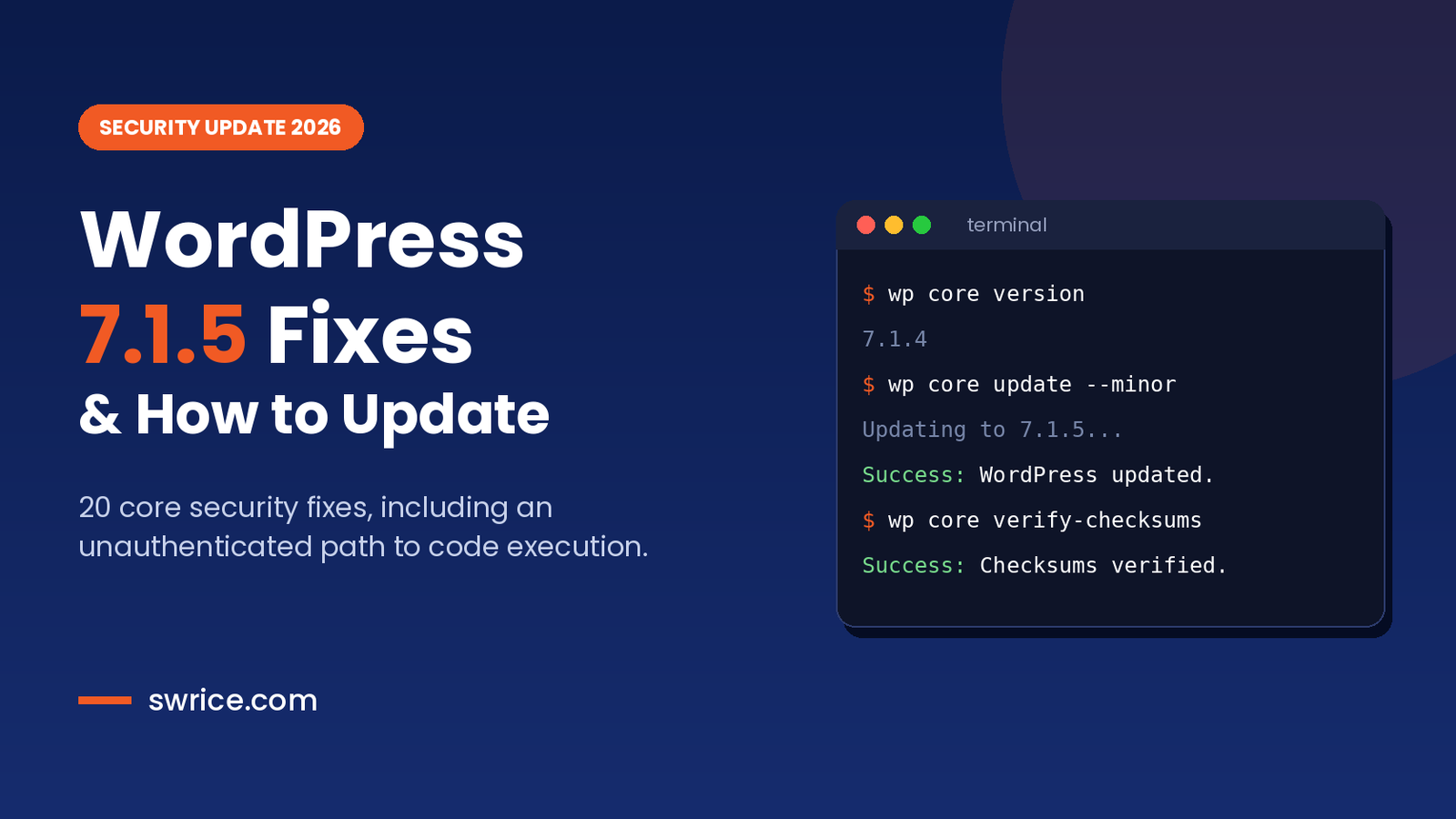
WordPress 7.1.5 is a security release that shipped on November 18, 2026, and it fixes 20 issues in WordPress core. One of those issues could let a visitor with no account escalate privileges and, in turn, reach remote code execution. As a result, this is not an update to leave for next month.
In this guide, we explain what the release fixes, which sites are at risk and how to update safely. We also cover the quick checks to run afterwards, so you know the patch actually landed.
What Is WordPress 7.1.5?
WordPress 7.1.5 is a minor release on the 7.1 branch. It adds no new features. Instead, every change targets security. The official release notes list 20 entries in total.
According to Patchstack’s analysis, 18 of those entries are real vulnerabilities. The other two are hardening changes with no known exploit path. Even so, the WordPress project asks all site owners to update right away.
In addition, the team shipped patched builds for every older branch back to 4.7. However, keep in mind that only the newest version of WordPress is actively supported.
The Most Serious Fixes in WordPress 7.1.5
The release notes don’t include CVE numbers or severity scores. Therefore, the best way to judge risk is to look at who can trigger each flaw. Issues that need no login matter most, because any visitor can try them.
Unauthenticated Privilege Escalation via Template Part Blocks
This is the headline fix. A flaw in Template Part block attributes allowed privilege escalation without an account. The release notes warn that it could lead to remote code execution. Template parts hold shared layout pieces such as headers and footers, so block themes use them heavily.
Other Flaws That Need No Login
Several more issues could be triggered by anonymous visitors. For example, the release fixes:
- Stored XSS through shortcode attributes in comments.
- A denial of service through batched XML-RPC pingbacks.
- Exposure of private taxonomy terms through the REST API search endpoint.
If your site accepts comments or still has XML-RPC turned on, these fixes apply directly to you.
Multisite Super Admin Takeover
Multisite networks get an important fix too. A site Administrator could take over a Super Admin account through Customizer menu previews. On a shared network, that means one site owner could gain control of the whole network.
SQL Injection and Role-Based Flaws
Two SQL injection issues are also patched. One sits in WP_Meta_Query and involves nested relation values. The other uses the front page setting in Customizer changeset previews.
Beyond that, several flaws need a logged-in user. Contributors could inject stored XSS through the Comment Date block’s date format. Authors could read user email addresses through the REST API comments endpoint. Meanwhile, Subscribers could read comment data through the XML-RPC wp.getComments method.
Full List of Areas Patched
Here is a grouped summary of everything WordPress 7.1.5 touches. It helps plugin developers spot code that may interact with the changed areas.
- Block editor: Template Part block attributes, the Comment Date block, Openverse image metadata, and media filenames when converting a media block to a File block.
- Customizer: menu previews on Multisite, changeset previews and stored XSS in previews.
- REST API: the comments endpoint, the search endpoint, and post and template author assignment.
- XML-RPC: batched pingbacks and
wp.getComments. - Core APIs:
WP_Meta_Query, shortcode attributes in comments, oEmbed provider responses and an Interactivity API context helper. - Admin: comment editing permissions and the legacy media library popup.
- Hardening: a stricter JSON media type check and removal of the Imgur embed variation, whose provider no longer exists.
Notably, the changelog lists no revised packages. All changes live in core PHP files, such as the REST API controllers, the Customizer classes and the XML-RPC server.
Which Versions Are Affected?
WordPress 7.0, 6.9 and every branch down to 6.5 are affected by all 20 issues. Older branches are affected by fewer, but still by many. For instance, 4.7 is affected by 11 of them.
Each branch has its own patched build. The main ones are:
- 7.1 branch: update to 7.1.5
- 7.0 branch: update to 7.0.9
- 6.9 branch: update to 6.9.12
- 6.8 branch: update to 6.8.13
- 4.7 branch: update to 4.7.40 (the oldest branch still patched)
Versions 4.6 and earlier no longer get security updates at all. If you still run one of them, a full upgrade is the only safe option.
How to Update to WordPress 7.1.5
Most sites will receive this release automatically, since minor core updates are on by default. Still, you should confirm it rather than assume it. Here are three reliable ways to update.
Update From the Dashboard
First, take a full backup of your files and database. Next, go to Dashboard → Updates and click the update button. Finally, reload the Updates screen to confirm the new version. The official updating guide covers manual updates if the button fails.
Update With WP-CLI
If you manage several sites, WP-CLI is faster. Run these commands from the site’s root folder:
# Check the current version
wp core version

# Apply the latest minor (security) release on your branch
wp core update --minor

# Confirm core files match the official checksums
wp core verify-checksums

# Multisite only: update every site's database
wp core update-db --network
The --minor flag keeps you on your current branch. That way, a 7.0 site moves to 7.0.9 rather than jumping to a new major version.
Keep Automatic Security Updates On
Some hosts or old configs switch core updates off. To make sure security releases install on their own, check wp-config.php for this line:
// Allow automatic minor (security) core updates
define( 'WP_AUTO_UPDATE_CORE', 'minor' );
If you find it set to false, change it back. Otherwise, your site will miss the next security release as well.
What to Check After Updating
Installing WordPress 7.1.5 is only half the job. Next, run a few quick checks to confirm everything still works:
- Open the header and footer on the front end, because the Template Part fix touches those areas.
- Post a test comment and make sure shortcodes in comments behave as expected.
- Test any custom code that uses
WP_Meta_Querywith nested relations. - If an integration relies on XML-RPC pingbacks or
wp.getComments, confirm it still connects. - On Multisite, check that Super Admin roles look correct across the network.
For extra protection, pair core updates with a solid security plugin. Our guide to the best WordPress security plugins compares the leading options. In particular, a web application firewall can block attacks between the day a flaw goes public and the day you patch.
WordPress 7.1.5 and the Upcoming 7.2 Release
WordPress 7.2 is still on track. The official 7.2 schedule plans the final release for December 8, 2026. According to the release coverage, its Release Candidate 2 already carries the same security fixes.
So if you test 7.2 on staging, you are covered there too. Our WordPress 7.2 beta guide explains what is coming. For plugin authors, the WordPress 7.2 REST API changes are worth reading next, especially after this release patched three REST API flaws.
FAQ
Is WordPress 7.1.5 safe to install right away?
Yes. It is a security-only release with no new features, so the risk of breakage is low. Even so, take a backup first and test on staging if your site has heavy custom code.
Will my site update automatically?
Most sites will get WordPress 7.1.5 on their own, because minor core updates are enabled by default. However, some hosts or configs turn them off, so always check the version on the Updates screen.
Do I need 7.1.5 if I’m still on WordPress 6.9?
You need the patched build for your branch, which is 6.9.12. That said, only the latest version is actively supported, so plan a move to 7.1 soon.
Are any of these flaws being exploited?
The official announcement doesn’t mention active attacks. Nevertheless, public patches make it easier for attackers to work out the flaws, so update quickly.
Conclusion
WordPress 7.1.5 fixes 20 security issues, and several of them need no login at all. The Template Part flaw stands out, because it could lead to full remote code execution. In short, update today, confirm the version and run a quick round of checks.
If you run several sites, use WP-CLI to apply the patch in minutes. Then keep automatic minor updates on, so the next security release installs without any effort from you.
Sources
Need Help With Your Website or Web App?
Swrice builds and customises WordPress sites, plugins and web apps. Whether you need an upgrade, a custom feature or a fix, our team can handle it for you.
Leave a Reply