

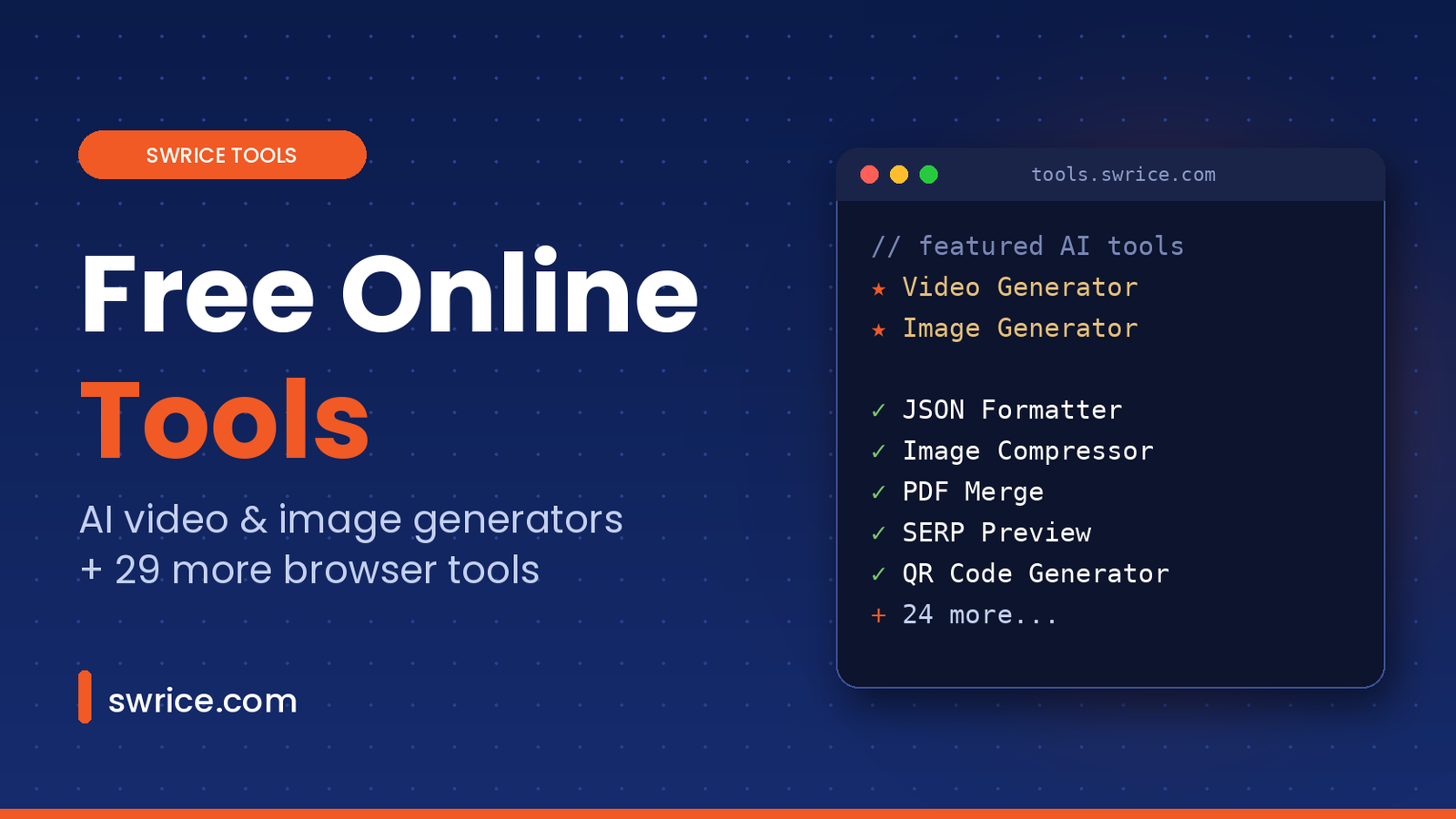
Free online tools save you from installing yet another app for a two-minute job. Whether you need to format JSON, compress an image, merge PDFs or check how a page looks in Google, the right tool should open instantly and just work. That is exactly why we built Swrice Tools.
Swrice Tools is a growing collection of 31 free online tools for developers, designers, marketers and content creators. Most of them run right in your browser, there is no sign-up, and every tool is built by the same team behind swrice.com. In this guide, we walk through every tool, explain who each one is for, and show how they connect to the WordPress work we do every day.
Featured: Free AI Video and Image Generators
Two tools stand out in the collection, so we put them first. The AI Video Generator and AI Image Generator turn a few lines of text into finished visual content, with no design or editing skills needed.
AI TOOL · FREE
🎬 AI Video Generator
Turn a written story into a narrated video with AI-planned scenes, visuals, captions and music. Export in 16:9 for YouTube or 9:16 for Shorts, in 720p or 1080p.
AI TOOL · FREE
🖼️ AI Image Generator
Describe what you want and get an AI-generated image from your text prompt. Use it for blog headers, social posts, thumbnails or quick concept art.
Both AI tools are free to try and need no sign-up. Because they use AI service providers to create their results, avoid putting private or sensitive information into your prompts. For a step-by-step walkthrough of the video tool, read our full free video generator guide.
What Is Swrice Tools?
Swrice Tools lives at tools.swrice.com. It is our home for small, fast utilities that we kept needing during client projects. Instead of jumping between a dozen different websites, we put them in one clean place. The tools are grouped into six categories: Developer, Image, Text, SEO, PDF and Generators.
Every tool has a simple goal: do one job well, with as few clicks as possible. You open the page, paste or drop your input, and get the result. No account, no email and no waiting.
Why Use Free Online Tools From Swrice?
- No sign-up. Every tool is ready the moment the page loads.
- Browser-based. Many tools process your data locally in the browser, so files never leave your device. A few AI features, such as the Video and Image Generators, use outside services to create their results.
- Fast and focused. Each page does one thing, without pop-ups or clutter.
- Built by developers. We use these tools ourselves on real WordPress and web projects, so we keep them practical.
- Free. All 31 tools are free to use.
Free Online Developer Tools
These tools help with the everyday data and debugging tasks that come up in web development:
- JSON Formatter: beautify messy JSON and check it in one step.
- JSON Validator: find out whether your JSON is valid and see exactly where errors are.
- JSON Minifier: strip whitespace to make JSON smaller.
- Base64 Encoder: encode and decode text or files in Base64.
- URL Encoder: encode and decode URLs and query strings.
- JWT Decoder: read the header and payload of a JSON Web Token.
- UUID Generator: create random UUID v4 identifiers.
- Regex Tester: test regular expressions against sample text before you ship them.
If you are new to the format, the official JSON site explains the syntax in a single page. And if you work with AI coding agents, our guide to Chrome DevTools MCP pairs well with these debugging tools.
Image Tools
Large images are one of the most common reasons a WordPress site feels slow. These tools help you fix that before you upload:
- Image Compressor: reduce file size while keeping images sharp.
- Image Resizer: resize by exact dimensions or by percentage.
- JPG to PNG and PNG to JPG: switch between the two most common formats.
- WebP Converter: convert images to and from WebP, a modern format that is usually smaller.
Text Tools
Writers, editors and developers all use these on a daily basis:
- Word Counter: count words, characters, sentences and reading time.
- Character Counter: check length with and without spaces, which is handy for meta descriptions.
- Case Converter: switch text between upper, lower, title and sentence case.
- Text Diff: highlight the differences between two blocks of text.
- Lorem Ipsum: generate placeholder text for mockups.
SEO Tools
Good SEO starts with the basics. These free online tools help you get them right:
- Meta Generator: create title, description and Open Graph tags.
- Schema Generator: build JSON-LD structured data based on Schema.org types.
- Robots.txt Generator: write crawler rules without memorising the syntax.
- SERP Preview: see how your title and description may look in Google before you publish.
We use the same checks on our own blog. In fact, every post on swrice.com goes through a title and meta description review before it goes live.
PDF Tools
- PDF Merge: combine several PDFs into one file.
- PDF Split: pull out pages by range.
- PDF Compress: shrink PDFs for email or upload.
- PDF to JPG: turn PDF pages into images.
More Free Generators
Alongside the featured AI Video and Image Generators, these quick generators handle everyday jobs:
- QR Code Generator: create QR codes you can download.
- Password Generator: create strong random passwords with your own rules.
- Favicon Generator: create favicons in all the sizes a site needs.
Tips for Getting the Most Out of Free Online Tools
- Bookmark the tools you use most. A one-click bookmark is faster than searching every time.
- Compress before you upload. Run images through the Image Compressor or WebP Converter before adding them to WordPress, and your pages will load faster.
- Validate before you deploy. A quick pass through the JSON Validator or Regex Tester can save you from a broken release.
- Check your snippets. Use the Character Counter and SERP Preview together to keep titles and meta descriptions within a sensible length.
- Keep sensitive data in mind. Free online tools that run in the browser are a good fit for private files, while AI tools are better for content you are happy to share with a service provider.
Used this way, a small set of free online tools can replace several paid apps and save you real time every week.
Who Are These Free Online Tools For?
- Developers who need quick JSON, Base64, JWT or regex checks during a build.
- WordPress site owners who want lighter images and better meta tags without extra plugins.
- Marketers and SEOs who preview search snippets and generate schema markup.
- Content creators who turn stories into videos, generate images and count words.
- Students and teams who just need a PDF merged or a QR code made, fast.
How Swrice Tools Connects to Swrice.com
Swrice is a WordPress development team. On swrice.com, we build and customise WordPress sites, create plugins for LearnDash, Tutor LMS and GamiPress, and publish practical guides for developers. Swrice Tools grew out of that work. Many of these utilities started as small helpers we used on client projects.
So the two sites work together. Use the free online tools for quick tasks, then visit swrice.com when you need something bigger, such as a custom feature, a plugin or a full website. You can browse our WordPress services, check our WordPress plugins, or read the latest posts on the Swrice blog.
FAQ
Are these free online tools really free?
Yes. All 31 tools are free to use, and you do not need an account.
Are my files uploaded to a server?
Many tools process files locally in your browser, so nothing is uploaded. Some AI features, such as the Video and Image Generators, send data to selected service providers to create the result.
Do the tools work on mobile?
Yes. The tools run in any modern browser, so you can use them on a phone, tablet or desktop.
Can Swrice build a custom tool for my website?
Yes. We build custom WordPress tools, plugins and web apps. Get in touch and tell us what you need.
Conclusion
Swrice Tools brings 31 free online tools together in one fast, simple place. The AI Video Generator and AI Image Generator lead the way, backed by JSON and regex helpers, image compression, PDF tools and SEO checks. Bookmark tools.swrice.com for your everyday tasks. When a project needs more than a quick tool, the Swrice team is one click away.
Want a Custom Tool Like This for Your Website?
Swrice builds custom WordPress tools, plugins and web apps. If you have an idea, our team can turn it into a working feature for your site.
Leave a Reply