

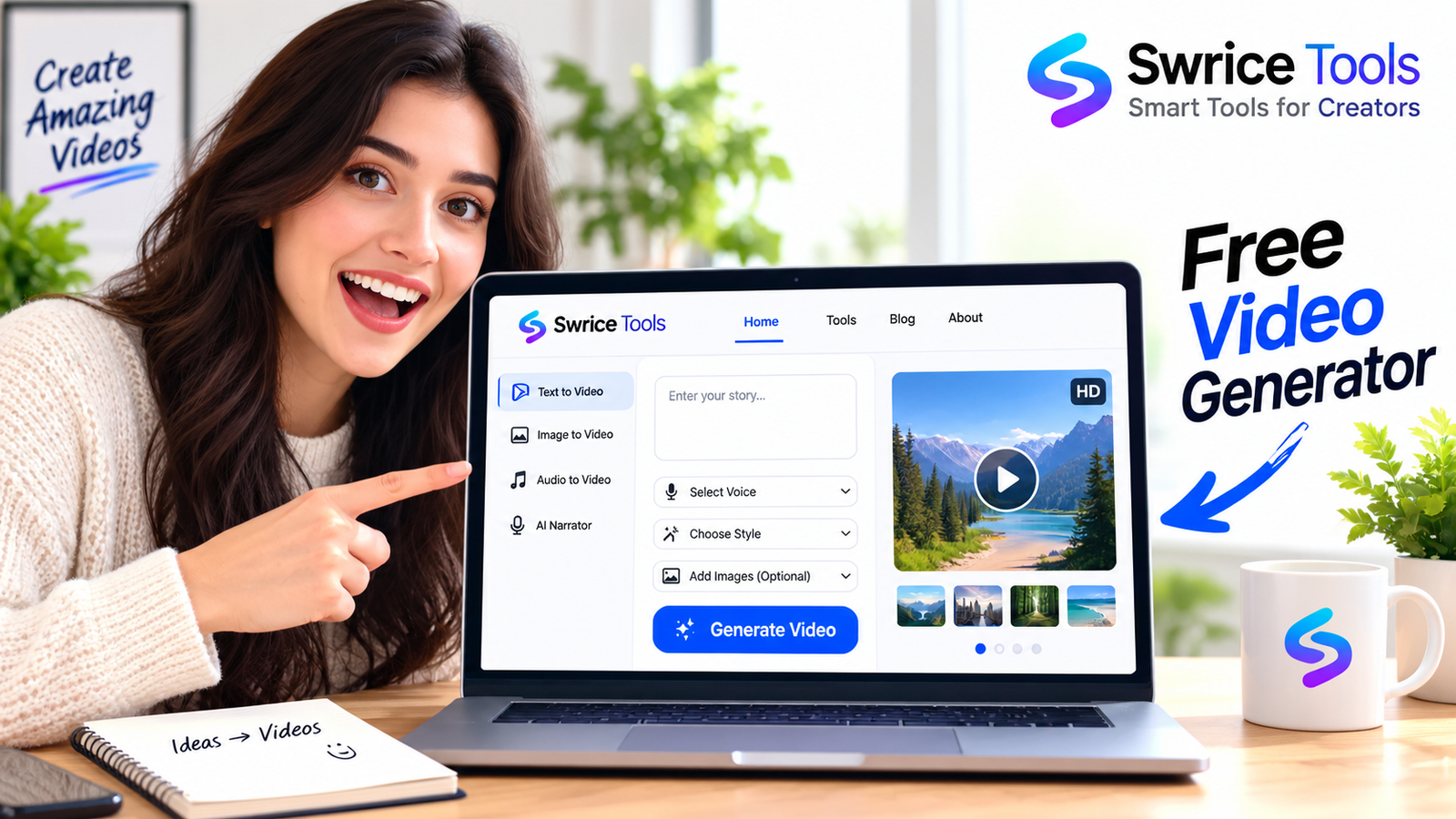
Looking for a free video generator that can turn your stories and scripts into engaging videos? Swrice Story to Video lets you create narrated videos directly in your browser using your own story, AI-generated scenes, images, narration, captions, music, and more.
You don’t need complicated video editing software to get started. Simply add your story, customize your scenes, and generate your video.
What Is a Free Video Generator?
A free video generator is an online tool that helps you create videos without requiring traditional video editing software.
With Swrice Story to Video, you can transform written content into a complete video by combining:
- Story or script
- Scene-based visuals
- Voice narration
- Captions
- Background music
- Images and GIFs
- Logo overlays
- Title and outro cards
This makes it useful for creators who want to turn written stories into videos quickly.
Create Videos From Your Stories
Swrice is designed around a simple story-to-video workflow.
You can paste your story and use the Full AI workflow to let AI help plan your scenes and generate visuals. You can also choose My Script + My Images if you want more control over your narration and visuals.
The tool supports stories of up to unlimited characters and can create up to unlimited scenes.
AI Video Generator With Scene Planning
Instead of manually creating every scene, the AI workflow can break your story into individual scenes.
Each scene can contain its own:
- Visual
- Narration
- Caption
- Timing
- Image or GIF
This is particularly useful when creating storytelling videos where different parts of the story need different visuals.
Free Voice Narration
Your video can include narration for each scene.
You can choose an AI narrator voice or use the free browser-based voice option. The browser voice option allows you to generate narration directly in your browser without requiring a separate voice-generation service.
This makes the tool useful for creators who want to experiment with narrated videos without adding another paid tool to their workflow.
Add Your Own Images and GIFs
You don’t have to rely entirely on AI-generated visuals.
You can upload your own images or GIFs and use them in individual scenes. This gives you more control over the final appearance of your video.
You can use your own visuals for:
- YouTube videos
- Story videos
- Educational content
- Tutorials
- Social media content
- Personal projects
Add Captions, Music and Your Logo
A good video needs more than just images and narration.
The free video generator includes options for adding additional elements such as:
- Automatic captions
- Background music
- Custom logo
- Image overlays
- Title cards
- Outro cards
- Call-to-action screens
You can customize these elements to create a video that matches your content and branding.
Create YouTube Shorts and Landscape Videos
Creating content for different platforms often requires different video dimensions.
SWRICE Story to Video supports both:
16:9 Landscape
Ideal for YouTube videos and standard video content.
9:16 Vertical
Designed for YouTube Shorts and other vertical video platforms.
You can also choose between 720p and 1080p output quality.
Free Online Video Generator in Your Browser
SWRICE Story to Video is designed to work directly in your web browser.
You can create your project, add scenes, upload visuals, customize narration, and generate the final video without installing traditional desktop video editing software.
Images and GIFs are processed directly in your browser rather than being uploaded to the server.
How to Use the Free Video Generator
Creating a video is straightforward:
1. Add Your Story
Start by entering your story, script, or other text content.
2. Create Your Scenes
Use the AI workflow to help organize your story into scenes, or create your own scenes manually.
3. Add Visuals
Use AI-generated visuals or add your own images and GIFs.
4. Add Narration
Choose a narrator voice and add narration to your scenes.
5. Customize Your Video
Add captions, background music, your logo, title cards, and an outro if needed.
6. Choose Your Format
Select landscape 16:9 or vertical 9:16, then choose your preferred video quality.
7. Generate Your Video
Preview your project and generate the finished video directly from your browser.
Why Use a Free Video Generator?
Creating videos manually can take a lot of time, especially when you need to prepare visuals, narration, captions, and audio separately.
A free video generator can simplify this workflow by bringing multiple steps together in one place.
SWRICE is especially useful if you want to:
- Turn stories into narrated videos
- Create YouTube content
- Make YouTube Shorts
- Experiment with AI-generated video scenes
- Add narration without a separate editor
- Create videos using your own images
- Produce simple videos directly in your browser
Create Your First Video for Free
If you have a story, script, or idea that you want to turn into a video, you can start with SWRICE Free Video Generator.
Add your story, build your scenes, choose your visuals and narration, customize your video, and generate the final result from your browser.
Start Creating Your Video
Try the SWRICE Free Video Generator and turn your story into a video.
Leave a Reply