

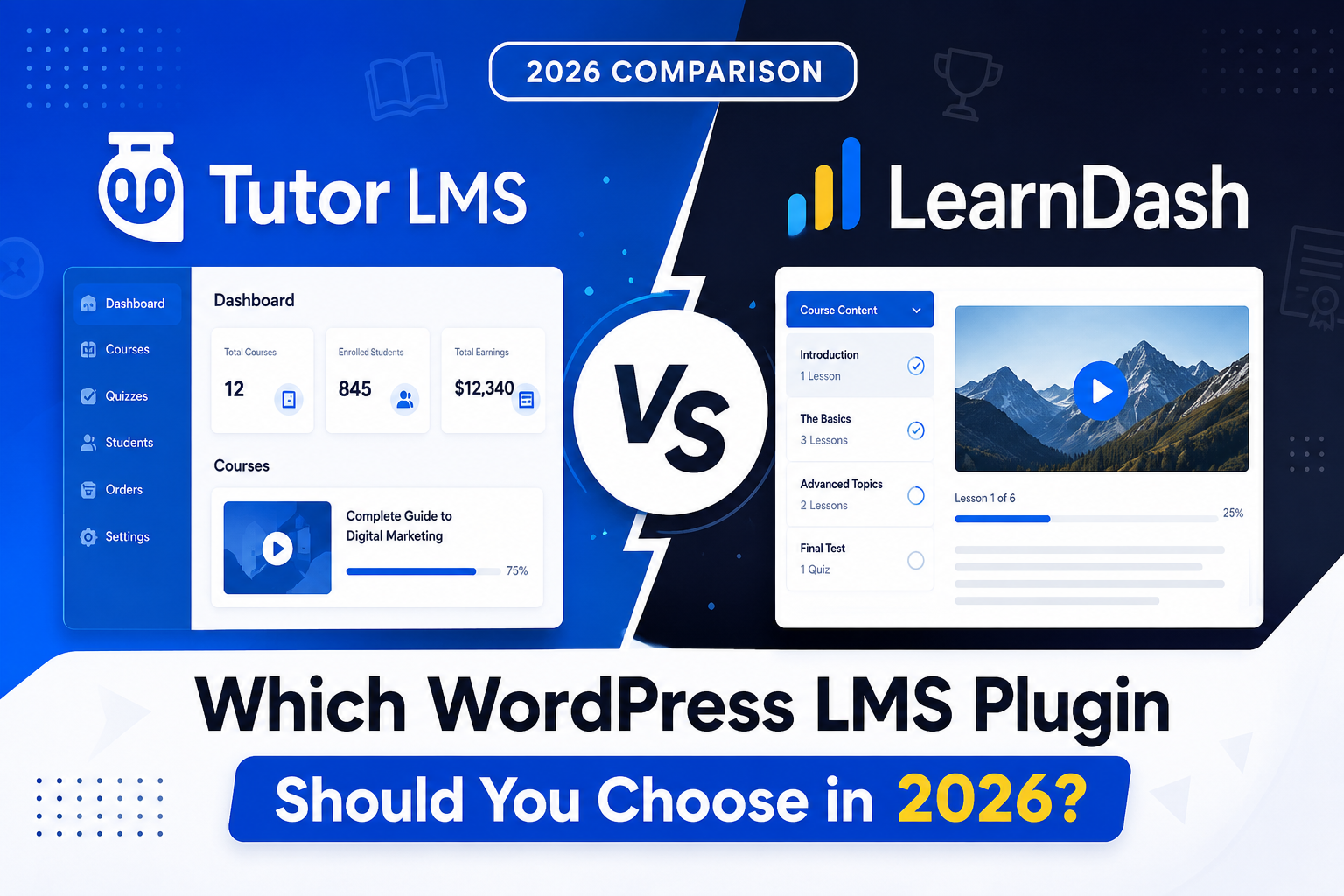
Choosing between Tutor LMS vs LearnDash is one of the biggest decisions you’ll make when building an online course platform on WordPress. Both plugins are trusted by thousands of course creators, but they take very different approaches to pricing, features, and customization. In this guide, we compare Tutor LMS and LearnDash side by side so you can pick the right LMS plugin for your website in 2026.
Quick Answer: Tutor LMS or LearnDash?
If you want a fast answer: choose Tutor LMS if you’re on a budget and want a modern, beginner-friendly builder with a generous free plan. Choose LearnDash if you need the most mature ecosystem, advanced drip-content rules, and the widest range of third-party add-ons. Below, we break down exactly why.
Tutor LMS vs LearnDash at a Glance
- Free Plan: Tutor LMS has a fully functional free version; LearnDash has no free plan
- Learning Curve: Tutor LMS is generally easier for beginners; LearnDash has more depth but a steeper curve
- Course Builder: Tutor LMS uses a modern drag-and-drop builder; LearnDash relies on the WordPress block editor with LearnDash blocks
- Add-on Ecosystem: LearnDash has a larger, more established marketplace; Tutor LMS’s ecosystem is growing quickly
- Pricing: Tutor LMS Pro plans typically start lower than LearnDash’s annual license
- Best For: Tutor LMS suits creators who want to launch fast on a budget; LearnDash suits creators who need advanced course logic and long-term stability
Tutor LMS Overview
Tutor LMS is a modern LMS plugin known for its clean course builder and generous free plan. It’s a popular pick for creators who want to launch quickly without a big upfront investment.
Key Features
- Drag-and-drop course builder
- Built-in quiz and certificate system
- Frontend course creation for instructors
- Free version with core LMS features
- Native WooCommerce integration for selling courses
Pros and Cons
- Beginner friendly with a shallow learning curve
- Strong free plan before you need to upgrade
- Clean, modern interface for students and instructors
- Smaller add-on marketplace compared to LearnDash
- Some advanced features are locked behind Pro plans
LearnDash Overview
LearnDash is one of the most established LMS plugins for WordPress, powering course platforms for universities, enterprises, and solo creators alike. It’s built for course creators who need advanced logic and long-term flexibility.
Key Features
- Advanced drip-content and course scheduling
- Deep integrations with GamiPress, BuddyBoss, and WooCommerce
- ProPanel analytics dashboard
- Focus Mode for distraction-free lessons
- One of the largest third-party add-on ecosystems in the LMS space
Pros and Cons
- Extremely flexible course structures and rules
- Large community and years of proven stability
- Huge selection of third-party add-ons
- No free version, a paid license is required from day one
- Steeper learning curve for beginners
- Default course pages can feel plain without add-ons for progress display or navigation
Pricing Comparison
Tutor LMS offers a free plan plus paid Pro tiers billed annually, so you can start without any upfront cost and upgrade as your course platform grows. LearnDash, on the other hand, is a paid-only plugin billed as an annual license based on how many sites you plan to use it on. Since both vendors update their pricing plans from time to time, always check their official pricing pages for the latest numbers before you buy.
Performance and Ease of Use
Both plugins are well-coded, and real-world performance depends more on your hosting, theme, and how many add-ons you stack than on the core plugin itself. Tutor LMS’s frontend course builder tends to feel faster to first-time users because of its modern, guided setup. LearnDash’s flexibility means performance depends on how many add-ons you layer on top of the core plugin, so it’s worth keeping your add-on stack lean.
Customization and Add-ons
Whichever plugin you choose, both benefit from add-ons that fix their default limitations. If you’re on Tutor LMS, our Custom Tabs for Tutor LMS add-on lets you organize course pages into unlimited custom tabs with no coding required. If you’re on LearnDash, our Collapsible Sections for LearnDash and LearnDash Course Progress plugins make course pages easier to navigate and more motivating for students. You can explore all of our LMS add-ons on our plugins page.
Which One Should You Choose?
Choose Tutor LMS if:
- You’re just starting out and want to launch without upfront costs
- You prefer a modern, drag-and-drop course builder
- You want frontend course creation for instructors
- You plan to keep your course structure relatively simple
Choose LearnDash if:
- You need advanced drip-content and prerequisite rules
- You want the widest selection of third-party add-ons
- You’re building a large, long-term course platform and want proven stability
- You plan to integrate deeply with gamification or community plugins
Frequently Asked Questions
Is Tutor LMS better than LearnDash?
Neither plugin is universally better. Tutor LMS suits budget-conscious creators who want to launch fast, while LearnDash suits creators who need advanced course logic and a large add-on ecosystem.
Does Tutor LMS have a free version?
Yes, Tutor LMS offers a free version with core LMS features, while LearnDash is a paid-only plugin from day one.
Can I switch from Tutor LMS to LearnDash later?
Yes, but migrating course content between LMS plugins takes planning, since course structures and quiz data are stored differently in each plugin.
Which plugin has better add-ons?
LearnDash currently has a larger and more established third-party add-on ecosystem, though Tutor LMS’s marketplace is growing quickly.
Do both plugins work with WooCommerce?
Yes, both Tutor LMS and LearnDash integrate with WooCommerce, so you can sell courses using the payment gateways and checkout flow you already have set up.
Final Thoughts
Both Tutor LMS and LearnDash are solid choices for building an online course platform on WordPress, and the right pick depends on your budget, technical comfort, and long-term plans. Whichever plugin you choose, Swrice can help you customize it further. Explore our LearnDash and Tutor LMS add-ons, or get in touch with us and we’ll help you build exactly the course experience you want.
Leave a Reply