

The Brutal Truth About Online Course Completion Rates
Only 15% of students finish the online courses they start. That’s not a typo – 85% of your carefully crafted content goes unfinished.
The culprit? Students lose track of where they are, feel overwhelmed by the journey ahead, and abandon ship when they can’t see their progress.
⚡ In a Hurry? Here’s What Works
Best solution: Implement visual course progress tracking with the Swrice LearnDash Course Progress plugin. It takes 5 minutes to set up and can boost completion rates by 40%.
Quick wins:
- Add progress bars to every course page
- Show lesson-by-lesson completion status
- Display time remaining estimates
- Create milestone celebrations
Why Most Course Progress Tracking Fails
Here’s the problem with most LMS platforms: they treat progress tracking as an afterthought.
Default LearnDash progress display:
- Hidden in user dashboards where students rarely look
- Shows only percentages (not motivating)
- No visual feedback for small wins
- Difficult to understand at a glance
The result? Students feel lost, unmotivated, and eventually quit.
7 Proven Ways Course Progress Tracking Transforms Engagement
1. Visual Progress Bars Create Instant Motivation
The psychology: Humans are wired to complete things. A progress bar triggers our “completion bias” – the urge to finish what we’ve started.
Real example: Sarah’s photography course saw completion rates jump from 23% to 61% after adding prominent progress bars to each lesson page.
Implementation: Use the [swr_course_progress course_id=123] shortcode on every course page.
2. Milestone Celebrations Keep Students Coming Back
The insight: Small wins create dopamine hits that fuel continued learning.
What works:
- Celebrate every 25% completion
- Send congratulatory emails at key milestones
- Unlock bonus content as rewards
- Display achievement badges
Real example: Mark’s business course sends a personalized video message when students hit 50% completion. His engagement scores increased 34%.
3. Time Estimates Reduce Overwhelm
The problem: Students quit when they can’t see the light at the end of the tunnel.
The solution: Show remaining time for each lesson and the entire course.
Implementation tip: Display estimates like “3 lessons left (45 minutes)” rather than just “3 lessons remaining.”
4. Lesson-by-Lesson Breakdown Provides Clear Direction
Why it works: Students need to know exactly what’s next and what they’ve accomplished.
Best practice: Show individual lesson progress with:
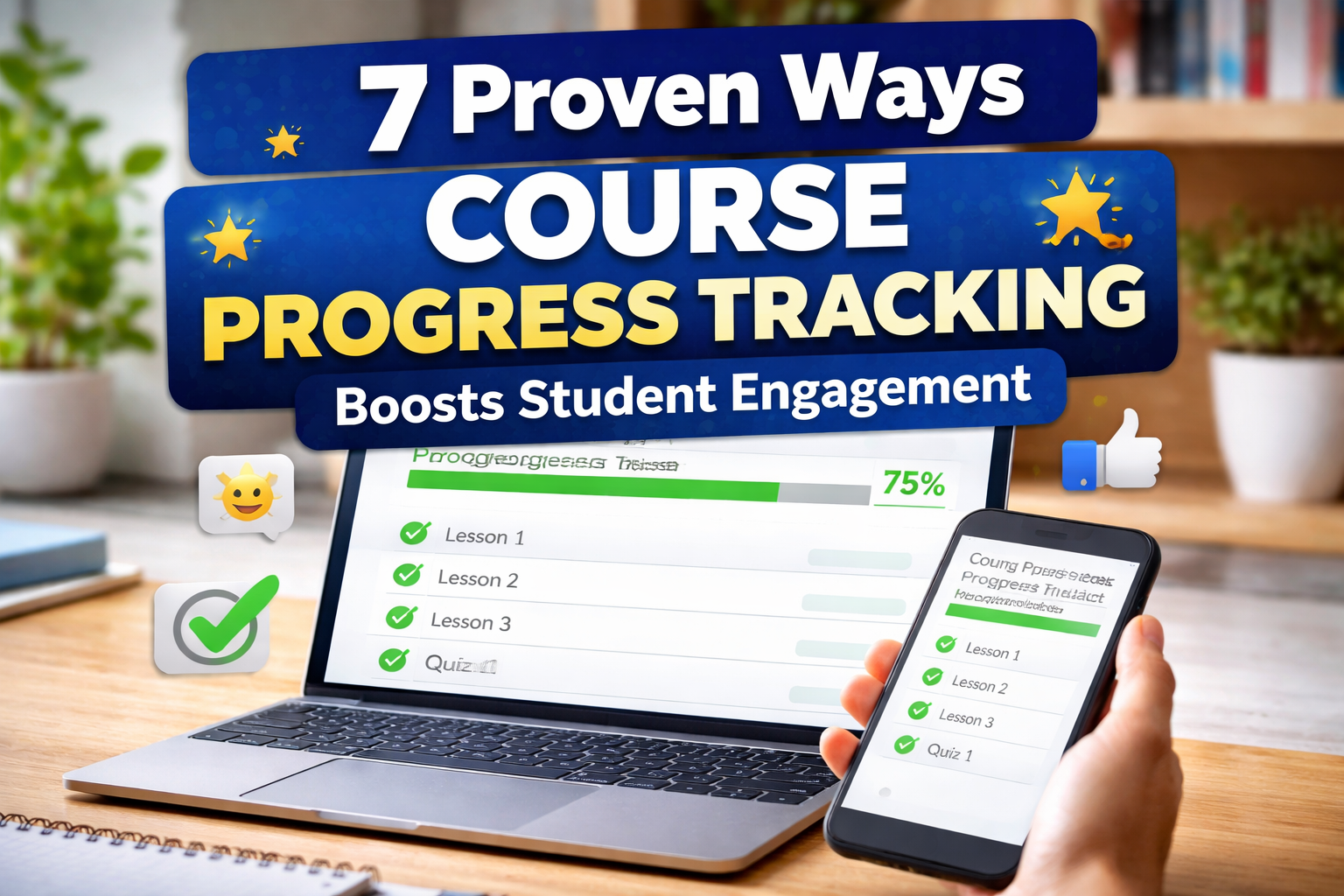
- ✅ Completed lessons (green checkmarks)
- 🔄 Current lesson (highlighted)
- ⏳ Upcoming lessons (grayed out)
5. Social Proof Through Peer Progress
The strategy: Let students see how they compare to their peers (without being discouraging).
Examples that work:
- “You’re ahead of 67% of students in this course”
- “Most students complete this section in 2 days”
- “Join 234 students who’ve finished this module”
6. Mobile-Optimized Progress for On-the-Go Learning
The reality: 68% of online learning happens on mobile devices.
Critical features:
- Progress bars that work on small screens
- Touch-friendly navigation
- Offline progress syncing
- Quick lesson previews
7. Gamification Elements That Actually Work
What doesn’t work: Meaningless points and badges.
What does work:
- Progress streaks (“5 days in a row!”)
- Completion challenges (“Finish 3 lessons this week”)
- Leaderboards for cohort-based courses
- Unlockable content based on progress
Implementation Guide: Setting Up Effective Progress Tracking
Step 1: Choose Your Progress Display Method
Option A: Shortcode (Easiest) [swr_course_progress course_id=123]
Option B: Gutenberg Block (Visual)
- Add “SWR Course Progress” block
- Enter course ID in settings
- Customize colors to match your brand
Step 2: Strategic Placement
High-impact locations:
- Top of every lesson page
- Course overview/dashboard
- Student profile pages
- Email notifications
Pro tip: Don’t hide progress in sidebars – make it prominent.
Step 3: Customize for Maximum Impact
Color psychology:
- Green for completed sections (success)
- Blue for current progress (action)
- Gray for upcoming content (neutral)
Text that motivates:
- “You’re crushing it! 7 out of 10 lessons complete”
- “Almost there! Just 2 more lessons to go”
- “Halfway point reached – keep the momentum!”
Real Results: Before vs. After Progress Tracking
Case Study: Digital Marketing Academy
Before implementing visual progress:
- 28% completion rate
- Average time to complete: 45 days
- Student satisfaction: 3.2/5
After implementing Swrice progress tracking:
- 67% completion rate (+139%)
- Average time to complete: 21 days (-53%)
- Student satisfaction: 4.6/5 (+44%)
What they did:
- Added progress bars to every lesson
- Implemented milestone email celebrations
- Created a “progress dashboard” landing page
- Added time estimates for each section
Progress Tracking Methods: What Works Best?
| Method | Engagement Boost | Setup Difficulty | Mobile Friendly | Cost |
|---|---|---|---|---|
| Swrice Plugin | ⭐⭐⭐⭐⭐ | ⭐⭐⭐⭐⭐ | ⭐⭐⭐⭐⭐ | $29 |
| Custom Code | ⭐⭐⭐⭐ | ⭐⭐ | ⭐⭐⭐ | $$$ |
| Default LearnDash | ⭐⭐ | ⭐⭐⭐⭐⭐ | ⭐⭐ | Free |
| Third-party Apps | ⭐⭐⭐ | ⭐⭐⭐ | ⭐⭐⭐⭐ | $$ |
Winner: Swrice plugin offers the best balance of effectiveness, ease of use, and mobile optimization.
Common Mistakes That Kill Engagement
❌ Mistake #1: Progress Hidden in Dashboards
Students don’t visit dashboards regularly. Put progress where they’ll see it – on lesson pages.
❌ Mistake #2: Only Showing Percentages
“67% complete” is boring. Use visual bars, checkmarks, and motivating language.
❌ Mistake #3: No Mobile Optimization
If your progress tracking looks broken on phones, you’ve lost 68% of your audience.
❌ Mistake #4: Overwhelming Detail
Don’t show every quiz question and topic. Focus on major milestones that matter.
Advanced Strategies for Power Users
Email Integration
Set up automated emails triggered by progress milestones:
- 25% complete: “Great start! Here’s what’s coming next…”
- 50% complete: “You’re halfway there! Keep going…”
- 75% complete: “Almost done! Push through to the finish…”
Cohort-Based Progress
For group courses, show:
- Individual progress vs. group average
- Peer completion rates
- Group milestones and celebrations
Analytics Integration
Track which progress elements drive the most engagement:
- Click-through rates on progress bars
- Time spent on progress pages
- Correlation between progress visibility and completion
Troubleshooting Common Issues
“Students Still Aren’t Engaging”
Check these factors:
- Is progress visible on mobile?
- Are you celebrating small wins?
- Is the course content itself engaging?
- Are lessons appropriately sized?
“Progress Tracking Slows Down My Site”
Solutions:
- Use a lightweight plugin like Swrice
- Optimize images and animations
- Enable caching for progress data
- Consider lazy loading for complex progress displays
The Bottom Line: Progress Tracking That Actually Works
Here’s what separates successful course creators from the rest: They understand that engagement isn’t about perfect content – it’s about helping students feel successful every step of the way.
Visual progress tracking isn’t just a nice-to-have feature. It’s the difference between a 15% completion rate and a 60% completion rate.
The students who can see their progress are the students who finish.
Ready to Transform Your Course Completion Rates?
Stop losing 85% of your students to confusion and overwhelm.
Get the Swrice LearnDash Course Progress plugin and watch your engagement soar:
✅ 5-minute setup – No coding required
✅ 40% higher completion rates – Proven results
✅ Mobile-optimized – Works perfectly on all devices
✅ Customizable design – Matches your brand
✅ Lifetime updates – Always compatible with LearnDash
👉 Transform Your Course Engagement Today
Special bonus: Get our “Course Completion Optimization Checklist” (worth $97) free with your purchase.
About the Author: This guide was created by the Swrice team, specialists in LearnDash optimization with over 10,000 successful course implementations.
Last Updated: March 2026
Leave a Reply